Logging Off the Web Interface
Follow these steps to log off the web interface.
1. On the Miscellaneous Bar, click Log Off.
A confirmation message appears.
2. Click Yes.
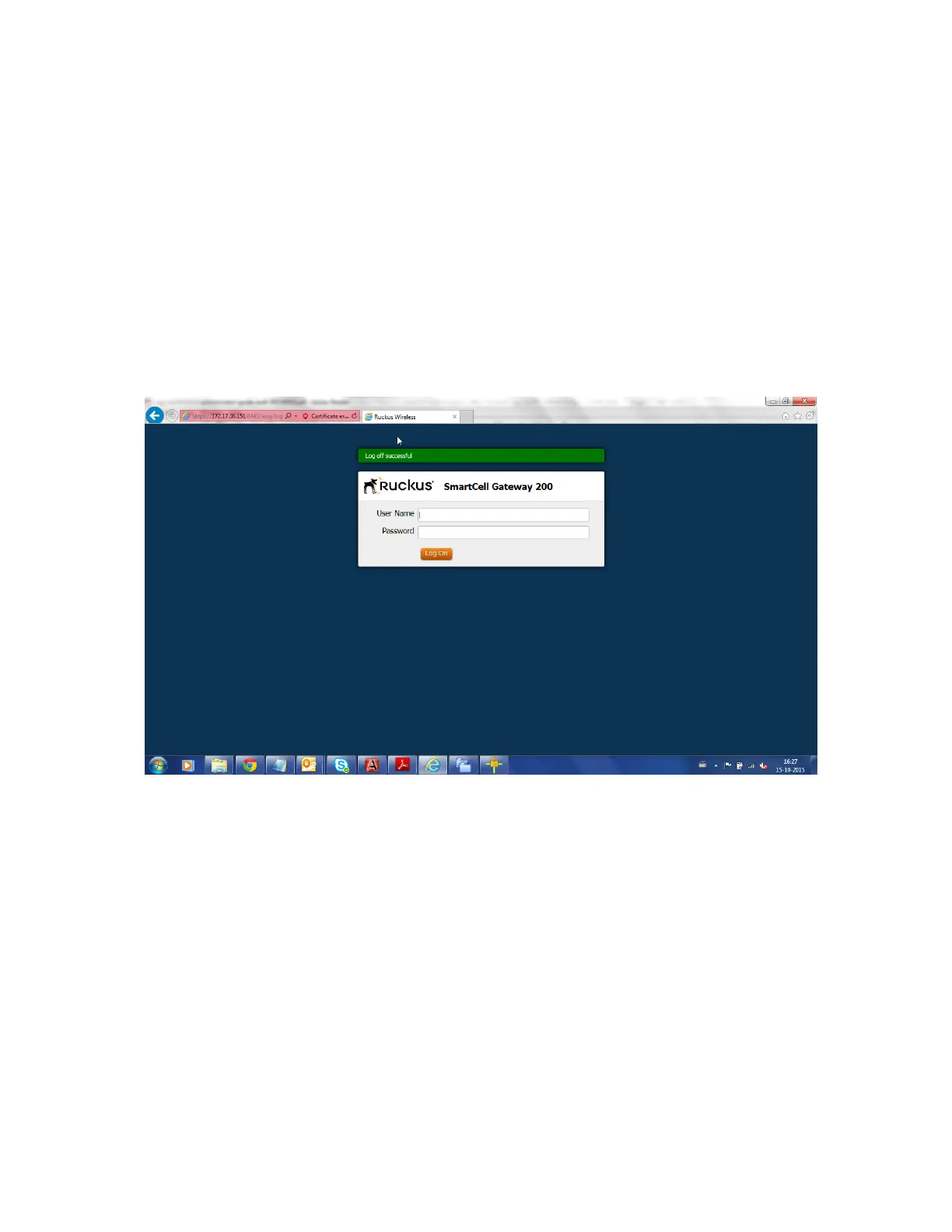
The controller logs you off the web interface. The logon page appears with the following
message above the Ruckus Wireless logo: Log off successful
You have completed logging off the web interface.
Figure 9: The message Log off successful indicates that you have successfully logged
off the web interface
SmartCell Gateway 200/Virtual SmartZone High-Scale for Release 3.4.1 Administrator Guide
30
Navigating the Web Interface
Logging Off the Web Interface



 To Next Page