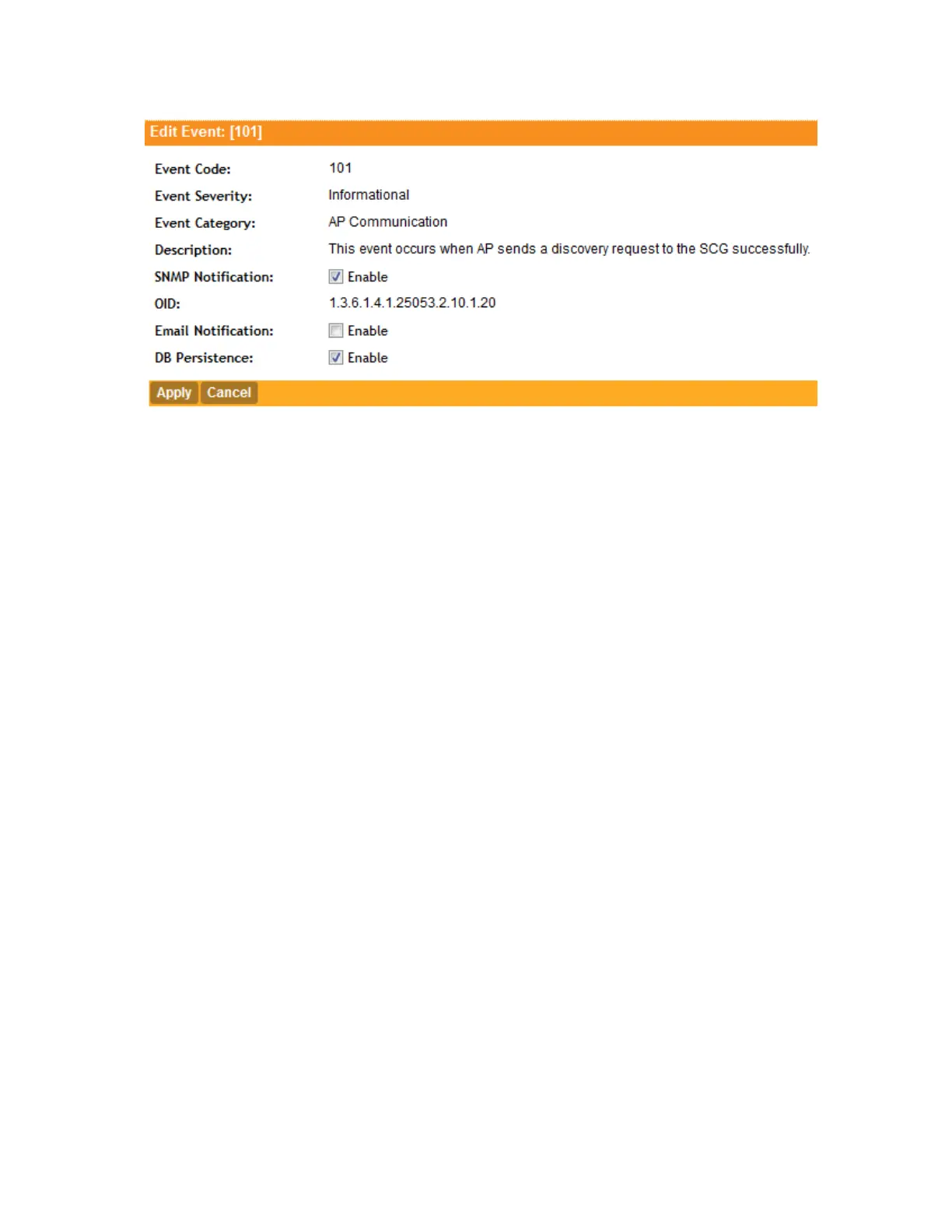
Figure 124: Select or clear check boxes to enable or disable notifications
Viewing Enabled Notifications for Events
Follow these steps to view the notification types that are enabled for events.
1. Go to Configuration > System.
2. On the sidebar, click Event Management.
3. Scroll down to the bottom of the page, and then select 250 in Show.
The page refreshes, and then displays up to 250 events.
4. Check the SNMP Notification, and DB Persistence and columns on the right side of the
table. A check mark under each column indicates that the notification option is enabled for
the event.
To view the notification options that are enabled for the events on the next page, click >> at the
bottom of the table. The page refreshes, and then displays the remaining events.
Configuring Event Thresholds
An event threshold defines a set of conditions related to the controller hardware that need to be
met before the controller triggers an event. You can accept the default threshold values or you
can update the threshold values to make them more suitable to your deployment or controller
environment.
Follow these steps to configure the threshold for an event.
1. Go to Configuration > System.
2. On the sidebar, click Network Management > Event Threshold.
The Event Threshold page appears and displays the list of events with configurable thresholds
(see Table 13: List of hardware events with configurable thresholds on page 239), including
the event code, severity level, default value and accepted range, and unit of measurement
for each event.
3. Locate the event threshold that you want to configure.
4. Click the event name under the Name column.
SmartCell Gateway 200/Virtual SmartZone High-Scale for Release 3.4.1 Administrator Guide
238
Configuring the System Settings
Configuring Network Management



 To Next Page