Rebalancing APs Across Nodes
When a multi-node cluster is upgraded, the node that reboots the last typically does not have
any APs associated with it.
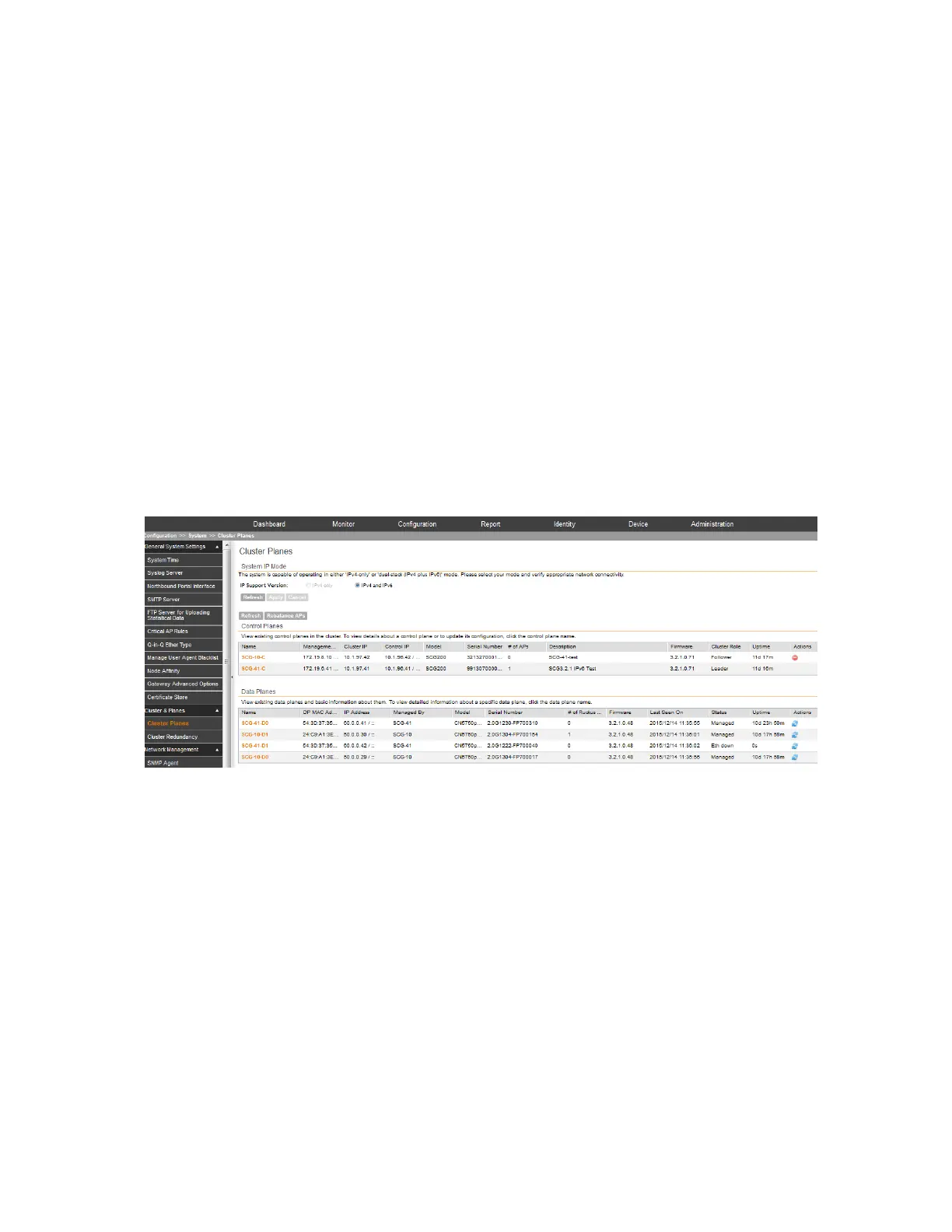
To ensure that the AP load is evenly distributed across the nodes in the cluster, rebalance APs
across the nodes. For information on how the AP rebalancing process works, see How AP
Rebalancing Works on page 221.
1. Go to Configuration > System.
2. On the sidebar, click Cluster & Planes > Cluster Planes.
Information about the nodes that belong to the cluster, including the number of APs associated
with each node, appears in the section.
3. Click Rebalance APs. A confirmation message appears.
4. Click Yes.
The controller rebalances AP connections across the nodes over the next 15 minutes.
NOTE: If you want to repeat this procedure, you must wait 30 minutes before the controller will
allow you to rebalance APs again.
Figure 113: Click Rebalance APs to evenly distribute the AP load across the nodes
How AP Rebalancing Works
AP rebalancing helps distribute the AP load across nodes that exist within a cluster.
When you click the Rebalance APs button, the following process is triggered:
1. The controller calculates the average AP count based on the number of available control
planes and data planes.
2. The controller calculates how many APs and which specific APs must be moved to other
nodes to distribute the AP load.
3. The controller regenerates the AP configuration settings based on the calculation result.
4. The web interface displays a message to inform the administrator that the controller has
completed its calculations for rebalancing APs.
SmartCell Gateway 200/Virtual SmartZone High-Scale for Release 3.4.1 Administrator Guide
221
Configuring the System Settings
Configuring Cluster Planes



 To Next Page