</head>
<body bgcolor="#ffffff" text="#000000">
81ce4465-7167-4dcb-835b-dcc9e44c112a
</body>
</html>
What You Will Need
To enable controller-managed access points to provide hotspot portals, you will need the
following:
1. RADIUS server for authenticating hotspot users
2. RADIUS accounting server (optional) for monitoring usage of hotspot users.
Hotspot Configuration Options
You can create a hotspot portal when you configure one of the following:
• A WLAN service of an AP zone
• A zone template
• A WLAN template
The steps described in this section must be completed when you configure a WLAN service of
an AP zone or when you create a zone template or WLAN template.
This section provides additional information on the hotspot configuration options that are available
from within the forms for creating a zone template or WLAN template.
Why Create a User Defined Interface
APs use the control interface to communicate receive configuration updates from the controller.
If you want to have a logical separation of the UE traffic and the AP control traffic, you can create
a user defined interface (UDI).
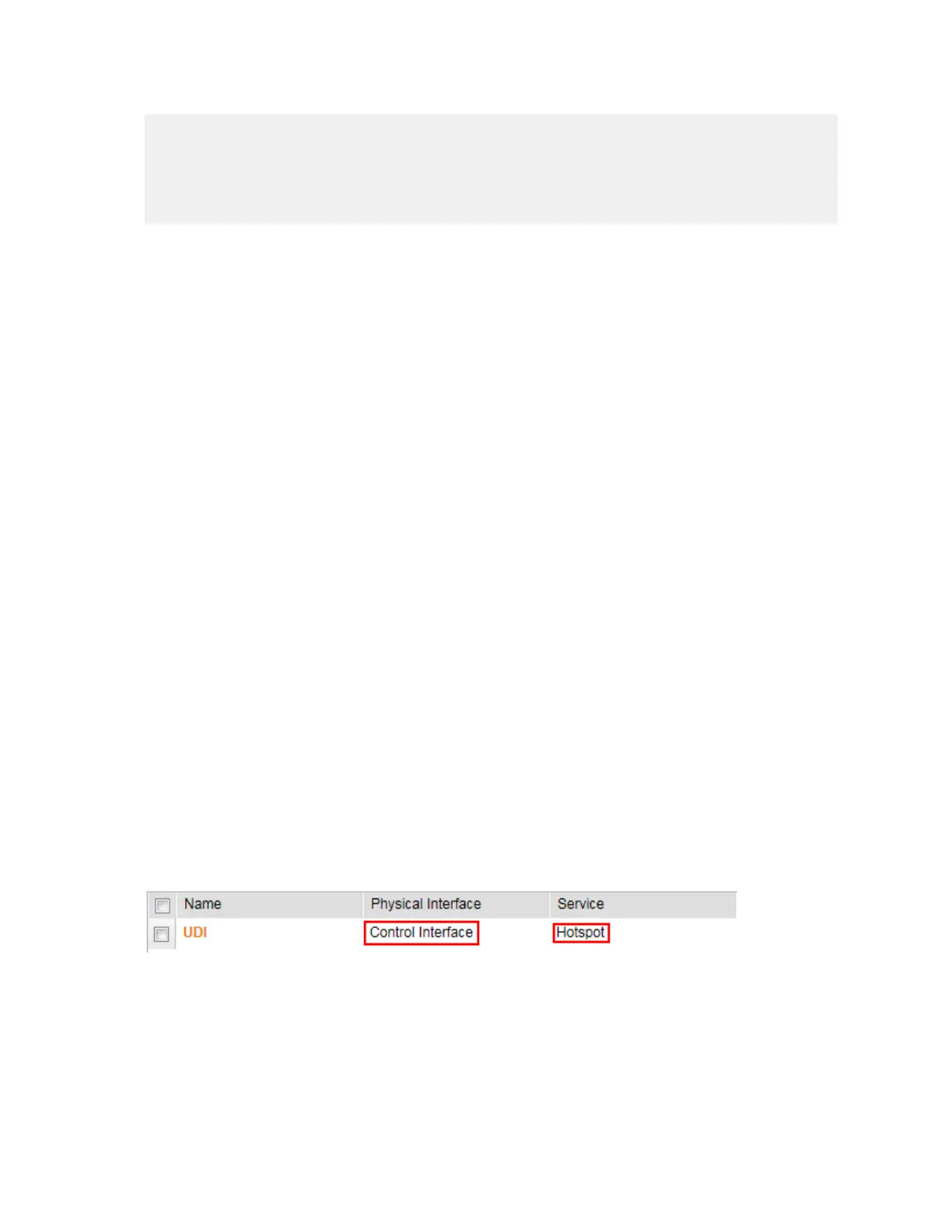
If a UDI is configured (using the control interface as its physical interface and providing a hotspot
portal as shown below), APs use it to perform Destination Network Address Translation (DNAT)
of requests from unauthorized UEs to the controller's captive portal (otherwise, APs use the
control interface)
Figure 145: A UDI configured to use the control interface as its physical interface and to
provide a hotspot portal
The controller's captive portal redirects the UE to the configured portal logon page URL. When
the UE triggers this portal URL request, the AP lets the request through (without performing
DNAT to the controller's captive portal), as it is configured as an ACL on AP, directly to the
external portal server.
SmartCell Gateway 200/Virtual SmartZone High-Scale for Release 3.4.1 Administrator Guide
276
Creating and Managing Hotspots
What You Will Need



 To Next Page