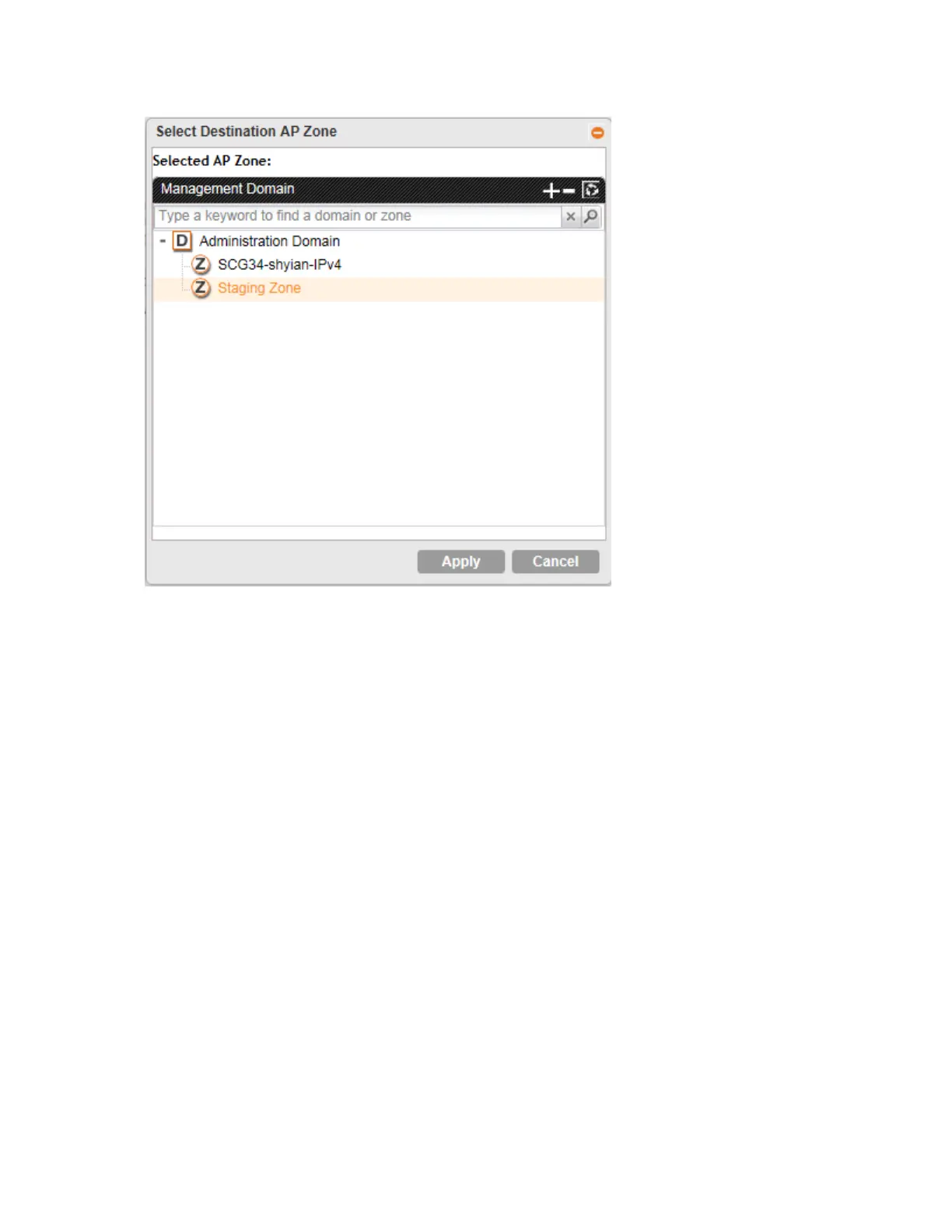
Figure 58: Selecting and moving an access point
Moving Multiple Access Points to a Different AP Zone
Follow these steps to move multiple access points to a different AP zone simultaneously.
1. On the AP List page, locate the access points that you want to move to a different AP zone.
2. Once you locate the access points that you want to move, select the check boxes before
their MAC addresses.
3. Click the Move Selected button that is above the access points table.
The Select Destination AP Zone form appears.
4. Select the AP zone to which you want to move the access points.
5. Click OK.
You have completed moving the selected access points to a new AP zone.
Deleting an Access Point
Follow these steps to delete an access point that is currently registered with the controller.
1. On the AP List page, locate the access point that you want to delete.
2. Once you locate the access point, click the icon that is under the Actions column.
SmartCell Gateway 200/Virtual SmartZone High-Scale for Release 3.4.1 Administrator Guide
149
Managing Access Points
Moving Multiple Access Points to a Different AP Zone



 To Next Page