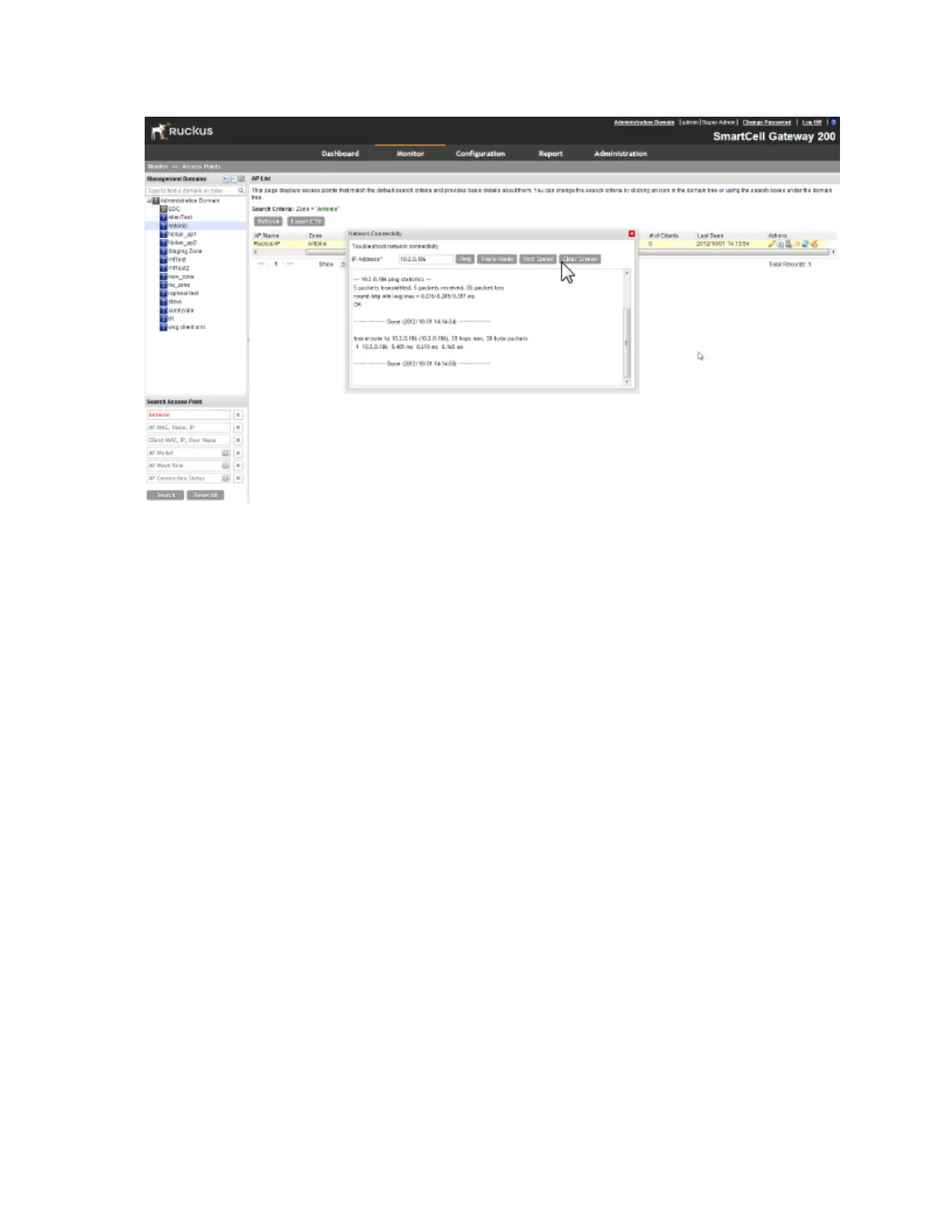
Figure 161: The Network Connectivity window showing both ping and traceroute results
Monitoring Wireless Clients
This section provides information on how to monitor and view information about wireless clients
that associate with the managed access points.
Topics covered include:
Viewing a Summary of Wireless Clients
Monitor and view information about wireless clients that associate with the managed access
points.
Follow these steps to view a summary of wireless clients that are currently associated with the
managed access points.
Go to Monitor > Clients.
The Associated Clients List page appears and displays a table that lists all access points
that are currently associated with the managed access points.
SmartCell Gateway 200/Virtual SmartZone High-Scale for Release 3.4.1 Administrator Guide
294
Monitoring AP Zones, Access Points, and Wireless Clients
Monitoring Wireless Clients



 To Next Page