Creating an Administrator Account
You can create an administrator account to share or delegate management and monitoring
functions with members within your organization.
The page refreshes, and then the administrator account that you created appears in the
Administrator Accounts section.
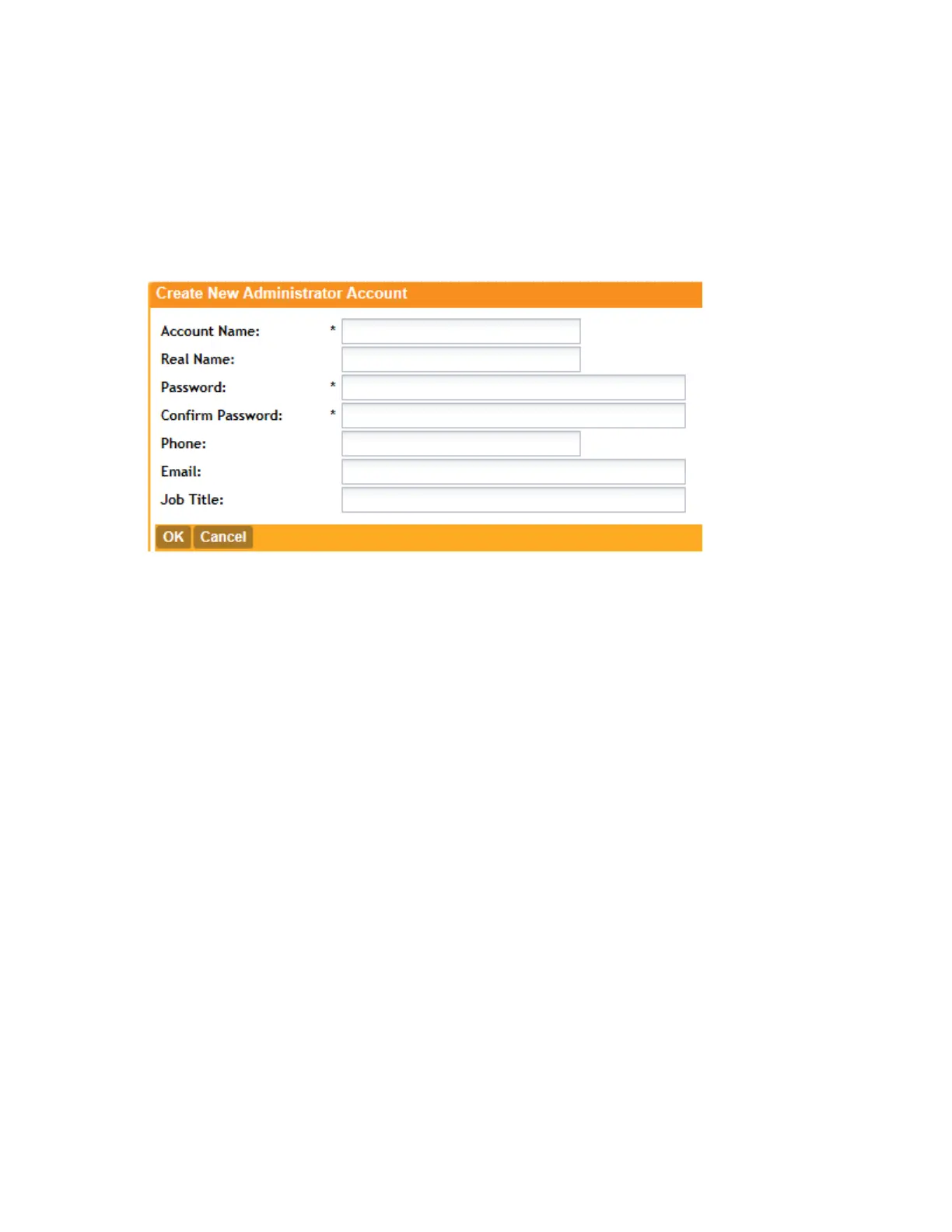
Figure 134: The Create New Administrator Account form
1. In the Administrator Accounts section, click Create New.
The Create New Administrator Account form appears.
2. In Account Name, type the name that this administrator will use to log on to the controller.
3. In Real Name, type the actual name (for example, John Smith) of the administrator.
4. In Password, type the password that this administrator will use (in conjunction with the
Account Name) to log on to the controller.
5. In Confirm Password, type the same password as above.
6. In Phone, type the phone number of this administrator.
7. In Email, type the email address of this administrator.
8. In Job Title, type the job title or position of this administrator in your organization.
9. Click Create New.
Creating a New Administrator Role
An administrator role defines the tasks that an administrator can perform.
Follow these steps to create a new administrator role.
1. In the Administrator Roles section, click Create New.
The Create New Administrator Role form appears.
SmartCell Gateway 200/Virtual SmartZone High-Scale for Release 3.4.1 Administrator Guide
252
Managing Administrator Accounts
Creating an Administrator Account



 To Next Page