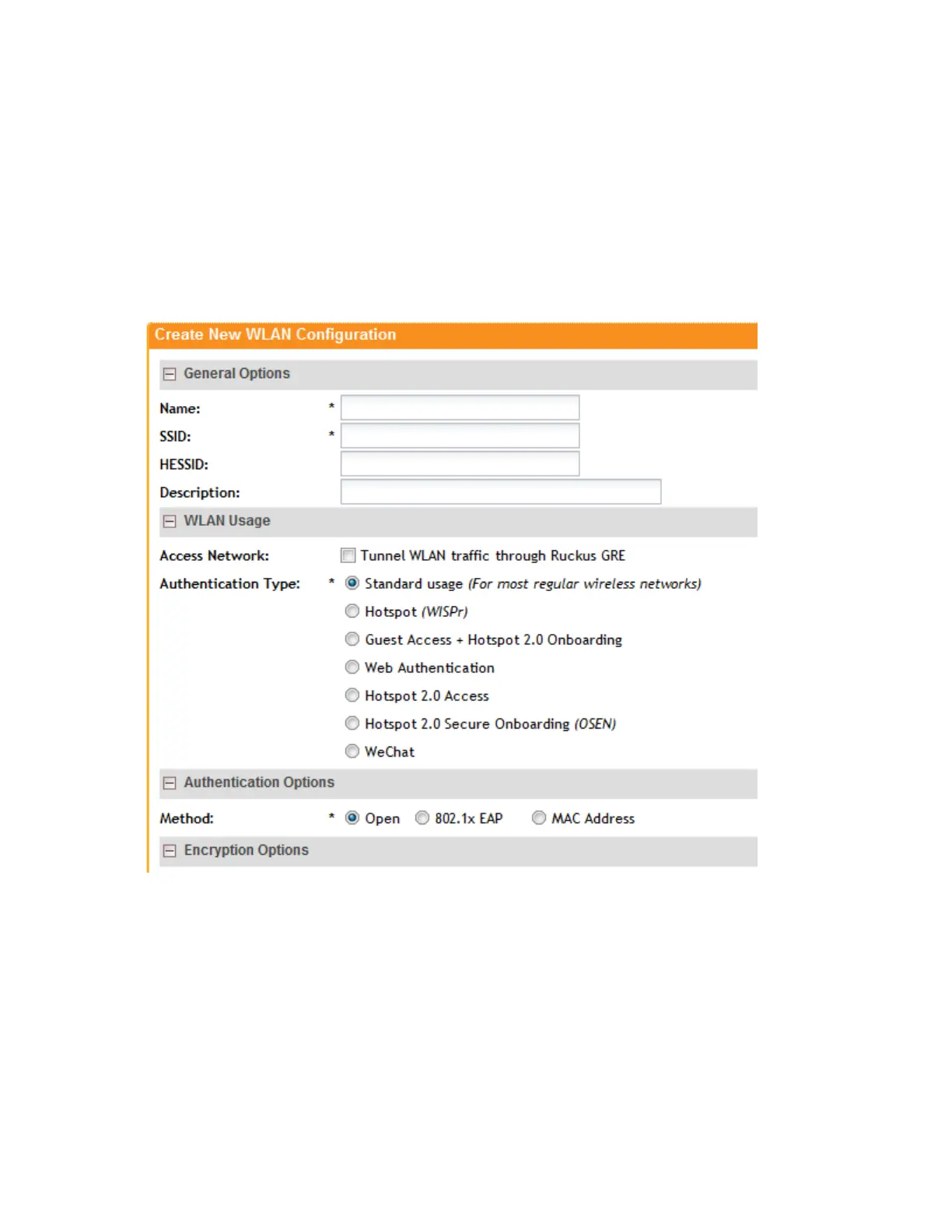
For information on these options, see Creating a WLAN.
8. Click OK.
You have completed creating a WLAN for web authentication.
After you create a WLAN that will be used for web authentication, you must then provide all
users with the URL to your logon page. After they discover the WLAN on their wireless device
or laptop, they open their browser, connect to the logon page and enter the required login
information.
Figure 25: Creating a WLAN to provide web authentication
Working with Hotspot 2.0 Services
Hotspot 2.0 is a newer Wi-Fi Alliance specification that allows for automated roaming between
service provider access points when both the client and access gateway support the newer
protocol.
Hotspot 2.0 aims to improve the experience of mobile users when selecting and joining a Wi-Fi
hotspot by providing information to the station prior to association. This information can then be
SmartCell Gateway 200/Virtual SmartZone High-Scale for Release 3.4.1 Administrator Guide
67
Managing Ruckus Wireless AP Zones
Working with Hotspot 2.0 Services



 To Next Page