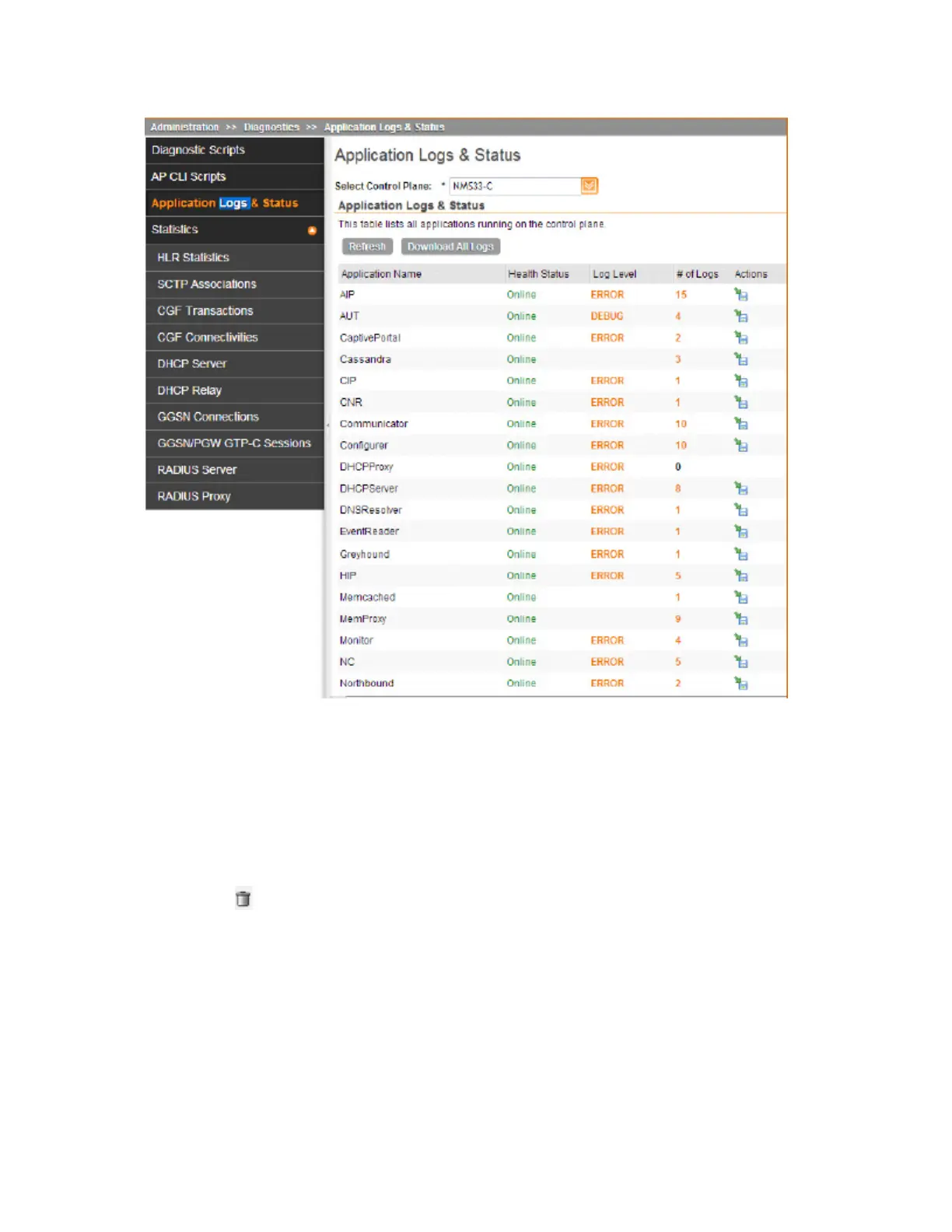
Figure 199: After the upgrade is complete, go to the Application Logs & Status page and
verify that all of the controller processes are online
Deleting a Cluster Backup
Follow these steps to delete a cluster backup.
1. Go to Administration > Cluster Backup and Restore.
2. In the Cluster Backups section, locate the cluster backup that you want to delete.
3.
Click the icon that is in the same row as the cluster backup.
The following confirmation message appears: Are you sure you want to delete
the selected resource?
4. Click Yes.
The page refreshes and the row is deleted from the Cluster Backups list.
SmartCell Gateway 200/Virtual SmartZone High-Scale for Release 3.4.1 Administrator Guide
344
Performing Administrative Tasks
Backing Up and Restoring Clusters



 To Next Page