6. Go to Administration > Upgrade, and then check the Current System Information section
and verify that all nodes in the cluster have been restored to the previous version and are all
in service.
7. Go to Administration > Diagnostics, and then click Application Logs & Status on the
sidebar.
8. Check the Health Status column and verify that all of the controller processes are online.
(See #unique_407/unique_407_Connect_42_ID-2649-00000068 on page 344).
You have completed restoring the cluster backup.
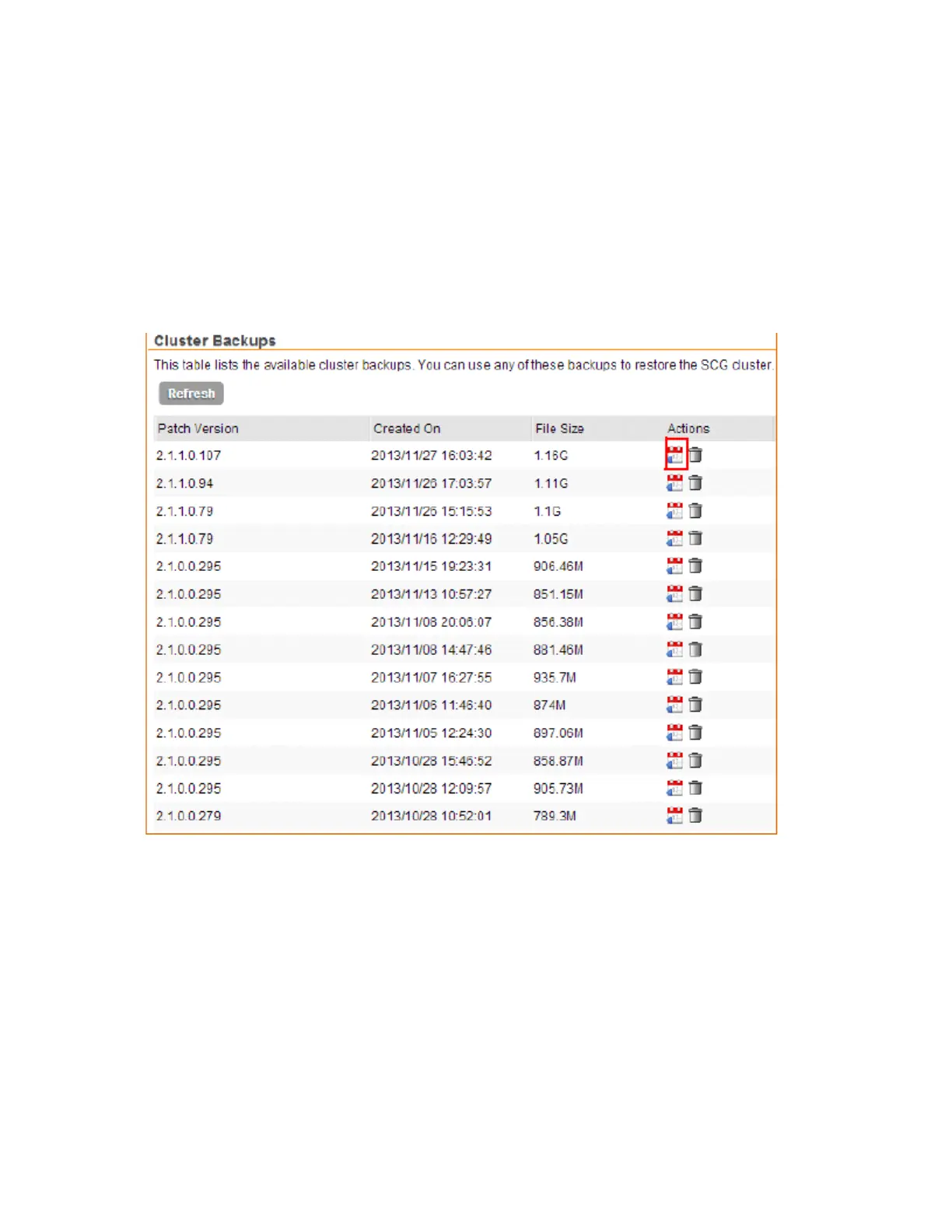
Figure 198: Under Actions, click the calendar icon to start the cluster restore process
SmartCell Gateway 200/Virtual SmartZone High-Scale for Release 3.4.1 Administrator Guide
343
Performing Administrative Tasks
Backing Up and Restoring Clusters



 To Next Page