Verifying the Upgrade
Follow these steps to verify that the controller upgrade was completed successfully.
1. Log on to the controller web interface.
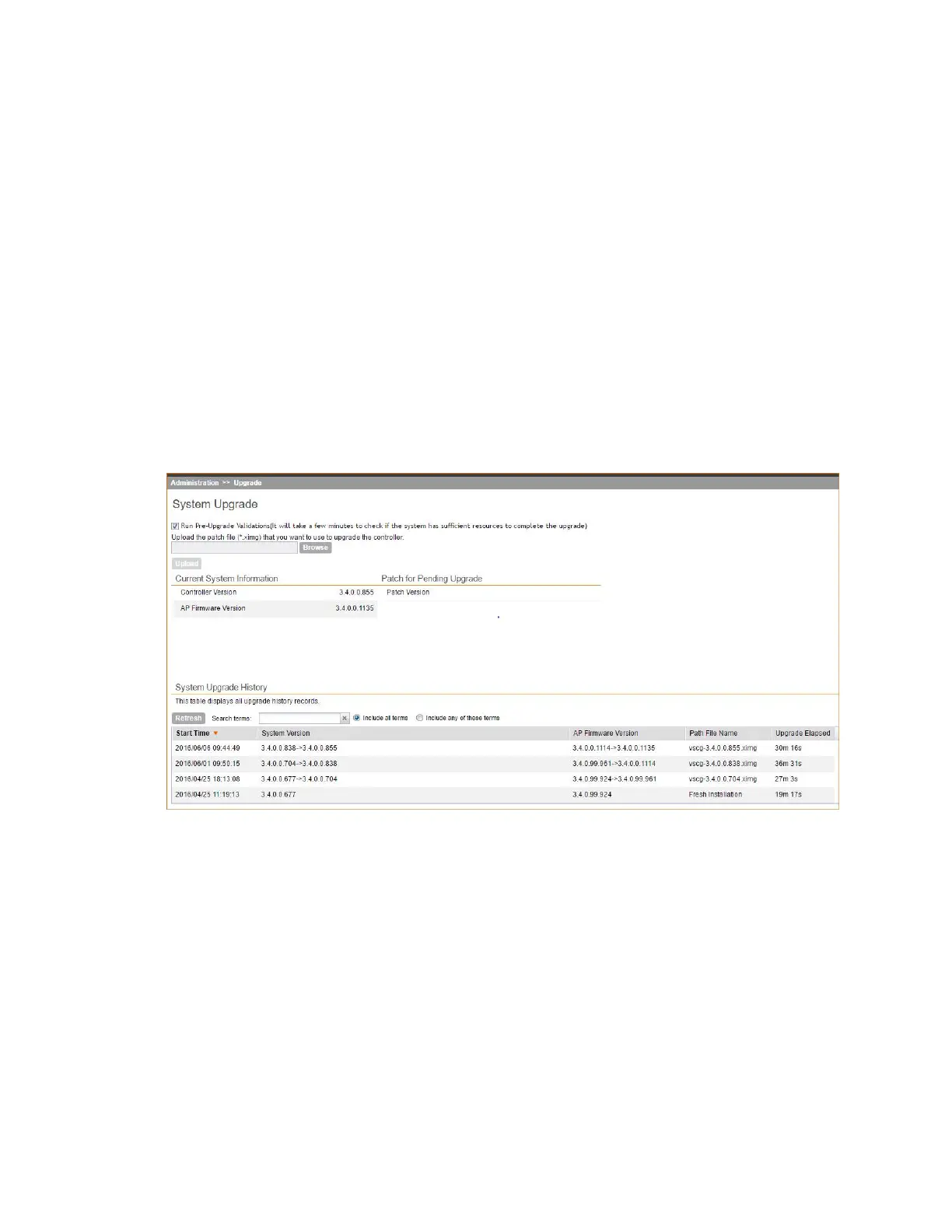
2. Go to Administration > Upgrade.
3. In the Current System Information section, check the value for Controller Version.
If the firmware version is newer than the firmware version that controller was using before
you started the upgrade process, then the upgrade process was completed successfully.
NOTE:
APs periodically send scheduled configuration requests to the controller, including the firmware
version. Therefore, when an AP joins a zone for the first time, the firmware version is verified
by the controller. If the firmware version is different from that which is configured for the zone,
the controller responds with a request to upgrade it, after which the AP initiates a request to
upgrade the firmware using HTTP.
Figure 227: Check the value for Controller Version
Rolling Back to a Previous Software Version
There are two scenarios in which you may want to roll back the controller software to a previous
version:
1. You encounter issues during the software upgrade process and the controller cannot be
upgraded successfully. In this scenario, you can only perform the software rollback from the
CLI using the restore local command. If you have a two-node controller cluster, run the restore
local command on each of the nodes to restore them to the previous software before
attempting to upgrade them again.
2. You prefer a previous software version to the newer version to which you have upgraded
successfully. For example, you feel that the controller does not operate normally after you
SmartCell Gateway 200/Virtual SmartZone High-Scale for Release 3.4.1 Administrator Guide
364
Performing Administrative Tasks
Upgrading the Controller



 To Next Page