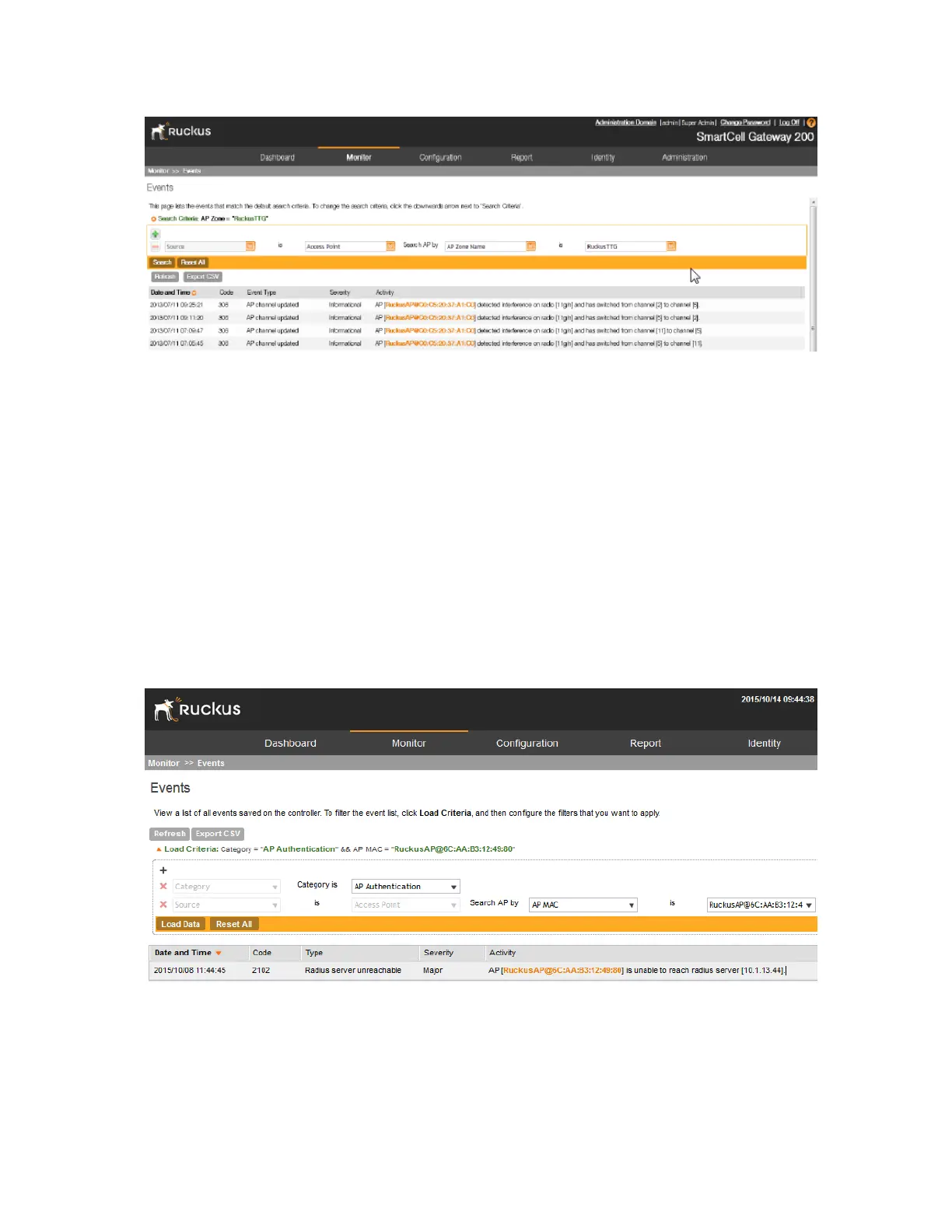
Figure 173: Define the filters that you want to use to search for events
Exporting the Event List to CSV
Follow these steps to export the event list to a CSV file.
1. Go to Monitor > Events.
2. Click the Export CSV button in the content area.
The following message appears: Downloading Events Data. Please wait...
3. When the message disappears, check the default download folder of your web browser and
look for a file named events.csv.
4. Use a spreadsheet application (for example, Microsoft Excel
®
) to view the contents of the
CSV file.
You have completed exporting the event list to CSV.
Figure 174: Exporting the event list to CSV
SmartCell Gateway 200/Virtual SmartZone High-Scale for Release 3.4.1 Administrator Guide
310
Monitoring the System, Alarms, Events, and Administrator Activity
Viewing Events



 To Next Page