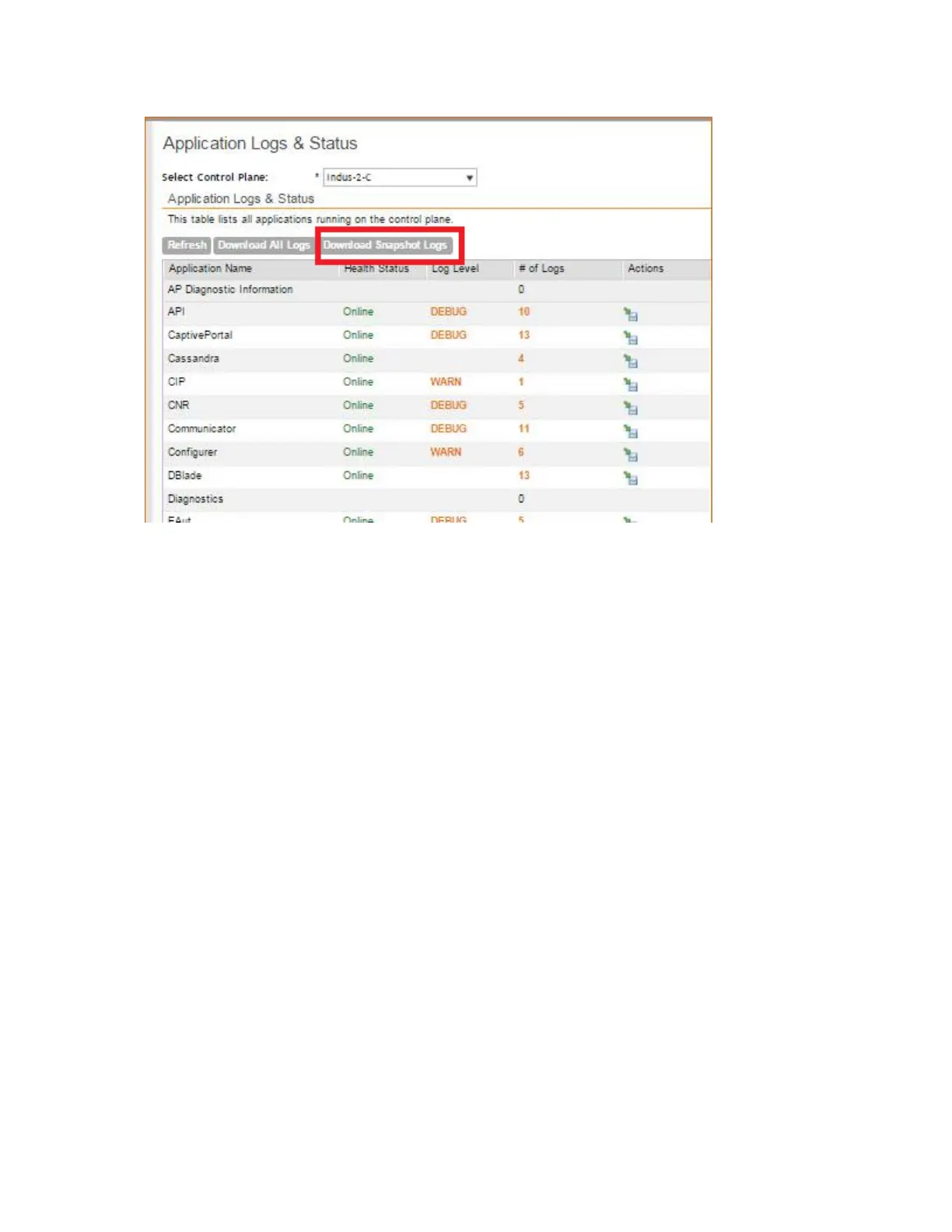
Figure 230: Click Download Snapshot Logs to download all available snapshot logs
Managing AP Certificate Replacement
AP certificates are valid for a period of time and have to be replaced when they expire. Certificates
installed on Ruckus APs manufactured prior to 2014 require a certificate refresh before November
2016 to avoid service interruption.
There is no operational impact to the system before November 2016.
You will also see the following warning message on the dashboard of the web interface: ***The
90-day temporary AP license for this system will expire on 2016-02-06.
Add an AP capacity license to avoid interruption to service.***
Reminder: Some of your APs need to have their Certificate replaced
by November 2016. Until then those APs will continue to operate as-is
with NO OPERATIONAL impact. You may go to Administration>AP
Certificate Replacement and follow the Refresh Process any time before
November 2016.
Please visit https://support.ruckuswireless.com/certificate for
details.
The system generates an apCertificateExpireSystem alarm and event when an AP certificate
expires.
To renew the AP certificate, you must perfom the following tasks (listed in order):
1. Viewing AP Certificate Status on page 372.
2. Exporting AP Certificate Requests on page 372
SmartCell Gateway 200/Virtual SmartZone High-Scale for Release 3.4.1 Administrator Guide
371
Performing Administrative Tasks
Managing AP Certificate Replacement



 To Next Page