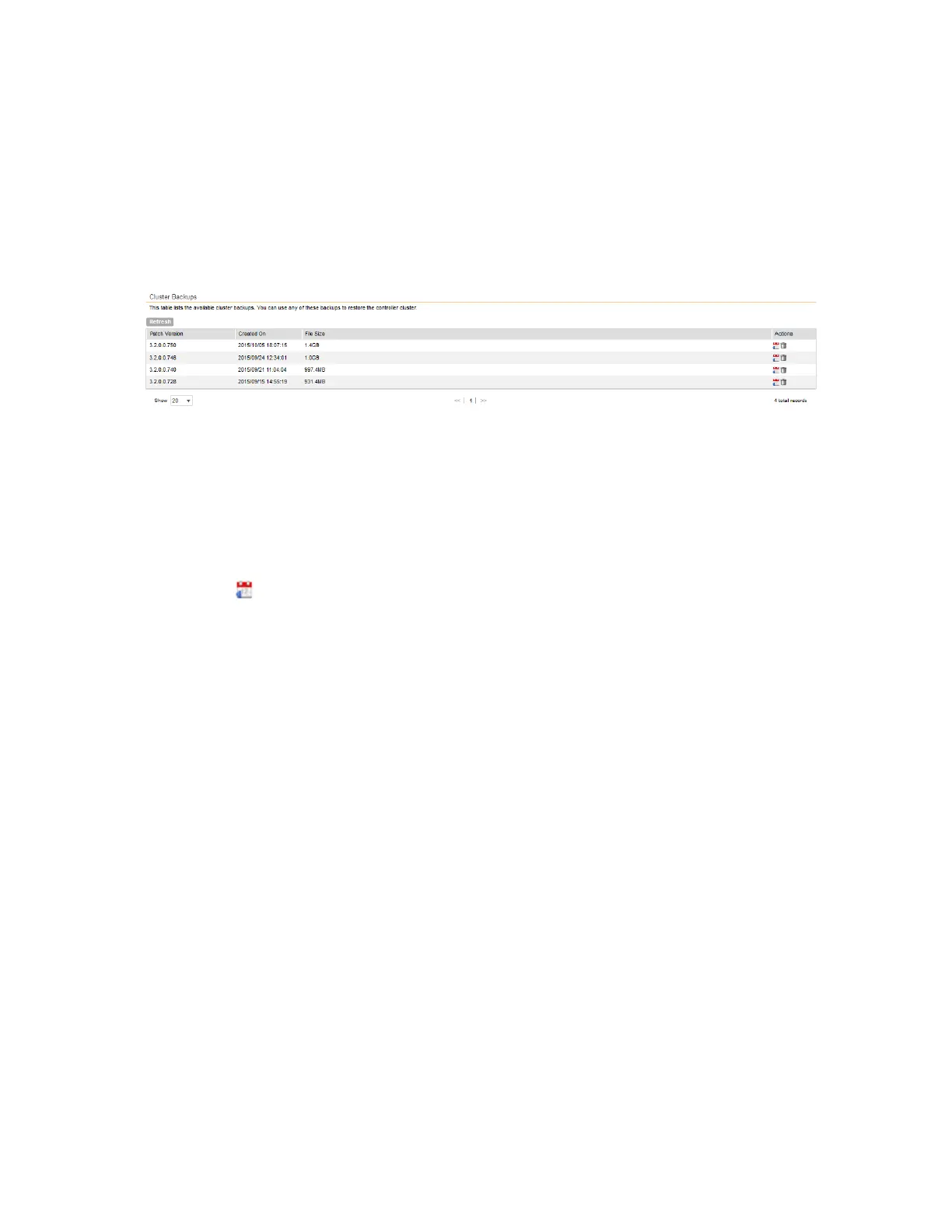
When the cluster backup process is complete, a new entry appears in the Cluster Backups
section with a Created On value that is approximate to the time when you started the cluster
backup process.
NOTE: If you have an FTP server, back up the entire cluster and upload the backup files from
all the nodes in a cluster to a remote FTP server.
You have completed backing up the controller cluster.
Figure 197: A new entry appears in the Cluster Backups section
Restoring a Cluster Backup
Follow these steps to restore a cluster backup.
1. Go to Administration > Cluster Backup and Restore.
2. In the Cluster Backups section, locate the cluster backup that you want to restore.
3.
Click the icon that is in the same row as the cluster backup.
The following confirmation message appears: Are you sure you want to restore
the cluster?
4. Click Yes.
The page refreshes, and then the following message appears: System is restoring!
Please wait...
NOTE: The cluster restore process may take several minutes to complete.
When the restore process is complete, the controller logs you off the web interface
automatically.
Do not refresh the controller web interface while the restore process is in progress. Wait for
the restore process to complete successfully.
5. Log back on to the controller web interface.
NOTE: If the web interface displays the message Cluster is out of service.
Please try again in a few minutes. appears after you log on to the controller
web interface, wait for about three minutes. The dashboard will appear shortly. The message
appears because the controller is still initializing its processes.
SmartCell Gateway 200/Virtual SmartZone High-Scale for Release 3.4.1 Administrator Guide
342
Performing Administrative Tasks
Backing Up and Restoring Clusters



 To Next Page