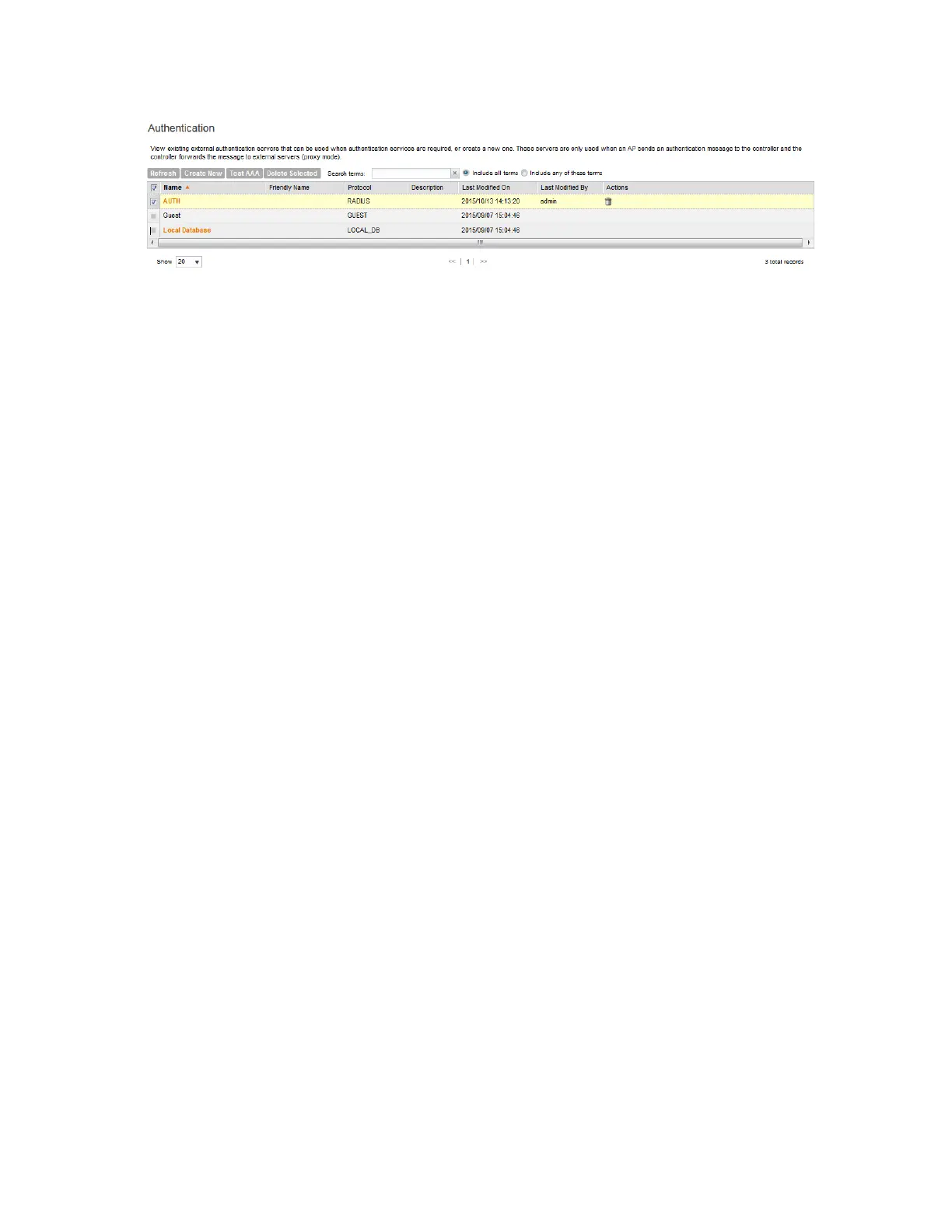
Figure 77: Deleting multiple profiles simultaneously
Working with Accounting Profiles
An accounting profile defines the accounting policy when the controller is used as a RADIUS
proxy for WLAN services. This section covers:
Creating an Accounting Profile
An accounting profile defines the accounting policy when the controller is used as a Radius
proxy for WLAN services.
Follow these steps to create an accounting profile.
1. Go to Configuration > Services & Profiles.
2. On the sidebar under Profiles, click Accounting.
The Accounting Profiles page appears
3. Click Create New.
The Create New Accounting Profile form appears.
4. In Name, type a name for the authentication profile that you are adding.
5. In Description, type a brief description of the profile.
This is an optional field.
6. Under Default Service Settings, configure the following:
• In No Matching Realm Found, select a default accounting service. If you select
NA-Disabled, then the accounting method will be displayed as NA but the value that will
be sent is 0 (zero).
• In No Realm Specified, select a default accounting service. If you select NA-Disabled,
then the accounting method will be displayed as NA but the value that will be sent is 0
(zero).
7. In Accounting Service Per Realm, specify the accounting service for each of the realms
specified in this table. If you set the accounting service for a particular realm to NA-Disabled,
then the accounting request is rejected. To create a new service click, Create New, and then
configure the following:
• Realm
• Accounting service
8. Click Create New.
SmartCell Gateway 200/Virtual SmartZone High-Scale for Release 3.4.1 Administrator Guide
175
Configuring Services and Profiles
Working with Profiles



 To Next Page