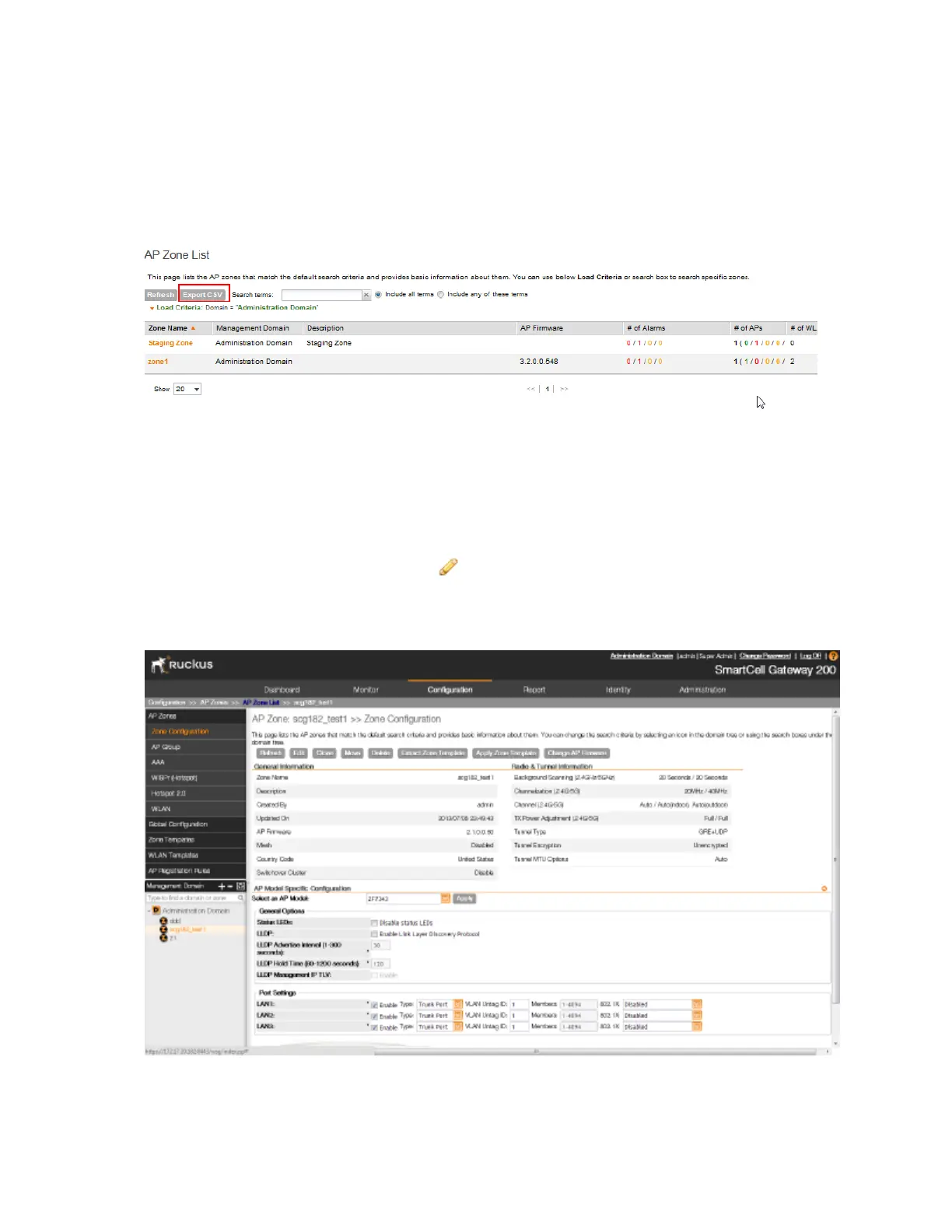
3. When the message disappears, check the default download folder for your web browser and
look for a file named zone.csv.
4. Use a spreadsheet application (for example, Microsoft Excel
®
) to view the contents of the
CSV file.
You have completed exporting the AP zone list to CSV.
Figure 153: Click the Export CSV button
Viewing the Configuration of an AP Zone
Follow these steps to view the configuration of an AP zone.
1. On the AP Zone List page, locate the AP zone whose details you want to view.
2.
Under the Actions column, click the icon that is in the same row as the AP zone name.
The page refreshes and displays the AP zone configuration details (shown in Figure 154: Page
showing the AP zone configuration details on page 286).
Figure 154: Page showing the AP zone configuration details
SmartCell Gateway 200/Virtual SmartZone High-Scale for Release 3.4.1 Administrator Guide
286
Monitoring AP Zones, Access Points, and Wireless Clients
Monitoring AP Zones



 To Next Page