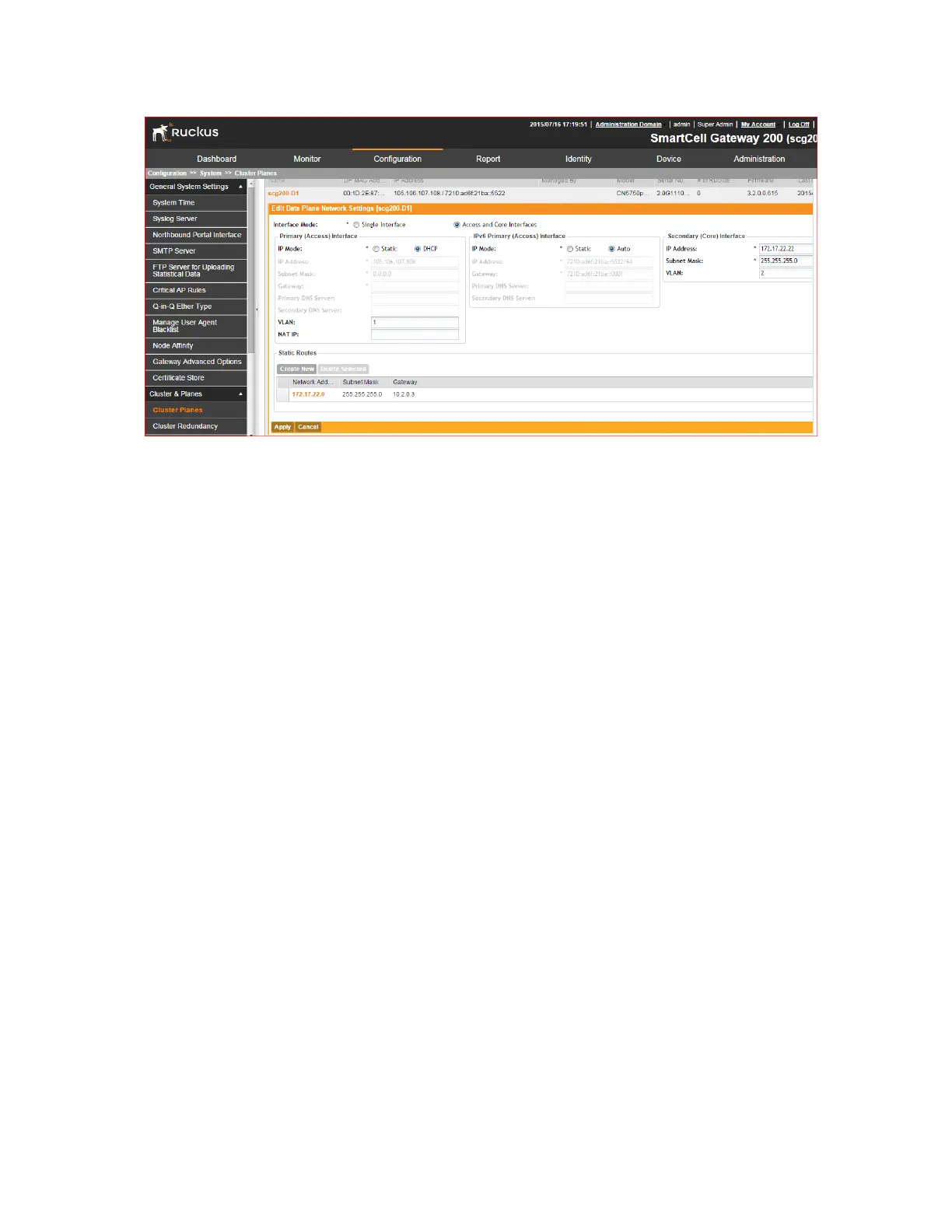
Figure 117: Configuring data planes
Configuring Cluster Redundancy
If you have multiple clusters on the network, you can configure cluster redundancy to enable
APs managed by a particular cluster to fail over automatically to another cluster if their parent
cluster goes out of service or becomes unavailable.
Before you configure cluster redundancy, take note of the following:
• Cluster redundancy is disabled by default.
• Only super administrators have the capability to configure the cluster redundancy settings.
• To configure cluster redundancy, you will need to retrieve the IP addresses assigned to the
control interfaces of all nodes on clusters that you want to configure.
SmartCell Gateway 200/Virtual SmartZone High-Scale for Release 3.4.1 Administrator Guide
229
Configuring the System Settings
Configuring Cluster Planes



 To Next Page