The page refreshes, and then the AP zone that you cloned appears in the AP Zone List.
You have completed cloning an AP zone from the AP zone list. need graphic A form prompts
you for the name that you want to assign to the cloned zone
Viewing Existing AP Zones
Follow these steps to view a list of existing AP zones.
1. Go to Configuration > AP Zones.
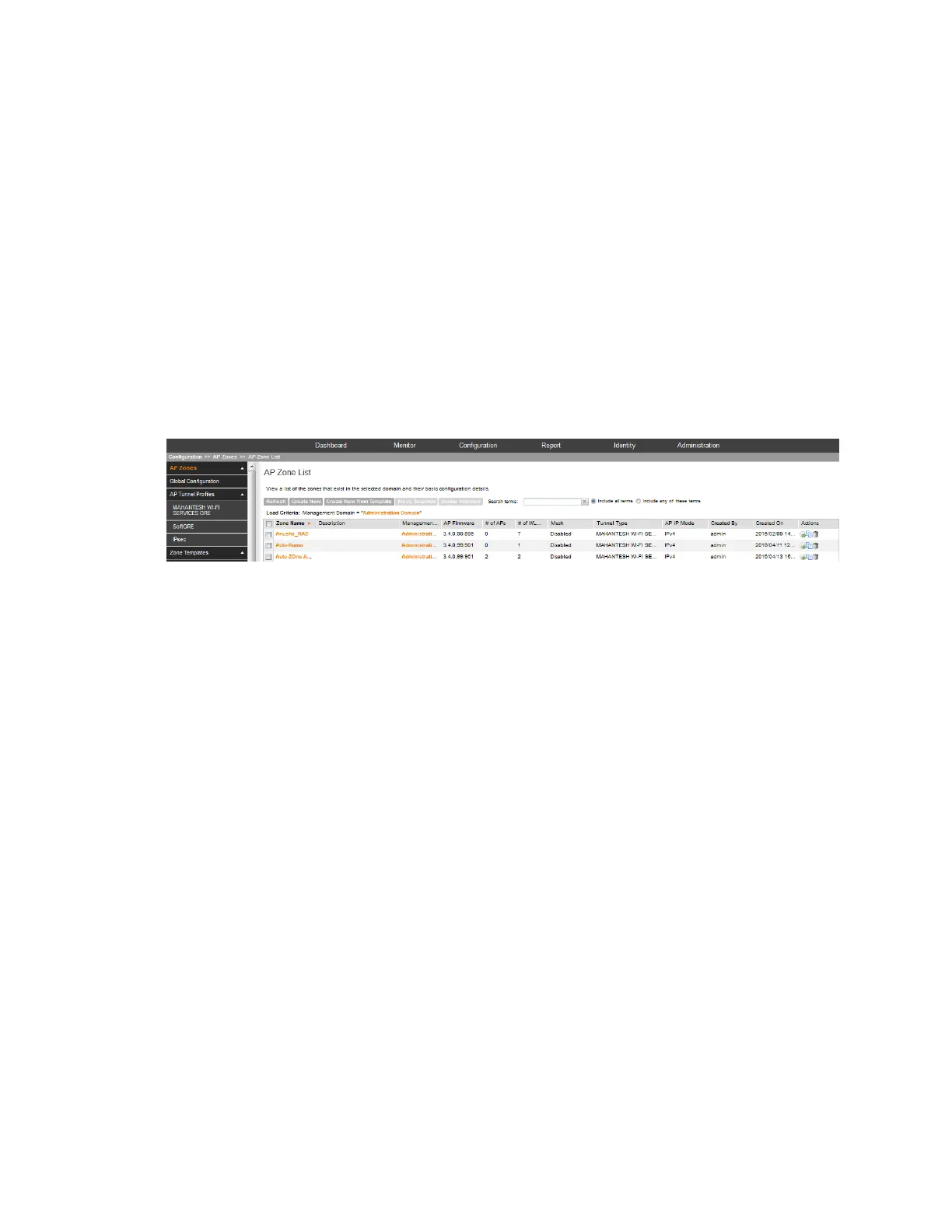
The AP Zone List page appears and displays a list of existing AP zones.
2. To view the configuration of a specific zone, locate the zone whose details you want to view
on the AP Zone List page.
3. Under the Zone Name column, click the AP zone name.
The page refreshes and displays the AP zone configuration page.
Figure 13: The AP Zone List page
Viewing the AP Zone Configuration
Follow these steps to view a summary of the AP zone configuration.
1. Go to Configuration > AP Zones.
2. On the AP Zone List page, click the name of the AP zone that you want to view.
The Zone Configuration page for the AP zone appears and displays as summary of the AP
zone configuration.
SmartCell Gateway 200/Virtual SmartZone High-Scale for Release 3.4.1 Administrator Guide
43
Managing Ruckus Wireless AP Zones
Working with AP Zones



 To Next Page