NOTE: Changes to these settings could cause critical controller processes to restart.
1. Go to Configuration > Services & Profiles.
2. On the sidebar under Services, click HLR.
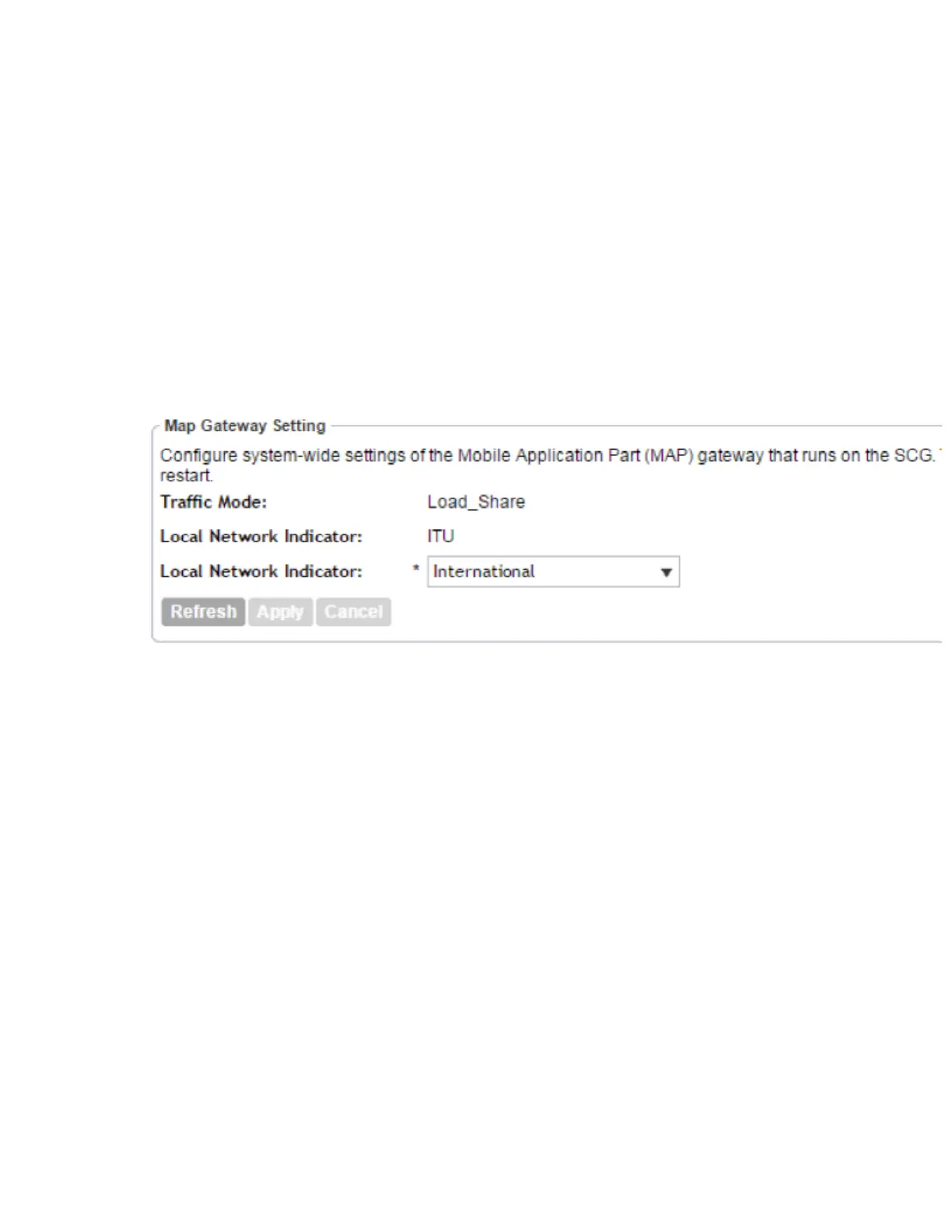
3. Click Map Gateway Settingson the sidebar under HLR.
4. Configure Map Gateway Settings.
• Traffic Mode: This setting is always set to Load_Shareand is not configurable.
• Protocol Variant: This setting is always set to ITUand is not configurable.
• Local Network Indicator: Select either Internationalor National.
5. Click Apply.
You have completed configuring the Map Gateway Settings.
Figure 64: The Map Gateway Settings configuration form
MNC to NDC Mapping
The MNC (Mobile Network Code) to NDC (Network Destination Code) mapping information is
required for sending and receiving MAP traffic. This information is used by all the HLR services
that have been created.
This section covers:
Adding MNC to NDC Mapping
Follow these steps to add a new MNC (Mobile Network Code) to NDC (Network Destination
Code) mapping.
NOTE: Before you can add an MNC to NDC mapping, you must first enable the Map Gateway.
See Map Gateway Settings for more information.
1. Go to Configuration > Services & Profiles.
2. On the sidebar under Services, click HLR.
3. Click MNC to NDC Mappings on the sidebar under HLR.
The MNC to NDC Mapping page appears.
SmartCell Gateway 200/Virtual SmartZone High-Scale for Release 3.4.1 Administrator Guide
160
Configuring Services and Profiles
Configuring HLR Services



 To Next Page