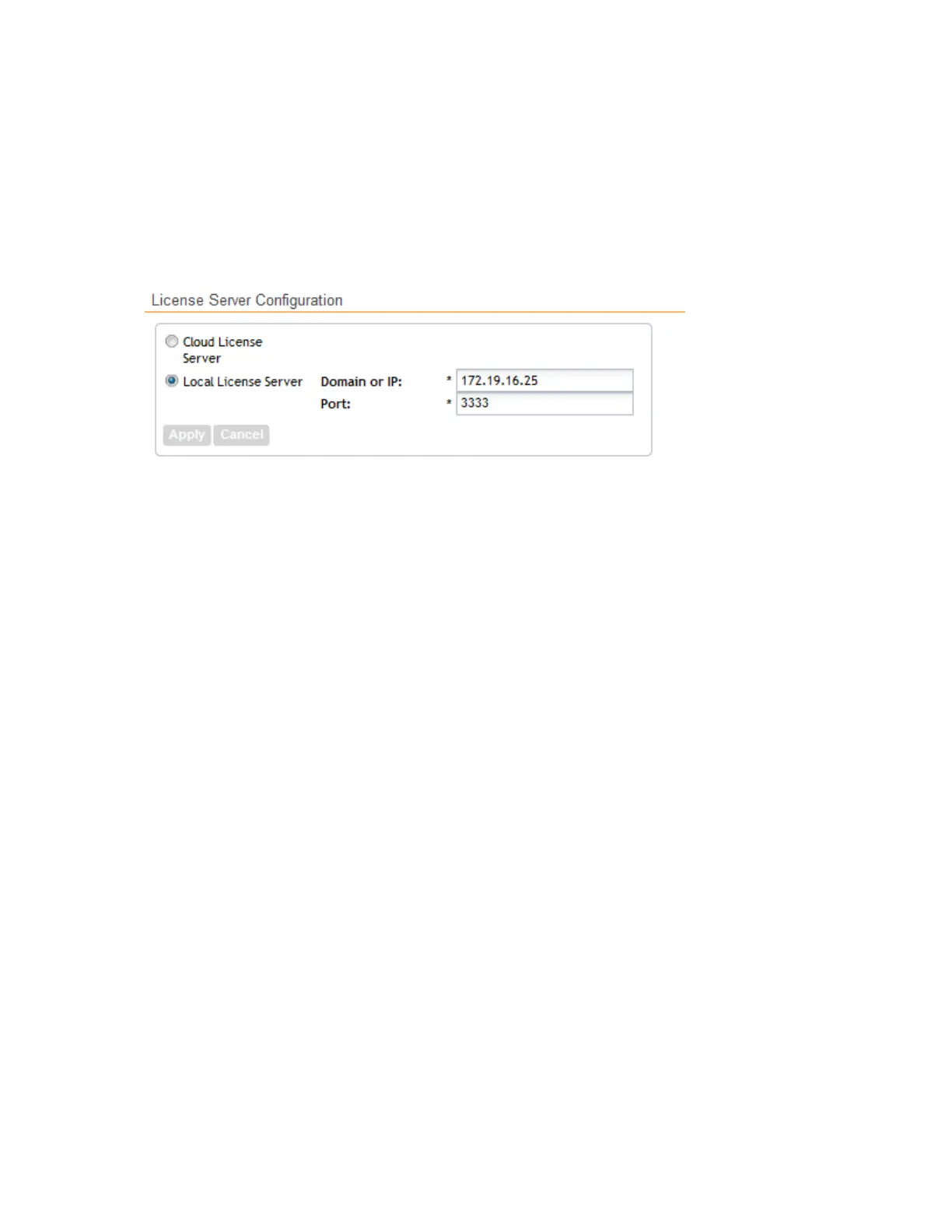
3. Click Apply.
A confirmation message appears.
4. Click Yes.
The controller saves the selected license server configuration, deletes all of its saved license
data, and then automatically synchronizing the license information with the selected license
server.
You have completed configuring the license server that the controller will use.
Figure 244: The License Server Configuration section
Importing License Files
If the controller is disconnected from the Internet or is otherwise unable to communicate with
the Ruckus Wireless SmartLicense system (due to firewall policies, etc.), you can manually import
a license entitlement file into the controller.
NOTE: The option to import a license file manually into the controller is only available if the
controller is using the cloud license server.
Follow these steps to import a license file into the controller.
1. Obtain the license file.
You can do this by logging on to your Ruckus Wireless Support account, going to the license
management page, and then downloading the license file (the license file is in .bin format).
2. Log on to the controller web interface, and then go to Administration > License.
3. In Select Controller under Upload License, select the node for which you are uploading
the license file.
4. In Select License File, click Browse, locate the license file (.bin file) that you downloaded
from your Ruckus Wireless Support account, and then select it.
5. Click Upload.
The page refreshes, and the information in the Installed Licenses section changes to reflect
the updated information imported from the SmartLicense platform.
You have completed importing a license file manually.
SmartCell Gateway 200/Virtual SmartZone High-Scale for Release 3.4.1 Administrator Guide
383
Performing Administrative Tasks
Managing Licenses



 To Next Page