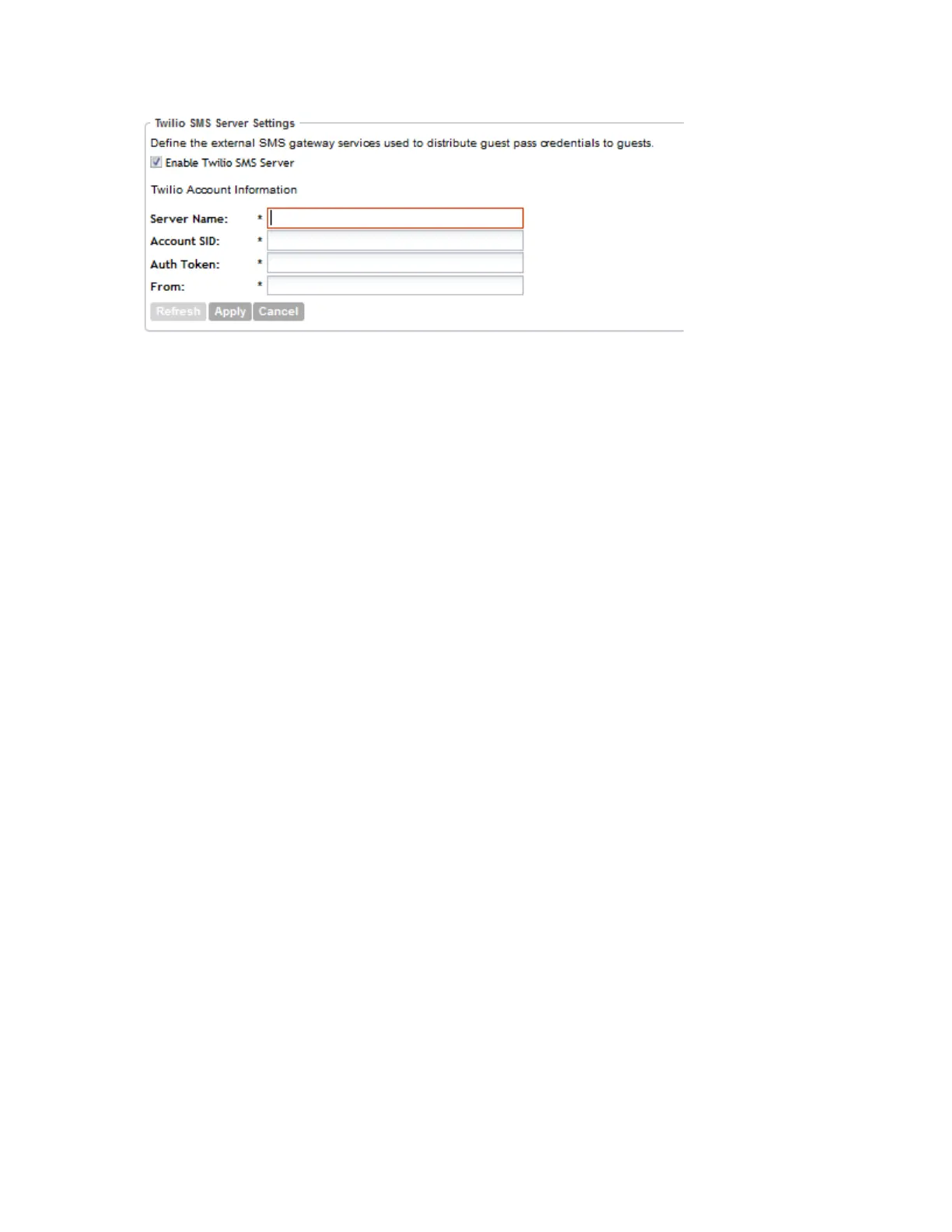
Figure 74: Configuring the external SMS gateway settings
Working with Profiles
This section covers:
Working with Authentication Profiles
An authentication profile defines the authentication policy when the controller is used as a RADIUS
proxy service for WLANs. RADIUS protocol is used for interfacing between access points and
the controller as well as between the controller and a third party AAA server.
The controller acts as RADIUS proxy for authentication and authorization and as a RADIUS client
for accounting.
This section covers:
Creating an Authentication Profile
An authentication profile defines the authentication policy when the controller is used as a Radius
proxy service for WLANs.
Follow these steps to create an authentication profile.
1. Go to Configuration > Services & Profiles.
2. On the sidebar under Profiles, click Authentication.
The Authentication Profiles page appears.
3. Click Create New.
The Create New Authentication Profile form appears.
4. In Name, type a name for the authentication profile that you are adding.
5. In Description, type a brief description of the profile.
This is an optional field.
6. To enable hosted AAA support, select the Enable Hosted AAA Support check box, and
then configure the options under Hosted AAA Server RADIUS Settings and PLMN Settings.
a) Under Hosted AAA Server RADIUS Settings:
SmartCell Gateway 200/Virtual SmartZone High-Scale for Release 3.4.1 Administrator Guide
171
Configuring Services and Profiles
Working with Profiles



 To Next Page