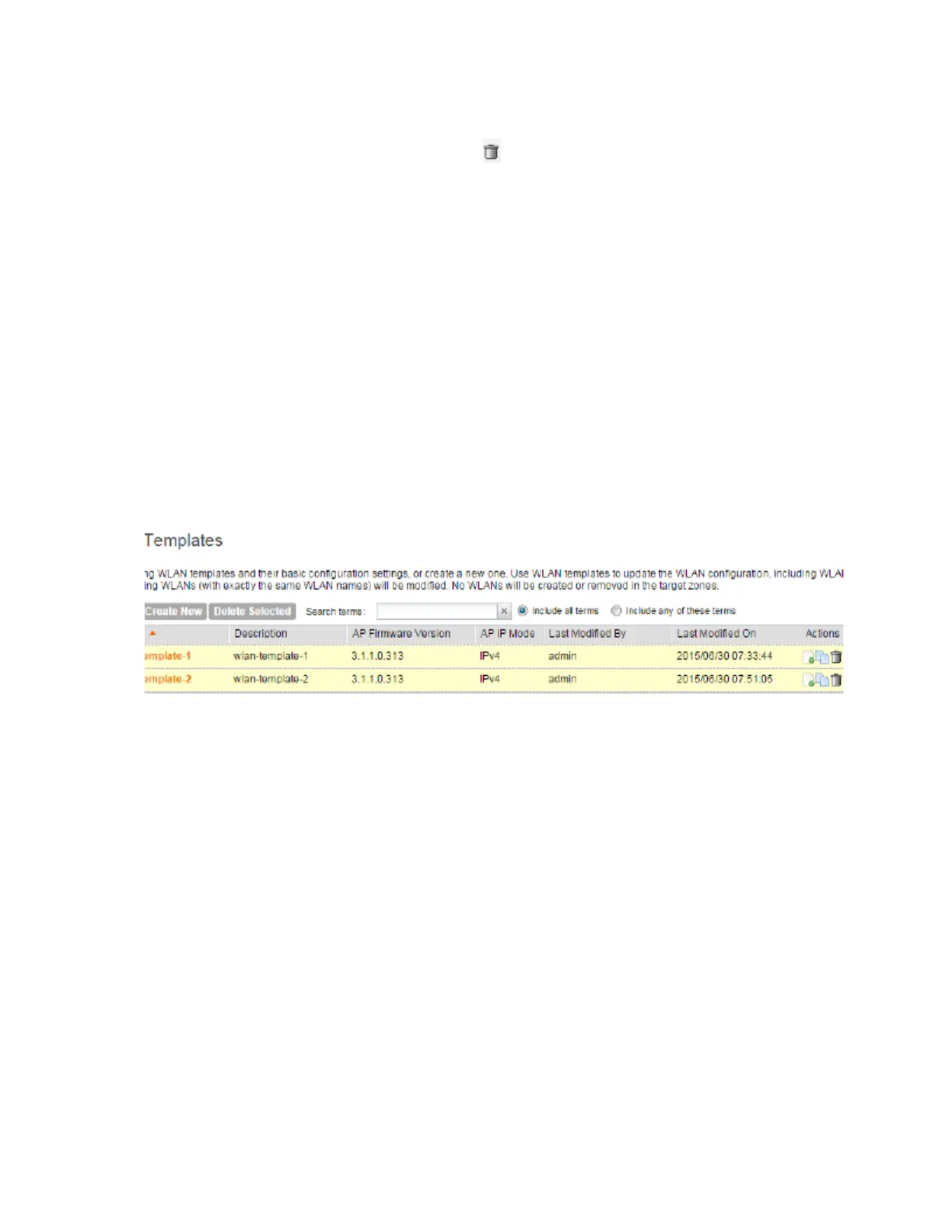
a) From the list of existing WLAN templates, locate the template that you want to delete.
b)
Under the Actions column, click the icon ( ) that is in the same row as the WLAN template.
A confirmation message appears.
c) Click Yes.
The page refreshes and the WLAN template that you deleted disappears from the list.
4. To delete multiple WLAN templates simultaneously, follow these steps:
a) From the list of existing WLAN templates, locate the templates that you want to delete.
b) Select the check boxes before the templates that you want delete.
c) Click Delete Selected.
A confirmation message appears.
d) Click Yes.
The page refreshes and the AAA servers that you deleted disappears from the list.
You have completed deleting single or multiple WLAN templates.
Figure 50: Deleting multiple WLAN templates simultaneously
Working with Registration Rules
Registration rules enable the controller to assign an AP to an AP zone automatically based on
the rule that the AP matches.
This section describes the following tasks:
NOTE: A registration rule is only applied to an AP the first time it joins the controller. If an AP’s
MAC address already exists on the controller database (whether it is in connected on
disconnected state and whether it belongs to the Staging Zone or any other zone), the controller
will assign the AP to its last known AP zone.
Creating a Registration Rule
Registration rules enable the controller to assign an AP to an AP zone automatically based on
the rule that the AP matches.
Follow these steps to create a registration rule.
SmartCell Gateway 200/Virtual SmartZone High-Scale for Release 3.4.1 Administrator Guide
134
Managing Global Configuration, AP Tunnel Profiles, Templates, and AP Registration Rules
Working with Registration Rules



 To Next Page