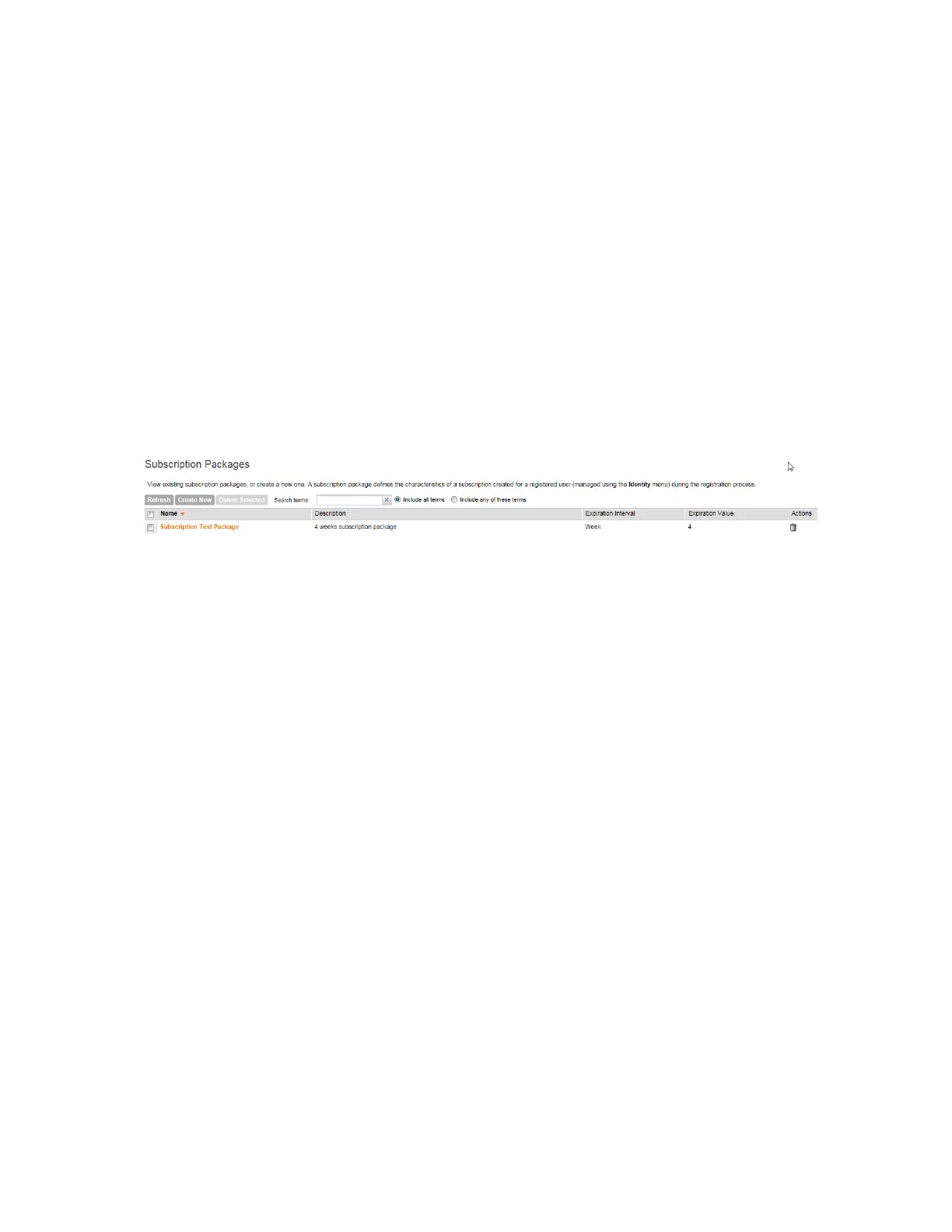
Viewing a List of Subscription Packages
A subscription package defines the characteristics of a subscription that has been created for
a registered user.
Follow these steps to view a list of existing packages.
Go to Identity > Subscription Packages.
The Subscription Packages page displays a table of existing packages along with their
basic details, including:
• Name: The name of the package.
• Description: A brief description of the package.
• Expiration Time: The time unit used in conjunction with Expiration Valueto define when
the package will expire.
• Expiration Value: The value used in conjunction with Expiration Timeto define when the
package will expire.
Figure 193: Viewing existing subscription packages
Creating a Subscription Package
A subscription package defines the characteristics of a subscription that has been created for
a registered user.
Follow these steps to create a package.
1. Go to Identity > Subscription Packages.
The Subscription Packages page appears.
2. Click Create New.
3. In Package Name, type a name for the subscription package that you are creating.
4. In Description, type a description for the package.
This is an optional field.
5. In Expiration Time, set the time unit to use for the package expiration.
Options available include:
• Hour
• Day
• Week
• Month
• Year
• Never
6. In Expiration Value, set the actual value to use in combination with the Expiration Time.
SmartCell Gateway 200/Virtual SmartZone High-Scale for Release 3.4.1 Administrator Guide
338
Working with Local, Guest, and Remote Users
Managing Subscription Packages



 To Next Page