Viewing Administrator Activity
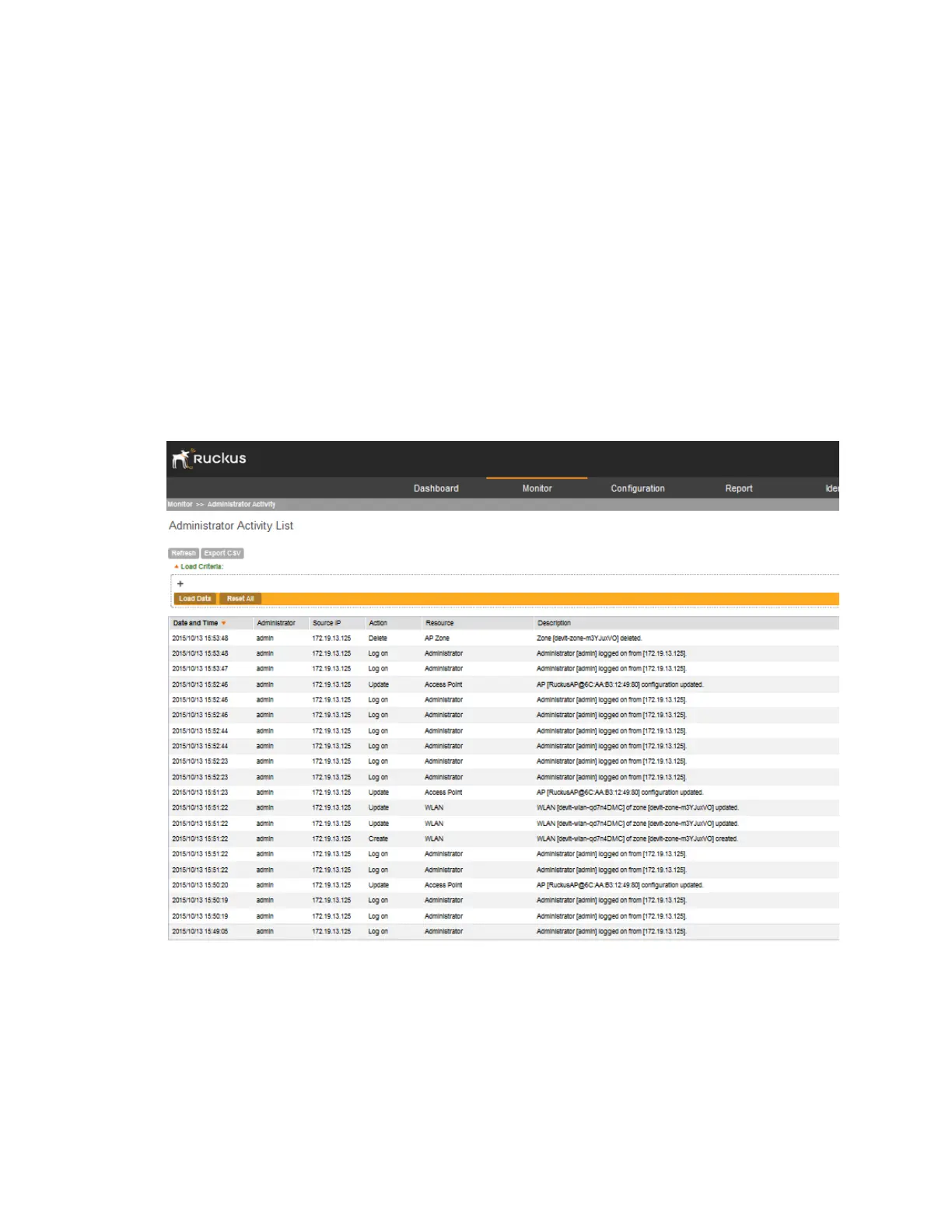
The controller keeps a record of all actions and configuration changes that administrators perform
on the server. This feature enables you and other administrators in the organization to determine
what changes were made to the controller and by whom.
Follow these steps to view a record of actions that were performed by administrators.
Go to Monitor > Administrator Activity.
The Administrator Activity List page displays the 20 most recent administrator actions.
NOTE: By default, the Administrator Activity List page displays up to 20 administrator
actions per page. You can change the number of administrator actions to display per page
by selecting a number in Show. Options range from 10 to 250 entries per page. Alternatively,
you can click the >> (next) link to display the next 20 administrator actions on another page.
Figure 175: The Administrator Activity List displays the most recent administrator
actions
Table 19: Administrator activity details on page 312 lists the administrator activity details that are
displayed on the Administrator Activity List page.
SmartCell Gateway 200/Virtual SmartZone High-Scale for Release 3.4.1 Administrator Guide
311
Monitoring the System, Alarms, Events, and Administrator Activity
Viewing Administrator Activity



 To Next Page