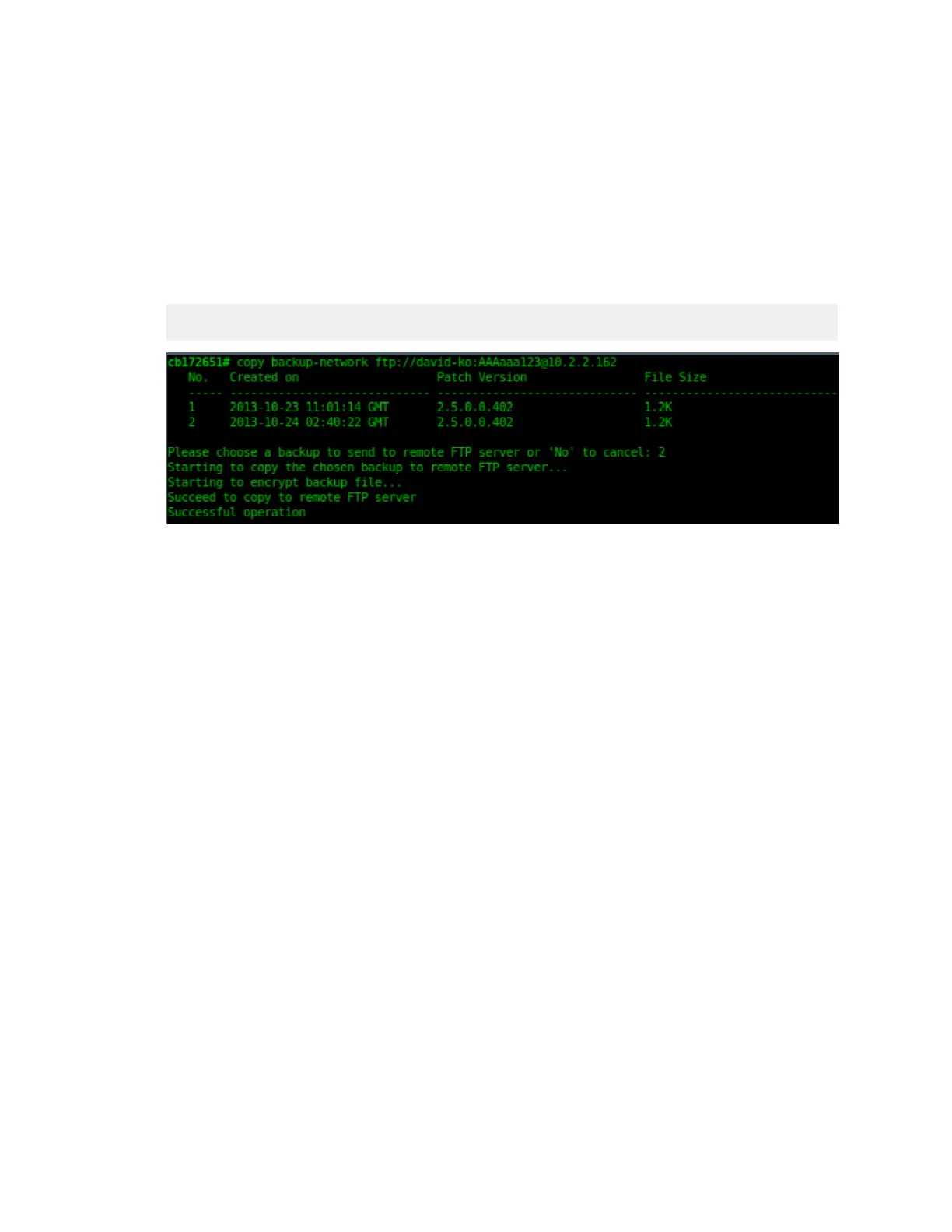
6. Enter copy backup-network {ftp-url}, where {ftp-url} (remove the braces) is the
URL or IP address of the FTP server to which you want to back up the cluster configuration.
The CLI prompts you to choose the number that corresponds to the backup file that you
want to export to the FTP server.
7. Enter the number of the backup file that you want to export to the FTP server.
The controller encrypts the backup file, and then exports it to the FTP server. When the export
process is complete, the following message appears on the CLI:
Succeed to copy to remote FTP server
Successful operation
Figure 205: Succeed to copy to remote FTP server indicates that you have
exported the backup file to the FTP server successfully
8. Using an FTP client, log on to the FTP server, and then verify that the backup file exists.
The file format of the backup file is
network_<YYYYMMDDHHmmss>_<controller-version>.bak.
For example, if you created the backup file on October 24th 2013 at 02:40:22 and the
controller version is 2.5.0.0.402, you should see a file named
network_20131024024022_2.5.0.0.402.bak on the FTP server.
You have completed backing up the controller to an FTP server.
Restoring from an FTP Server
Before you continue, take note of the following limitations with restoring a backup file of the
controller network configuration from an FTP server:
• Only release 2.1 and later support restoring from an FTP server.
• In this current release, restoring the entire cluster from an FTP server is unsupported. The
restore process must be performed on one node at a time.
• Restoring from an FTP server can only be performed using the CLI.
CAUTION: Restoring a backup file to the controller requires restarting all of the controller
services.
Follow these steps to restore a backup file of the controller's network configuration that you
previously uploaded to an FTP back to the controller.
SmartCell Gateway 200/Virtual SmartZone High-Scale for Release 3.4.1 Administrator Guide
347
Performing Administrative Tasks
Backing Up and Restoring the Controller's Network Configuration from an FTP Server



 To Next Page