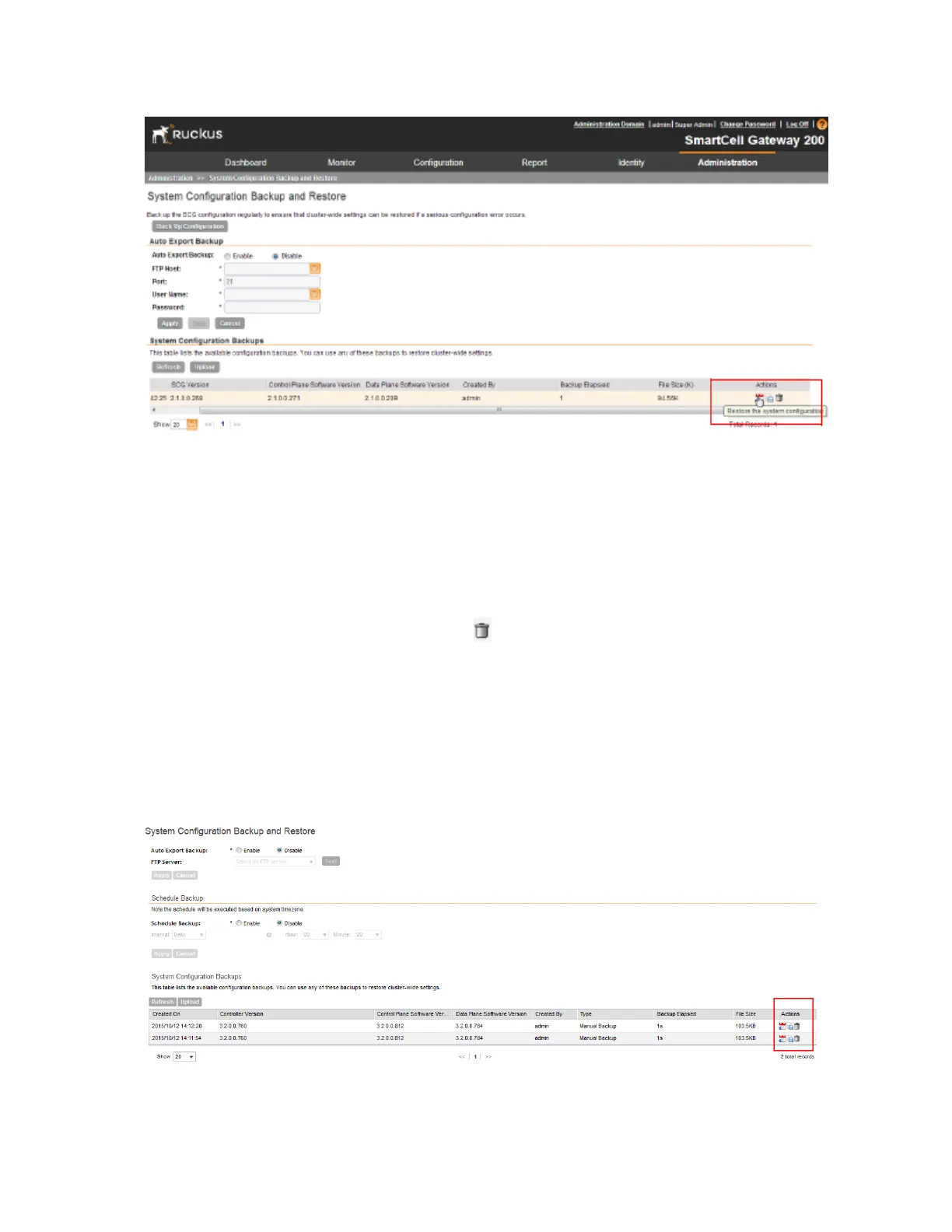
Figure 217: Under the Actions column, click the configuration restore icon
Deleting a Configuration Backup
Follow these steps to delete a backup of the controller database
1. Go to Administration > System Configuration Backup and Restore.
2. In the System Configuration Backups section, locate the backup version that you want to
delete.
3.
Once you locate the backup file, click the icon under the Actions column.
A confirmation message appears.
4. Click Yes.
The page refreshes, and the backup file that you deleted disappears from the System
Configuration Backups section.
You have completed deleting a backup file.
Figure 218: Under the Actions column, click the trash bin icon
SmartCell Gateway 200/Virtual SmartZone High-Scale for Release 3.4.1 Administrator Guide
357
Performing Administrative Tasks
Backing Up and Restoring System Configuration



 To Next Page