• Mozilla Firefox 8 (and later)
2. In the address bar, type the IP address that you assigned to the Management (Web) interface,
and then append a colon and 8443 (the controller's management port number) at the end
of the address.
For example, if the IP address that you assigned to the Management (Web) interface is
10.10.101.1, then you should enter: https://10.10.101.1:8443
NOTE: The controller web interface requires an HTTPS connection. You must append https
(not http) to the management interface IP address to connect to the web interface. If a
browser security warning appears, this is because the default SSL certificate (or security
certificate) that the controller is using for HTTPS communication is signed by Ruckus Wireless
and is not recognized by most web browsers.
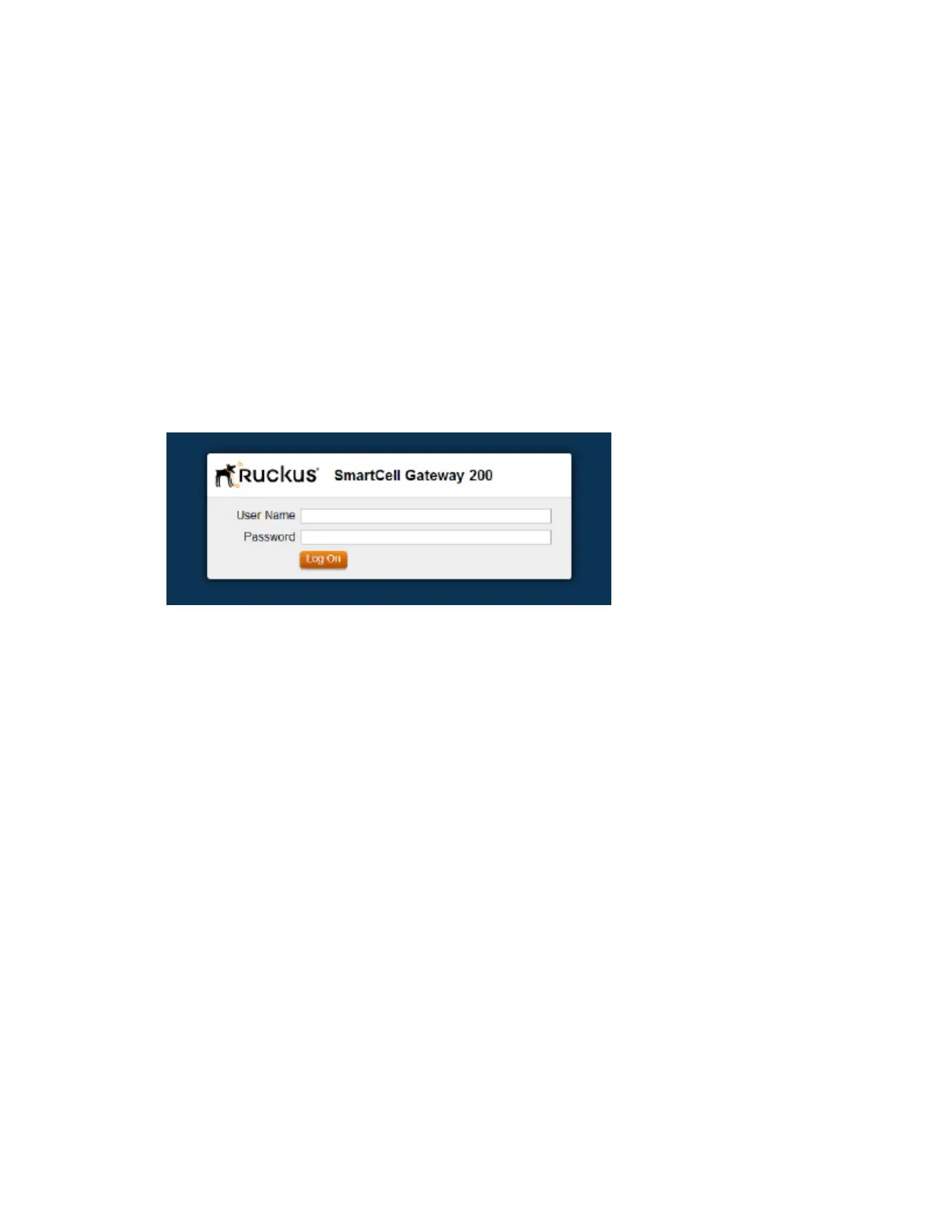
The controller web interface logon page appears.
Figure 1: The controller’s logon page
3. Log on to the controller web interface using the following logon details:
• User Name: admin
• Password: {the password that you set when you ran the Setup Wizard}
4. Click Log On.
The web interface refreshes, and then displays the Dashboard, which indicates that you have
logged on successfully.
Web Interface Features
Use the web interface to manage the controller and the APs that provide wireless service to
users on the network.
The web interface (shown in Figure 2: The controller web interface features on page 21) is the
primary interface that you will use to:
• Manage AP zones, access points, and management domains
• Create and manage administrator and mobile virtual network operator accounts
• Monitor AP zones, managed access points, wireless clients
• View alarms, events, and administrator activity
SmartCell Gateway 200/Virtual SmartZone High-Scale for Release 3.4.1 Administrator Guide
20
Navigating the Web Interface
Web Interface Features



 To Next Page