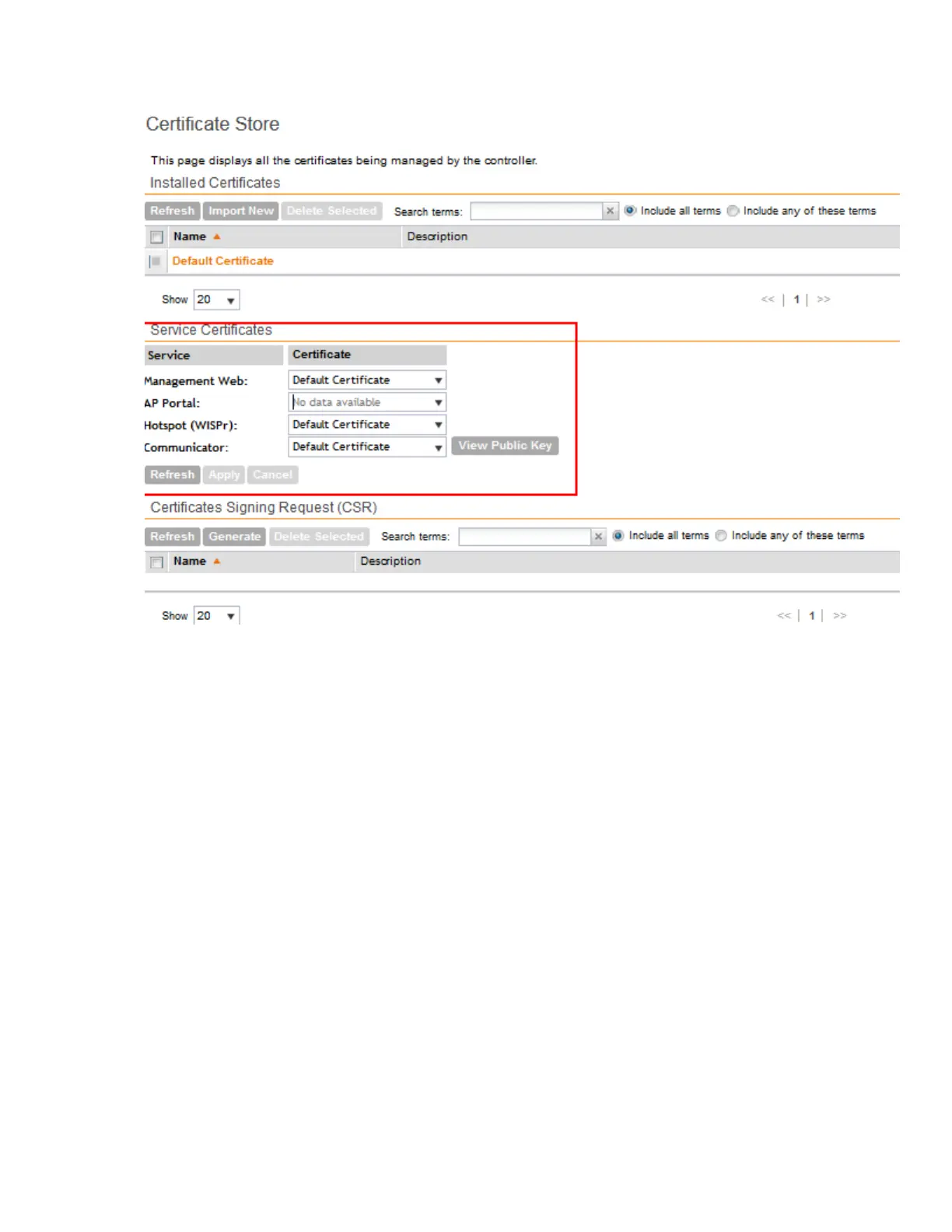
Figure 109: The Service Certificates section
Configuring Advanced Gateway Options
As part of the TTG enhancements in this release, a number of features (collectively known as
advanced gateway options) are now configurable from the web interface – these features no
longer depend on flat file changes.
Follow these steps to configure advanced gateway options.
1. Go to the Configuration > General System Settings > Gateway Advanced Options
page.
2. Configure the following options:
• Allow Session on Accounting Fail: This setting allows the controller TTG to terminate
calls if accounting response fails. The default setting is No.
• GTP Network Service Access Point Identifier [NSAPI]: This setting is used to select
NSAPI for GTP message. The default setting is 1.
• Include IMEI IE in GTP Messages: This setting is used to enable or disable IMEI IE in
GTP messages. The default setting is No.
NOTE: In IMEI IE, the controller will send the MAC address of the UE appended with FFFE.
• Include SCG-RAI in GTPV2: This setting will only be used when the S5/S8 interface is
used for GTPv2.
SmartCell Gateway 200/Virtual SmartZone High-Scale for Release 3.4.1 Administrator Guide
218
Configuring the System Settings
Configuring General System Settings



 To Next Page