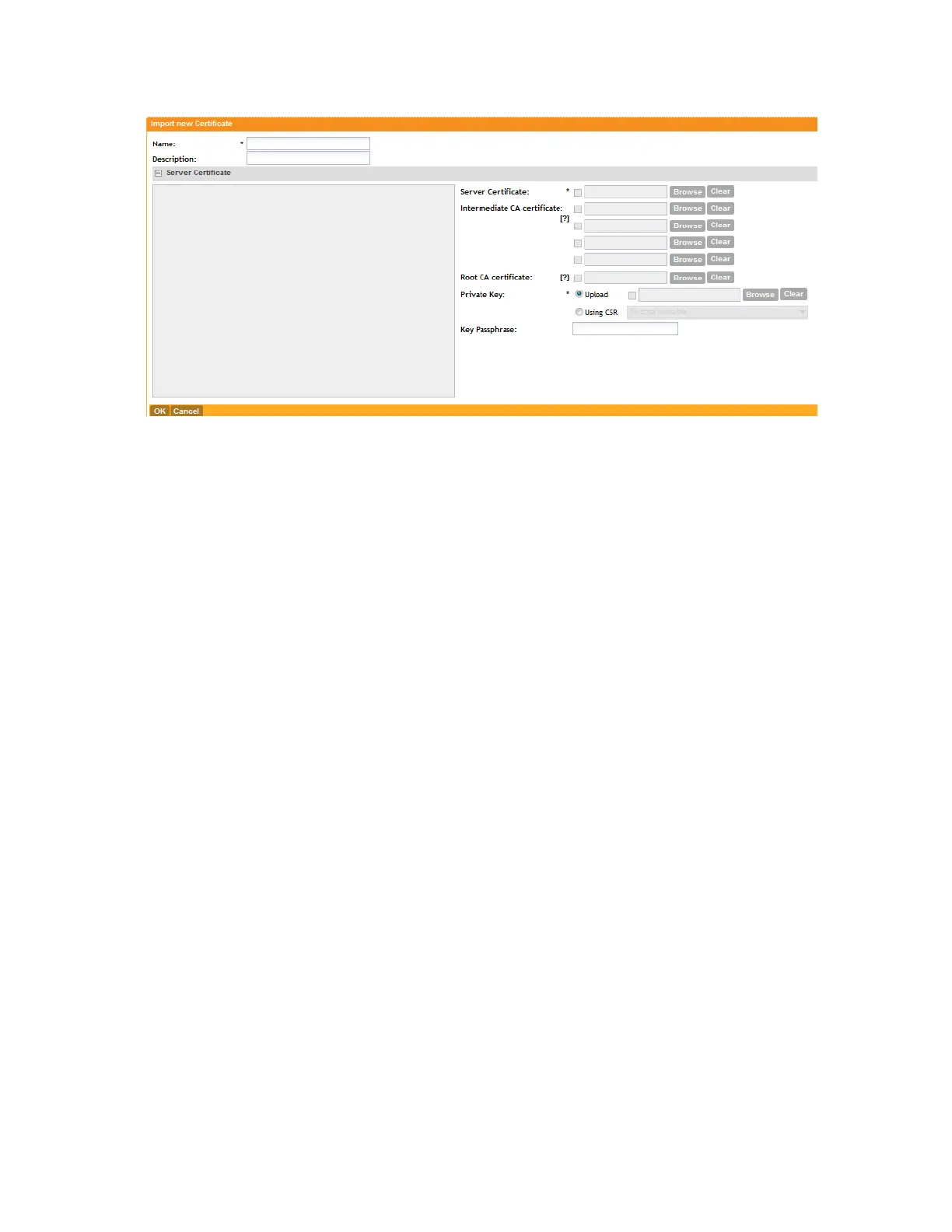
Figure 108: The Import New Certificate form
Assigning Certificates to Services
Follow these steps to specify the certificate that each secure service will use.
1. Go to Configuration > System.
2. On the sidebar, click Certificate Store.
The Certificate Store page appears.
3. In the Service Certificates section, select the certificate that you want to use for each service.
4. Click Apply.
You have completed assigning certificates to services.
SmartCell Gateway 200/Virtual SmartZone High-Scale for Release 3.4.1 Administrator Guide
217
Configuring the System Settings
Configuring General System Settings



 To Next Page