DescriptionMessageLevel
Info useful to developers for debugging the application, not
useful during operations.
Debug6
Default Event Severity to Syslog Priority Mapping
Table 7 lists the default event severity to syslog priority mapping in the controller.
Table 12: Event severity to syslog priority mapping
Syslog PriorityEvent Severity
ErrorCritical
ErrorMajor
WarningMinor
WarningWarning
InfoInformational
DebugDebug
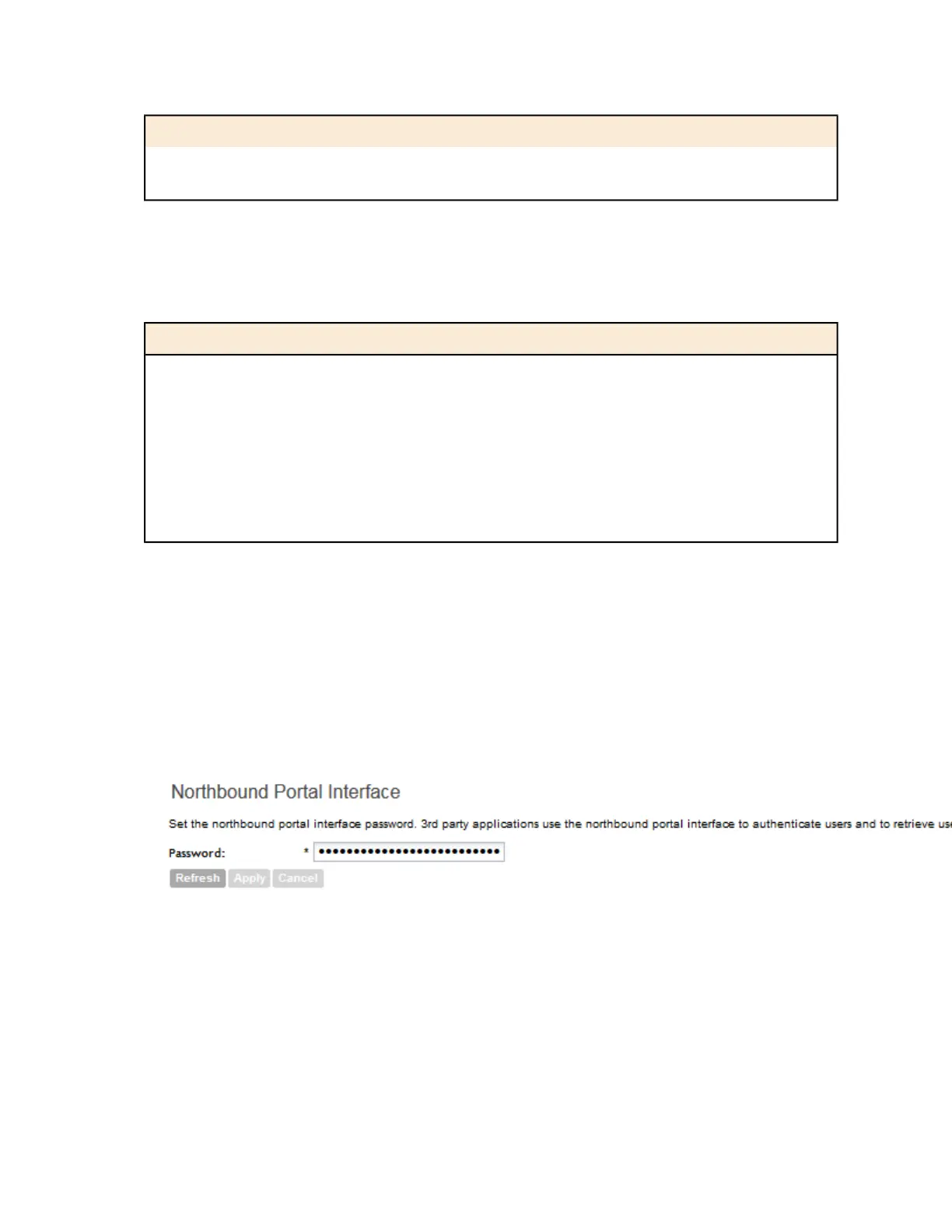
Configuring the Northbound Portal Interface
Follow these steps to configure the northbound portal interface.
1. Go to the Northbound Portal Interface section.
2. In Password, type the password for the northbound portal interface.
3. Click Apply.
NOTE: If the NAT IP address is configured on the controller, the external subscriber portal
(SP) can only communicate with the control interface and not the management interface.
Figure 99: The Northbound Portal Interface section
Configuring the SMTP Server Settings
If you want to receive copies of the reports that the controller generates, configure the SMTP
server settings and the email address to which the controller will send the reports.
Follow these steps to configure the SMTP server settings.
SmartCell Gateway 200/Virtual SmartZone High-Scale for Release 3.4.1 Administrator Guide
207
Configuring the System Settings
Configuring General System Settings



 To Next Page