NOTE: To set up this controller again, access the controller setup wizard
http://192.168.2.2:8080. See the SCG-200 Getting Started Guide for more information.
After the controller is reset to factory settings, the controller allows the data blade interface IP
address and gateway address to be on different subnets.
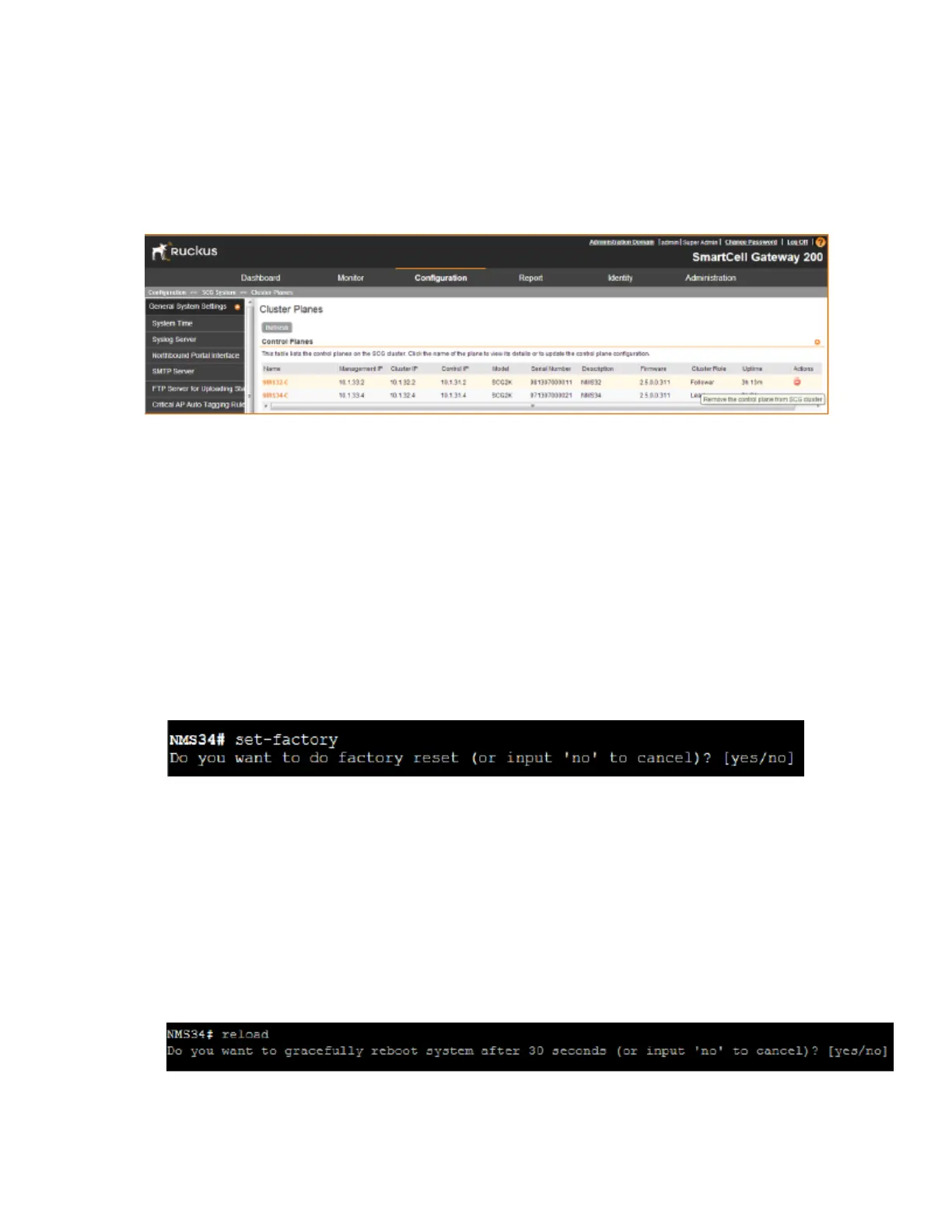
Figure 219: Click the delete icon
Using the CLI
You can also use the command line interface to remove a node from a cluster and reset it to
factory settings.
For information on gaining access to the CLI, see the corresponding Command Line Interface
Reference Guide for your controller platform.
After you log on to the CLI of the node, follow these steps to reset a node to factory settings.
1. At the prompt, enter set-factory.
A confirmation message appears.
Figure 220: Enter set-factory to reset the node to factory settings
2. Enter yes to confirm.
3. Enter reload.
This command is required to trigger the factory reset process.
A confirmation message appears.
4. Enter yes to confirm.
The controller reboots, and then triggers the factory reset process.
Figure 221: Enter reload to trigger the factory reset process
SmartCell Gateway 200/Virtual SmartZone High-Scale for Release 3.4.1 Administrator Guide
359
Performing Administrative Tasks
Resetting a Node to Factory Settings



 To Next Page