Creating a Hotspot WLAN
You can create a hotspot portal when you configure a WLAN service of an AP zone.
Follow the steps for creating a WLAN. When you reach the WLAN Usage Type section, click
Hotspot (WISPr), and then complete the rest of the steps for creating a WLAN.
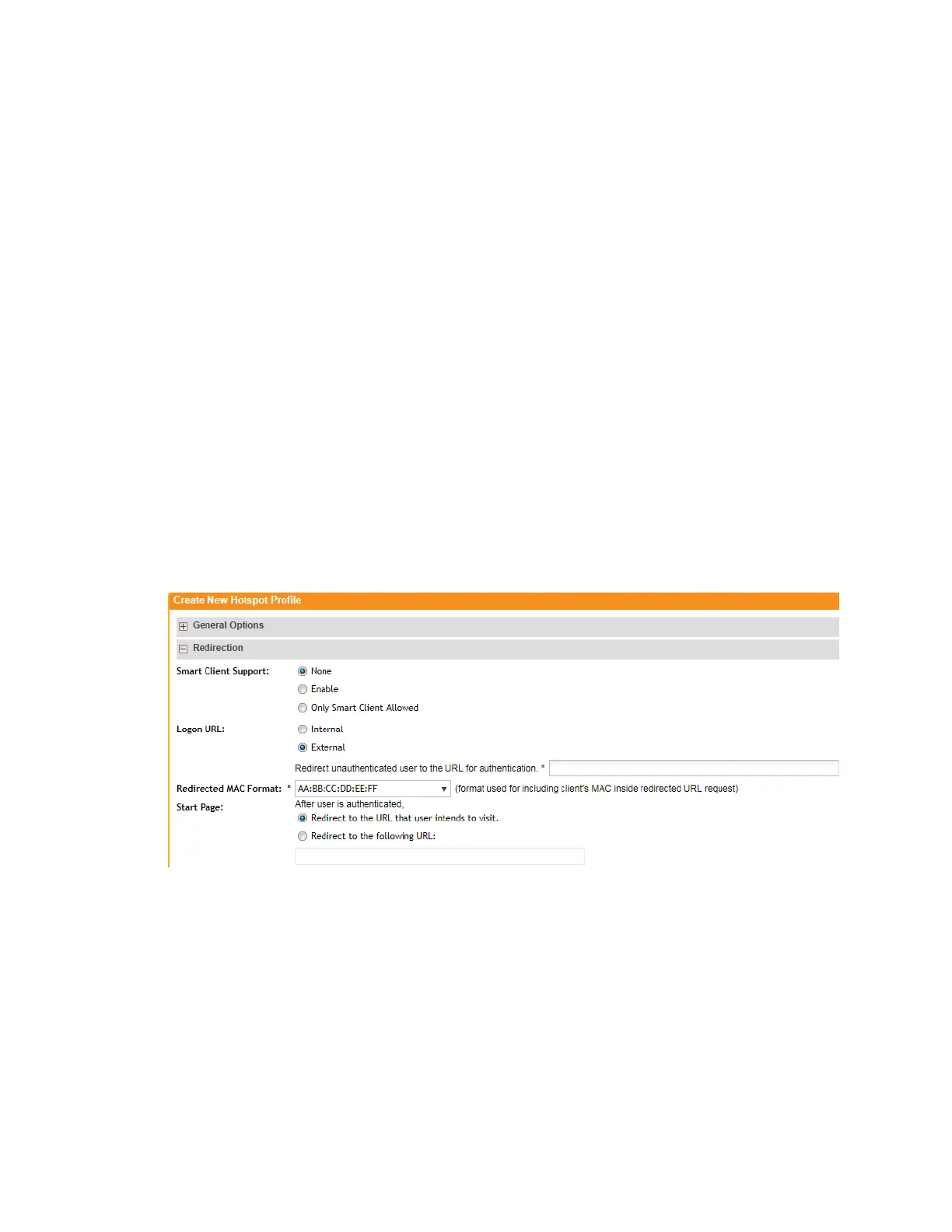
Configuring Smart Client Support
Ruckus Wireless hotspots support the WISPr Smart Client feature, which allows client devices
to log on to a hotspot seamlessly without requiring the user to go through the logon page.
The controller provides the following options for supporting Smart Clients:
• None: Click this option to prevent Smart Client applications from logging on to WLANs that
include this hotspot configuration.
• Enable: Click this option to allow Smart Client applications to log on to WLANs that include
this hotspot configuration.
• Only Smart Client Allowed: Click this option to allow only Smart Client applications to log
on to WLANs that include this hotspot configuration. All other applications or browsers that
attempt to access the hotspot will be shown a custom message, which you can enter in the
box provided.
NOTE: Clicking Only Smart Client Allowed requires the use of the internal Subscriber Portal.
The Logon URL and Start Page options are unavailable when the Only Smart Client Allowed
option is selected
Figure 148: Smart Client support options
Configuring the Hotspot Logon URL
Logon URL refers to the location of the Subscriber Portal module that serves the logon form for
authenticating hotspot users.
There are two options available for the logon URL: Internal and External.
• Internal: Click this option if you want to use the Subscriber Portal module that is built into
the controller.
SmartCell Gateway 200/Virtual SmartZone High-Scale for Release 3.4.1 Administrator Guide
279
Creating and Managing Hotspots
Hotspot Configuration Options



 To Next Page