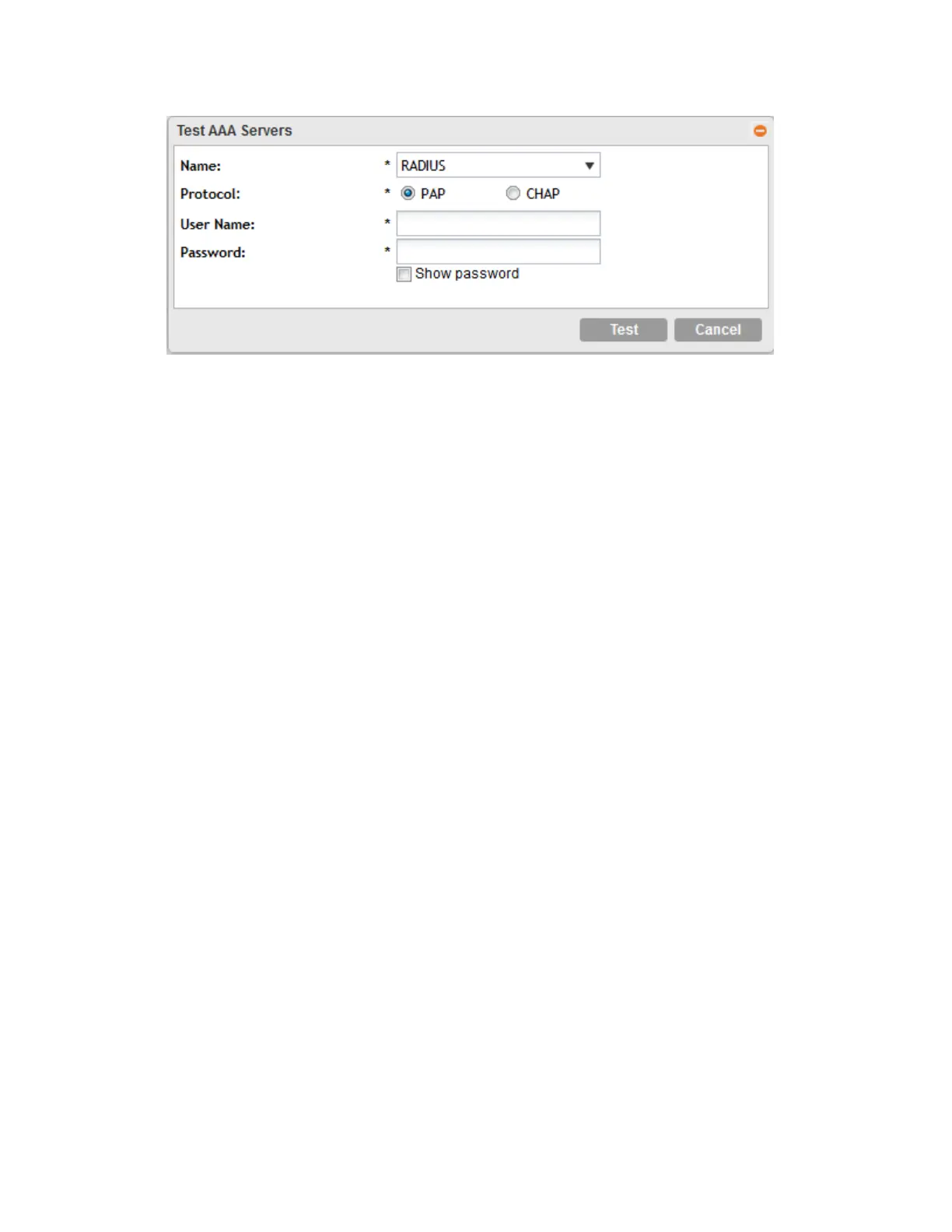
Figure 20: Testing an AAA server
Deleting an AAA Server
You can delete a single or multiple AAA servers simultaneously.
1. To delete a single AAA server, follow these steps:
a) Go to the AAA Servers page for a specific AP zone.
b) From the list of existing AAA servers, locate the service that you want to delete.
c) Under the Actions column, click the icon that is in the same row as the AAA server.
A confirmation message appears.
d) Click Yes.
The page refreshes and the AAA server that you deleted disappears from the list.
2. To delete multiple AAA servers simultaneously, follow these steps:
a) Go to the AAA Services page for a specific AP zone.
b) From the list of existing AAA servers, locate the services that you want to delete.
c) Select the check boxes before the servers that you want delete.
d) Click Delete Selected.
A confirmation message appears.
3. Click Yes.
The page refreshes and the AAA servers that you deleted disappears from the list.
Working with Hotspot (WISPr) Portals
NOTE: If you do not want to provide a hotspot portal to users, skip this section.
This section describes the basic settings that you need to configure to include a hotspot service
in the zone template. If you need more information about hotspots, including third party
prerequisites, see Creating and Managing Hotspots on page 267.
SmartCell Gateway 200/Virtual SmartZone High-Scale for Release 3.4.1 Administrator Guide
58
Managing Ruckus Wireless AP Zones
Working with Hotspot (WISPr) Portals



 To Next Page