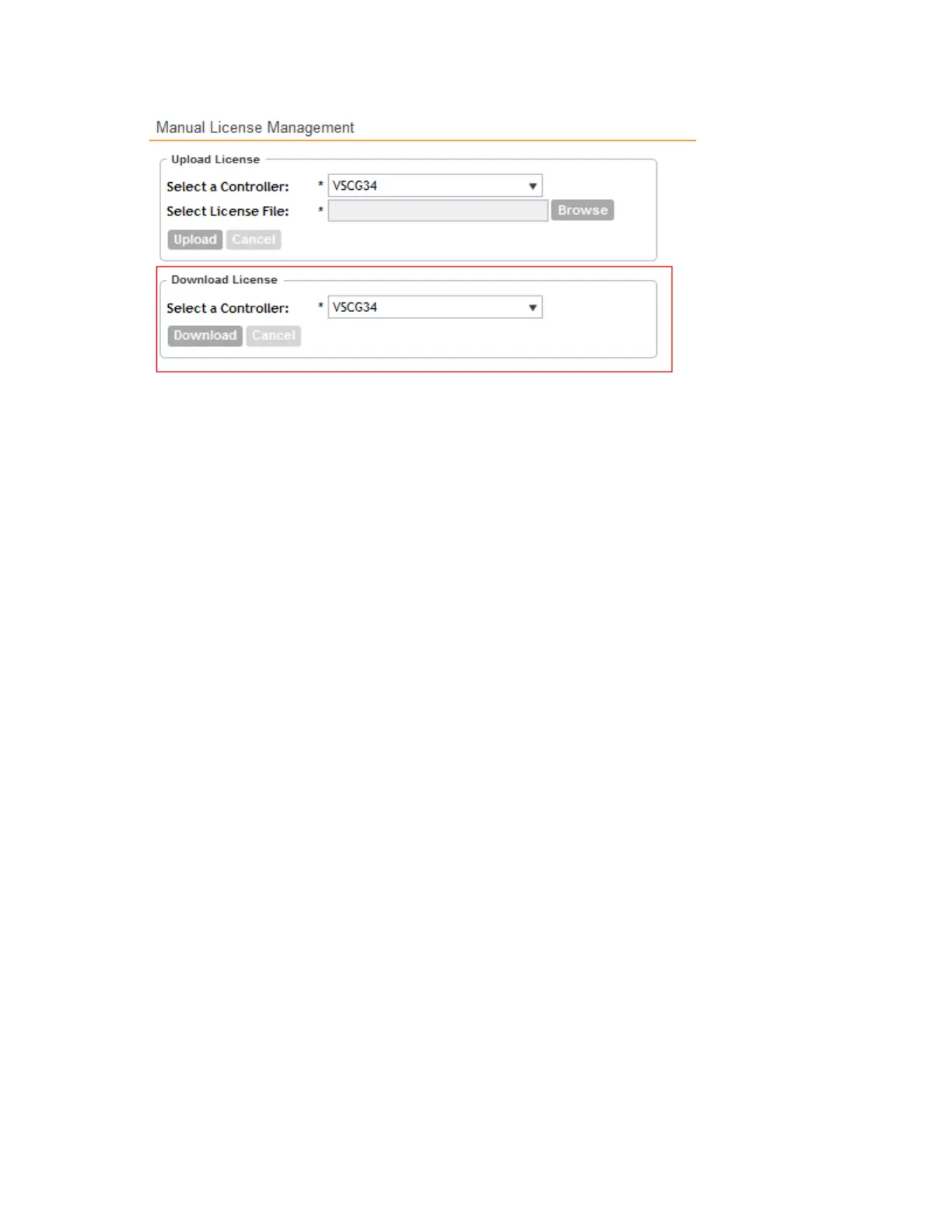
Figure 246: The Download License section
Synchronizing Controller with the License Server
By default, the controller automatically synchronizes its license data with the selected license
server every 24 hours. If you made changes to the controller licenses (for example, you purchased
additional licenses) and you want the controller to download the updated license data immediately,
you can trigger a manual synchronization.
Follow these steps to trigger the controller to manually synchronize with the license server.
1. Go to Administration > License.
2. Click Sync Now.
The message Start sync with license server... appears as the controller
synchronizes its license data with the server.
When the sync process is complete, the message Sync license with the license
server successful appears. If the previously saved license data are different the latest
license data on the server, the information in the Installed Licenses section refreshes to
reflect the latest data.
You have completed manually synchronizing the controller with the license server.
SmartCell Gateway 200/Virtual SmartZone High-Scale for Release 3.4.1 Administrator Guide
385
Performing Administrative Tasks
Managing Licenses



 To Next Page