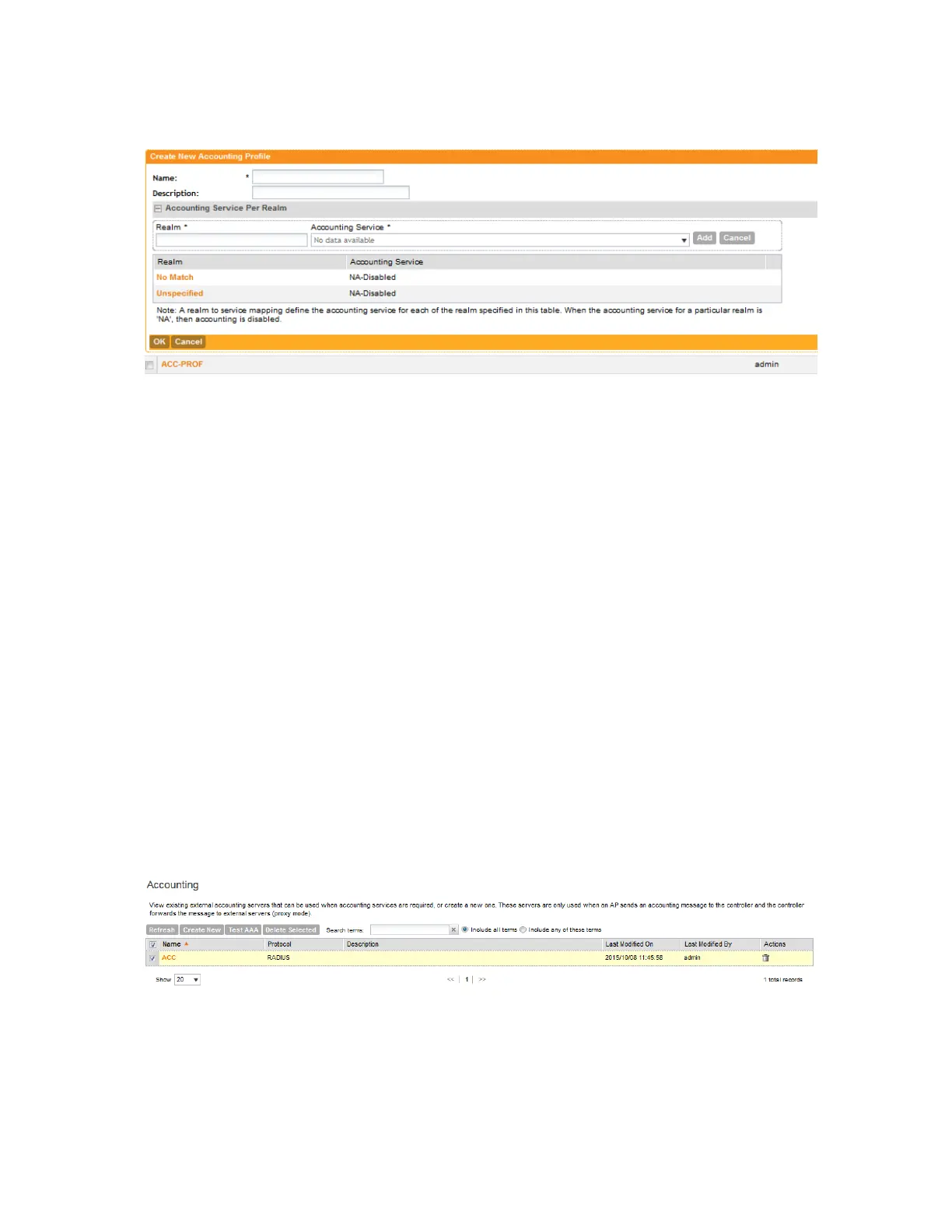
You have completed adding an accounting profile.
Figure 78: The Create New Accounting Profile form
Viewing Accounting Profiles
An accounting profile defines the accounting policy when the controller is used as a Radius
proxy for WLAN services.
Follow these steps to view a list of accounting profiles that have been created on the controller.
NOTE: If you have not created an accounting profile, refer to Creating an Accounting Profile.
1. Go to Configuration > Services & Profiles.
2. On the sidebar under Profiles, click Accounting.
The Accounting Profiles page appears and displays the accounting profiles that have been
added to the controller. For each accounting profile, the following details are displayed:
• Profile Name
• Description
• Last Modified By
• Last Modified On
• Actions: Displays the trash bin and clone icons. Click the trash bin icon to delete the
profile. Click the clone icon to create a copy of the profile.
You have completed viewing a list of accounting profiles.
Figure 79: The Accounting Profiles page lists the profiles that have been created on the
controller
SmartCell Gateway 200/Virtual SmartZone High-Scale for Release 3.4.1 Administrator Guide
176
Configuring Services and Profiles
Working with Profiles



 To Next Page