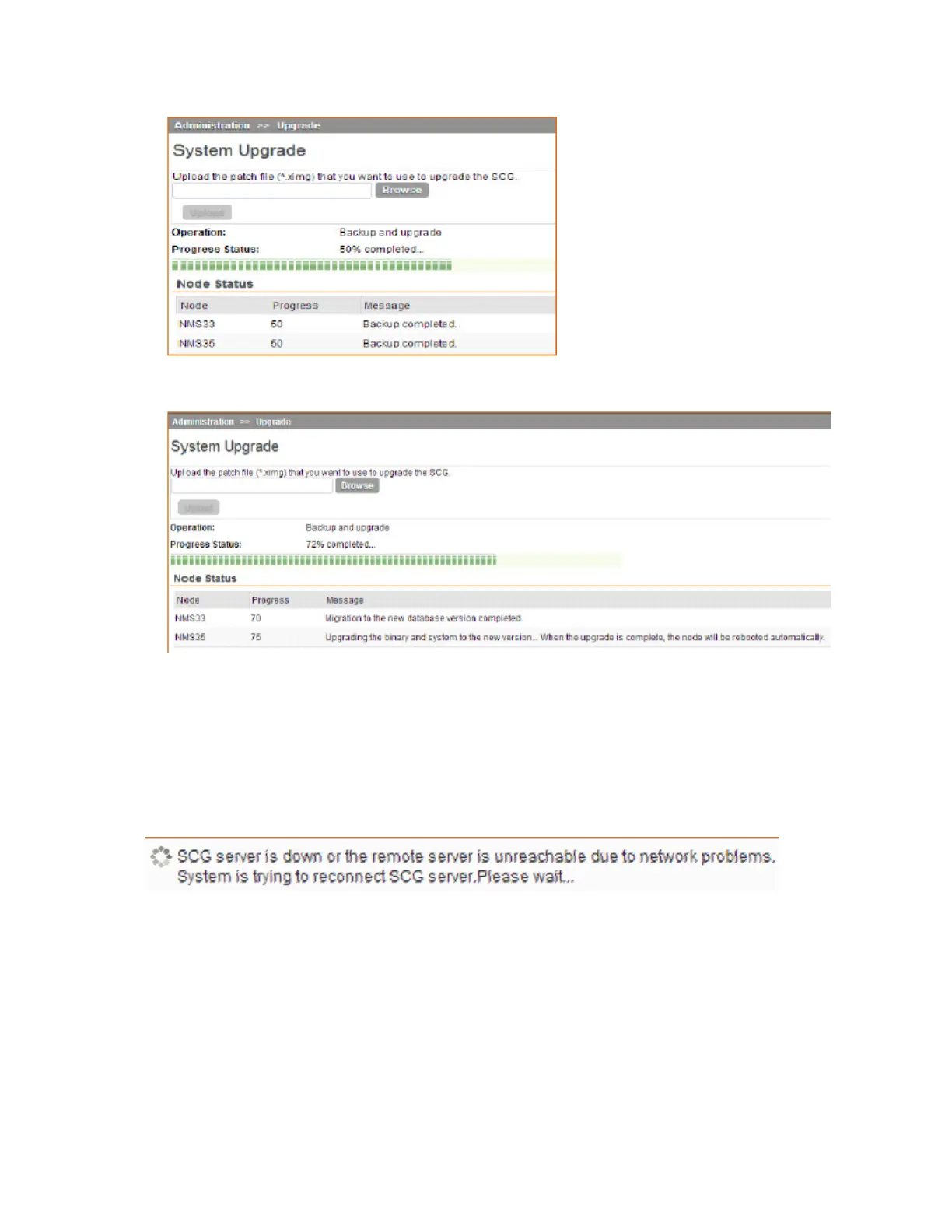
Figure 224: Backup completed status if you selected Backup & Upgrade
Figure 225: The System Upgrade page displays the status of the upgrade process
When the upgrade (or backup-and-upgrade) process is complete, the controller logs you off the
web interface automatically. The controller web interface may display the message shown in
Figure 226: The controller web interface may display the following message as it completes the
upgrade process on page 363 as it completes the upgrade process. Wait for a few minutes until
the web interface log on page appears.
Figure 226: The controller web interface may display the following message as it completes
the upgrade process
When the controller log on page appears again, you have completed upgrading the controller.
Continue to Verifying the Upgrade on page 364 to check if the upgrade was completed
successfully.
SmartCell Gateway 200/Virtual SmartZone High-Scale for Release 3.4.1 Administrator Guide
363
Performing Administrative Tasks
Upgrading the Controller



 To Next Page