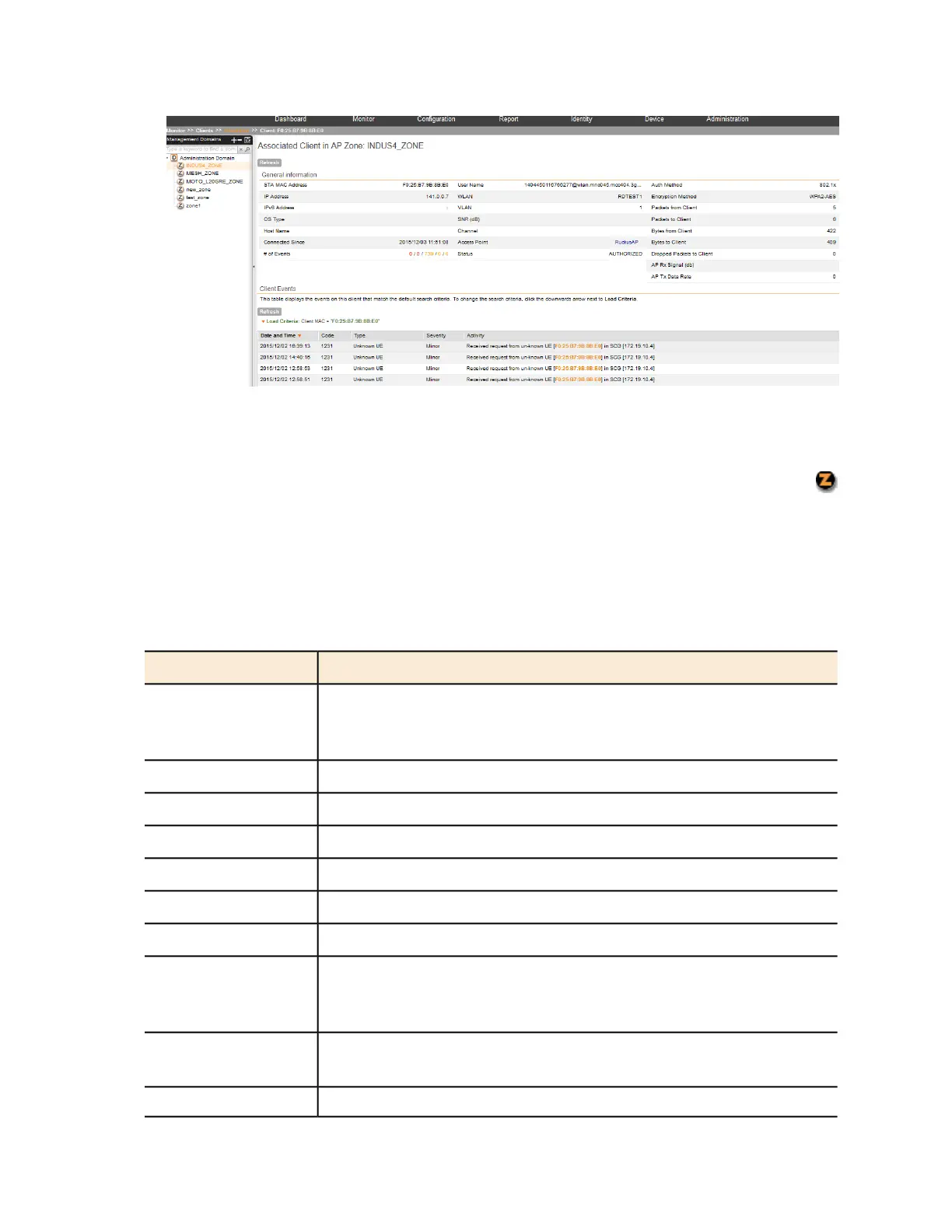
Figure 162: Select an AP zone in the domain tree to view all wireless clients associated
with the APs that belong to the zone
If you want to view only wireless clients that belong to a particular AP zone (denoted by the
icon in the domain tree), click the AP zone icon. The table refreshes and displays only the wireless
clients that belong to that AP zone.
Table 16: Wireless client details on page 295 lists the wireless client details that are shown in the
table.
Table 16: Wireless client details
DescriptionColumn Name
MAC address of the wireless station. Clicking this link loads a page that
displays detailed information about the wireless client. See Viewing
Information About a Wireless Client on page 297.
STA MAC Address
IP address assigned to the wireless clientIP Address
IPv6 address assigned to the wireless clientIPv6 Address
Operating system that the wireless client is usingOS Type
Host name of the wireless clientHost Name
Displays the time from which the AP is connected to the wireless clientConnected Since
Displays the number of client events# of Events
Name assigned to the access point. Clicking this link loads a page that
displays detailed information about the access point. See Viewing the
Configuration of an Access Point on page 290.
AP Name
Name of the WLAN service or SSID with which the wireless client is
associated.
WLAN (SSID)
VLAN ID assigned to the wireless clientVLAN
SmartCell Gateway 200/Virtual SmartZone High-Scale for Release 3.4.1 Administrator Guide
295
Monitoring AP Zones, Access Points, and Wireless Clients
Monitoring Wireless Clients



 To Next Page