This is an optional field.
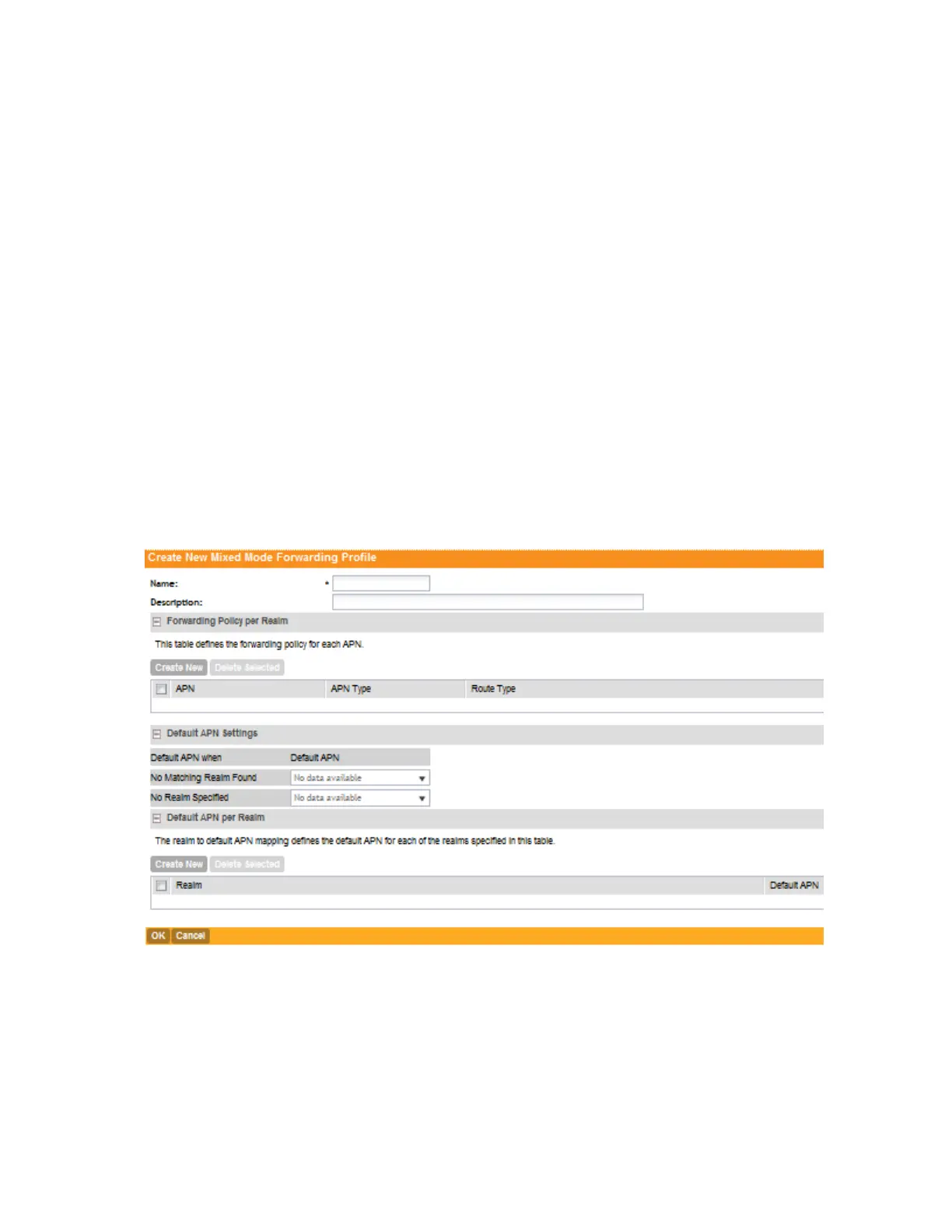
4. In Forwarding Policy Per Realm, specify the forwarding policy for each realm in the table.
Configure the following:
• APN
• APN Type
• Route Type
• Profile Name
5. In Default APN Settings, configure the following:
• No Matching Realm Found
• No Realm Specified
6. In Default APN Per Realm, configure the following:
• Realm
• Default APN
7. Click Create New.
You have completed adding a mixed mode profile.
Figure 95: Create a Mixed Mode Profile
Viewing Mixed Mode Profiles
Follow these steps to view a list of mixed mode profiles that have been configured.
1. Go to Configuration > Services & Profiles.
2. On the sidebar, click Forwarding > Mixed Mode.
SmartCell Gateway 200/Virtual SmartZone High-Scale for Release 3.4.1 Administrator Guide
201
Configuring Services and Profiles
Working with Profiles



 To Next Page