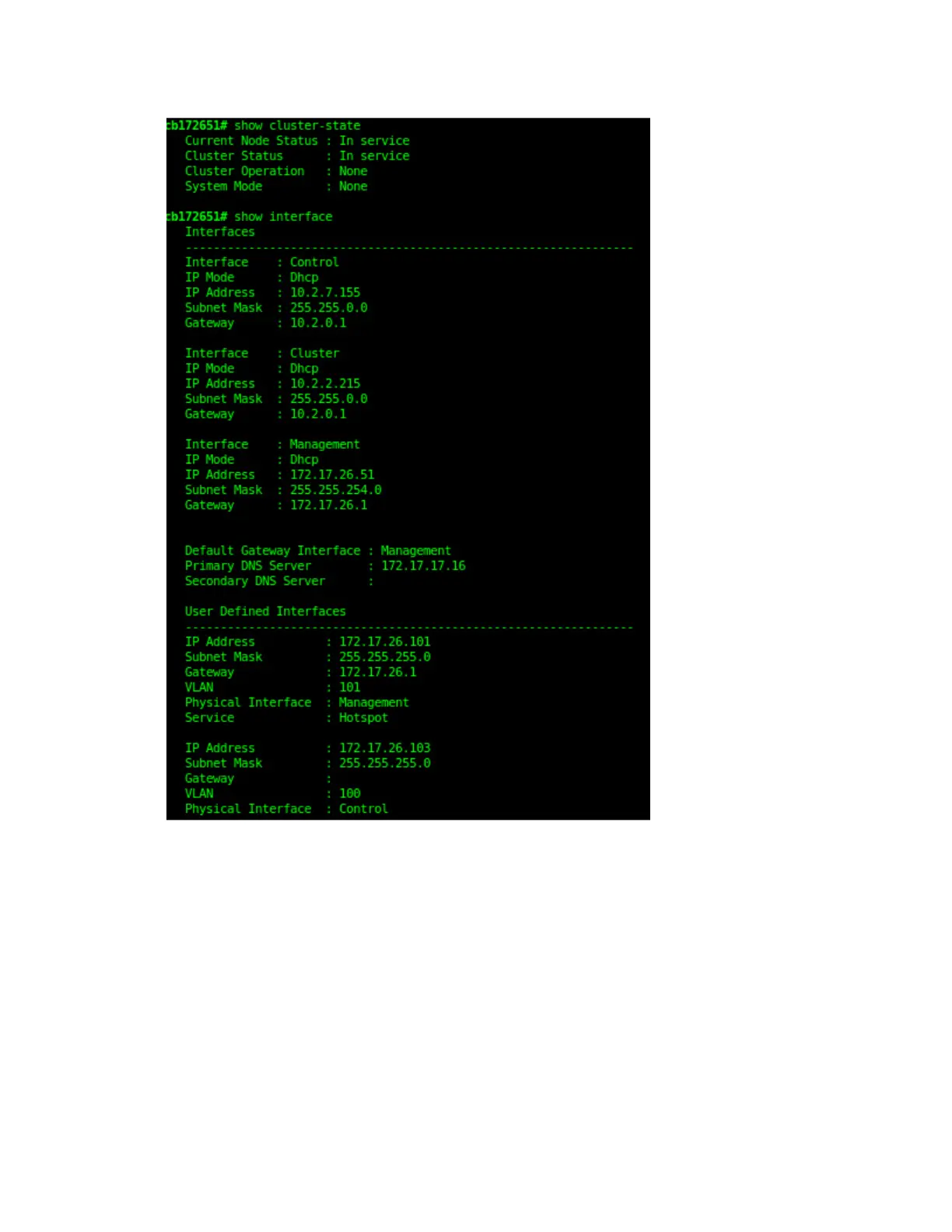
Figure 211: Verify that the node and cluster are back in service and that the network
configuration has been restored successfully
You have completed importing and applying the network configuration backup from the FTP
server to the controller.
SmartCell Gateway 200/Virtual SmartZone High-Scale for Release 3.4.1 Administrator Guide
351
Performing Administrative Tasks
Backing Up and Restoring the Controller's Network Configuration from an FTP Server



 To Next Page