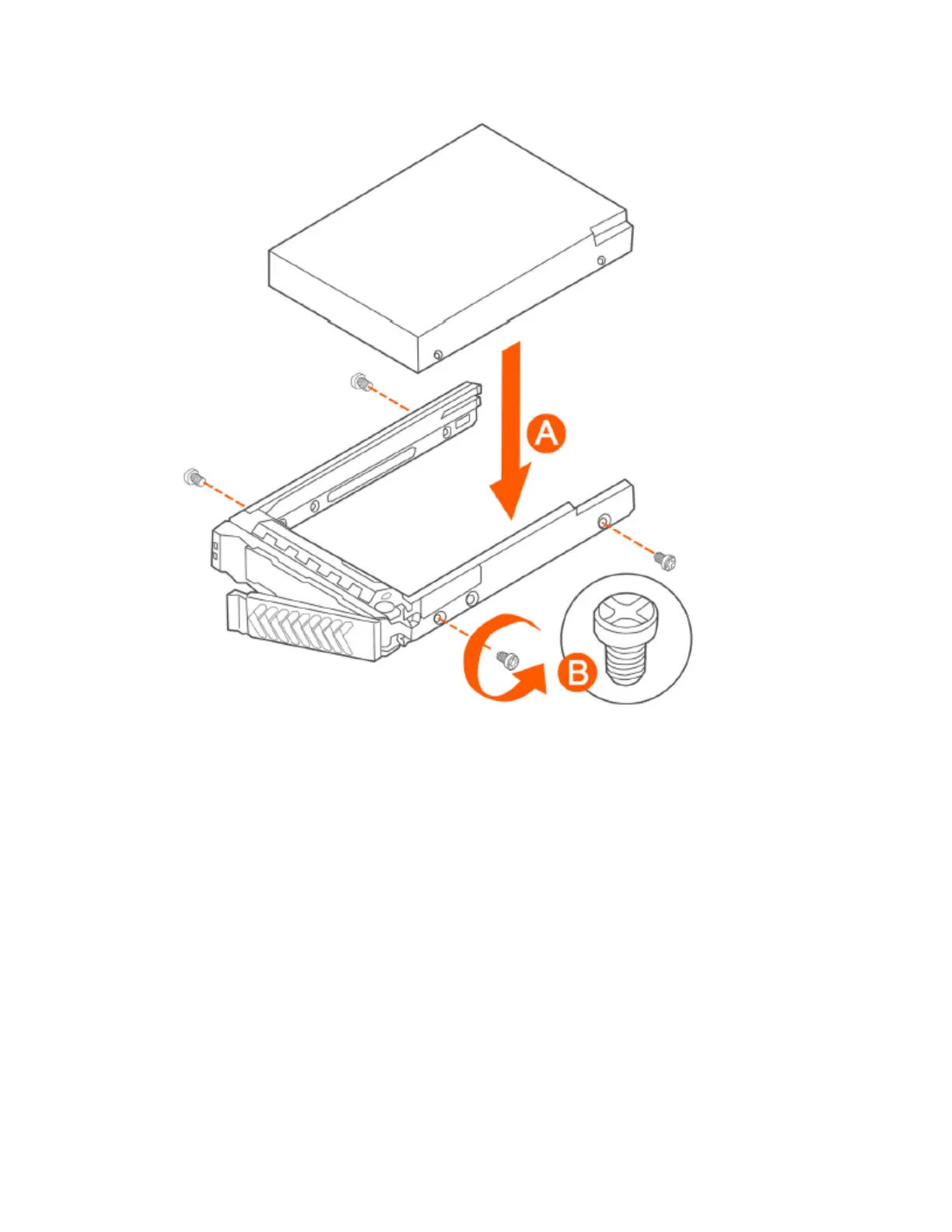
Figure 263: Installing the hard drive
4. With the drive carrier locking lever fully open, push the hard drive carrier into the drive bay in
the chassis until it stops (see A in Figure 264: Inserting the carrier back into the chassis on
page 448).
SmartCell Gateway 200/Virtual SmartZone High-Scale for Release 3.4.1 Administrator Guide
447
Replacing Hardware Components
Installing or Replacing Hard Disk Drives



 To Next Page