Document Conventions
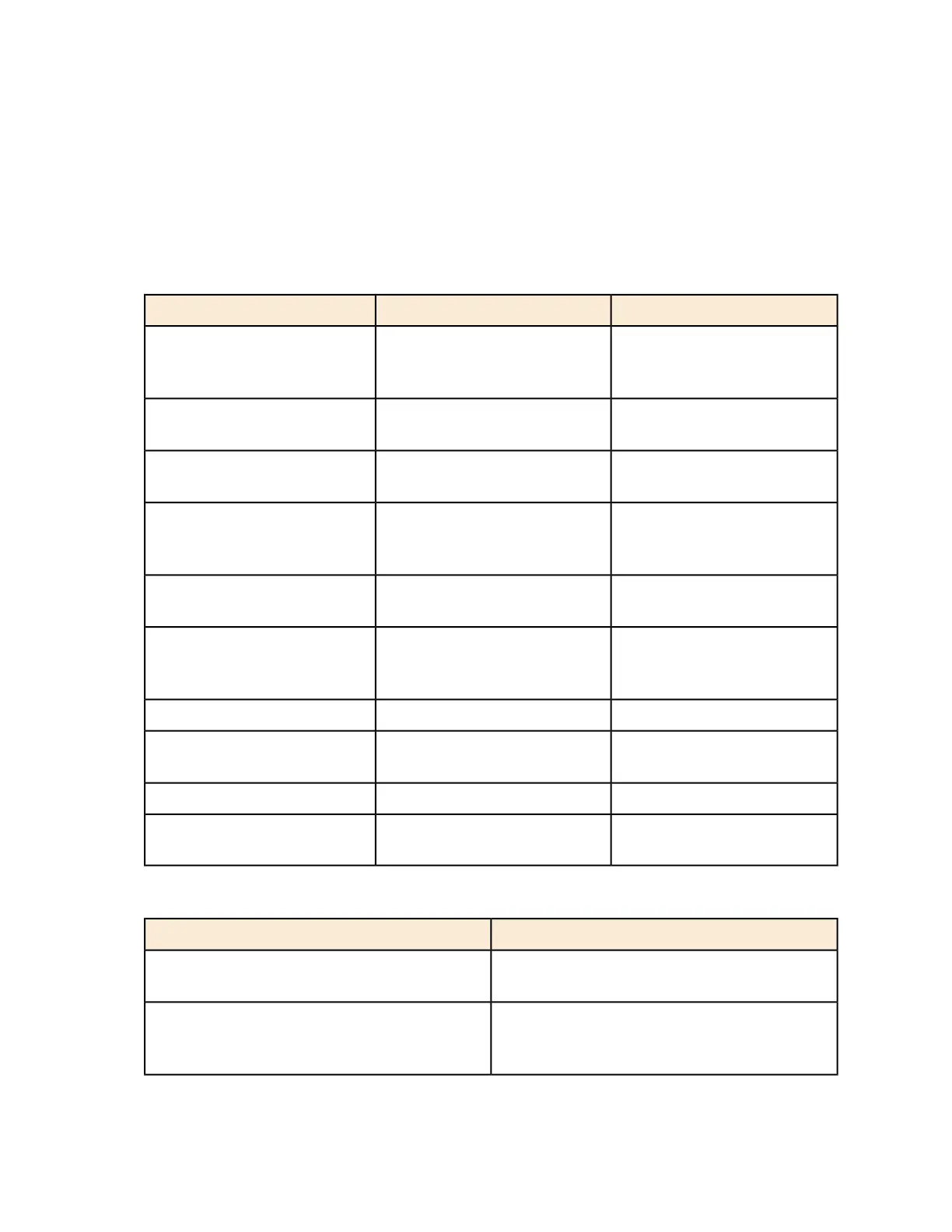
Table 1: Text conventions on page 15 and Table 2: Notice conventions on page 15 list the text
and notice conventions that are used throughout this guide.
Table 1: Text conventions
ExampleDescriptionConvention
[Device Name] >Represents messages
displayed in response to a
command or a status
message phrase
[Device Name] > set
ipaddr 10.0.0.12
Represents information that you
enter
user input
Click Create NewKeyboard keys, software
buttons, and field names
user interface controls
Select Start > All ProgramsRepresents a series of
commands, or menus and
submenus
Start > All Programs
Press ctrl+V to paste the text
from the clipboard.
Represents keyboard keys
pressed in combination
ctrl+V
Click Advanced Settings. The
Advanced Settings page
appears.
screen or page names
Represents CLI commandscommand name
Represents a parameter in a
CLI command or UI feature
parameter name
{ZoneDirectorID}Represents variable datavariable name
http://ruckuswireless.comRepresents file names or URI
strings
filepath
Table 2: Notice conventions
DescriptionNotice type
Information that describes important features
or instructions
NOTE:
Information that alerts you to potential loss of
data or potential damage to an application,
system, or device
CAUTION:
SmartCell Gateway 200/Virtual SmartZone High-Scale for Release 3.4.1 Administrator Guide
15
15



 To Next Page