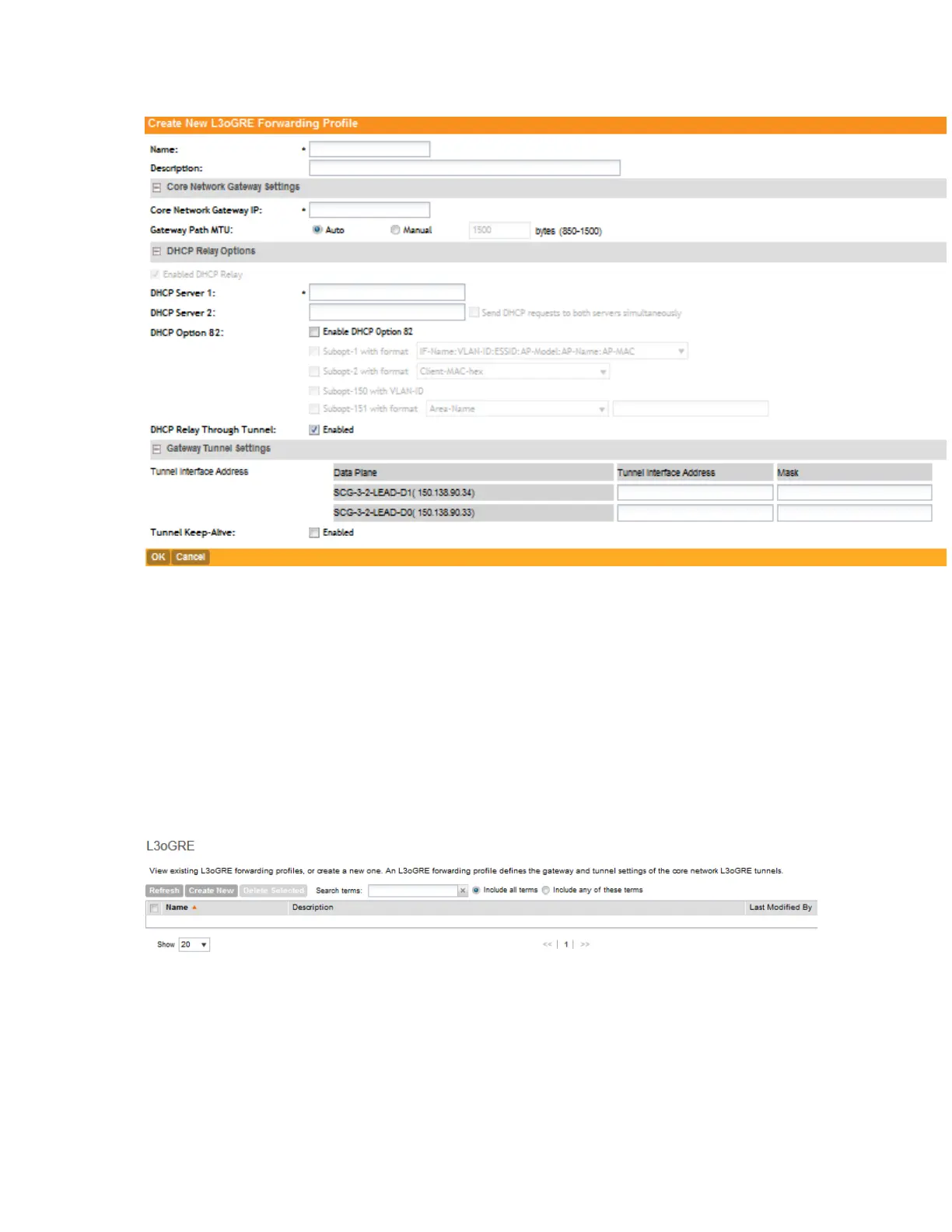
Figure 91: Creating an L3oGRE Profile
Viewing L3oGRE Profiles
Follow these steps to view a list of L3oGRE profiles that have been created.
1. Go to Configuration > Services & Profiles.
2. On the sidebar, click Forwarding > L3oGRE.
The L3oGRE Forwarding Profiles page appears, which displays the L3oGRE profiles that
have been created on the controller.
If you have not created an L3oGRE profile, refer to Adding an L3oGRE Profile.
Figure 92: The L3oGRE Forwarding Profiles page lists the profiles that have been configured
on the controller
Deleting L30GRE Profiles
Follow these steps to delete an L3oGRE profile.
SmartCell Gateway 200/Virtual SmartZone High-Scale for Release 3.4.1 Administrator Guide
194
Configuring Services and Profiles
Working with Profiles



 To Next Page