Both SNMPv2 and SNMPv3 can be enabled at the same time. The SNMPv3 framework provides
backward compatibility for SNMPv1 and SNMPv2c management applications so that existing
management applications can still be used to manage the controller with SNMPv3 enabled.
This section covers the following topics:
Enabling Global SNMP Notifications
By default, the global SNMP notification setting is disabled, which means that the controller will
be unable to send out notifications, even if you enabled the SNMPv2 and SNMPv3 agents to
send out notifications.
Follow these steps to enable global SNMP notifications.
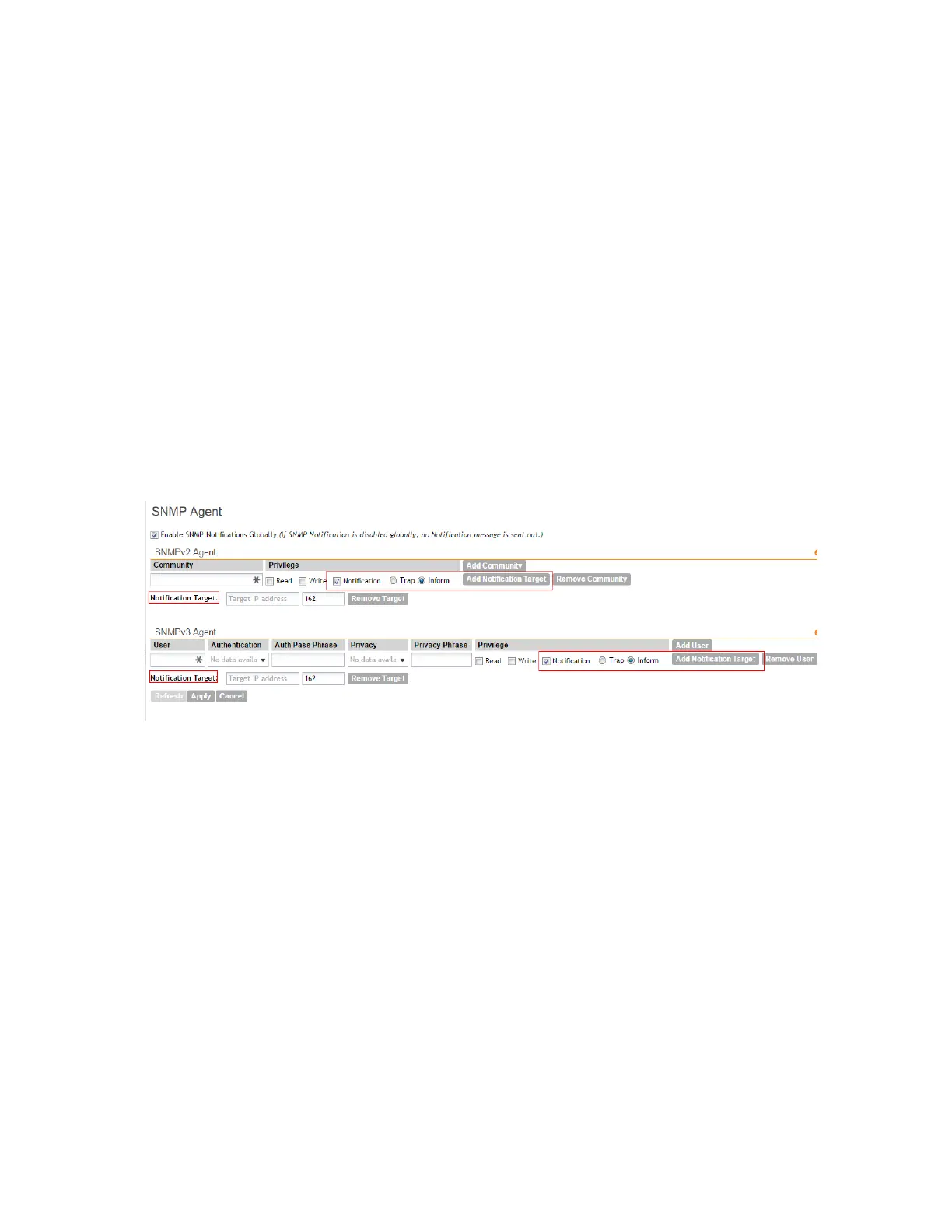
1. Go to the Configuration > System > SNMP Agent.
The SNMP Agent page appears.
2. Select the Enable SNMP Notifications Globally check box.
3. Click Apply.
A message appears, confirming that you have updated the global notification settings.
Figure 120: The SNMP Agent section
Configuring the SNMPv2 Agent
Follow these steps to configure the SNMPv2 agent.
1. In the SNMPv2 Agent section, click Add Community.
Options for adding a community appear.
2. Configure the read-only community settings by following these steps:
a) In the text box under Community, type the read-only community string (for example,
public).
Applications that send SNMP Get-Requests to the controller (to retrieve information) will
need to send this string along with the request before they will be allowed access.
b) Under Privilege, select the check boxes for the privileges that you want to grant to this
community.
A read-only community is typically granted the Read privilege. A read-write community is
typically granted the Read and Write privileges. Available privileges include:
SmartCell Gateway 200/Virtual SmartZone High-Scale for Release 3.4.1 Administrator Guide
233
Configuring the System Settings
Configuring Network Management



 To Next Page