If the RADIUS server belongs to multiple realms, use a comma (,) to separate the realm
names.
d) Make sure that the Enable backup RADIUS support check box is not selected.
e) If you want to use a backup RADIUS server, follow the steps in Using a Backup RADIUS
Server for Authenticating Administrators instead.
f) In IP Address, type the IP address of the RADIUS server.
g) In Port, type the UDP port that the server is using. The default port is 1812.
h) In Shared Secret, type the shared secret.
i) Retype the same secret in Confirm Secret.
j) Click Apply.
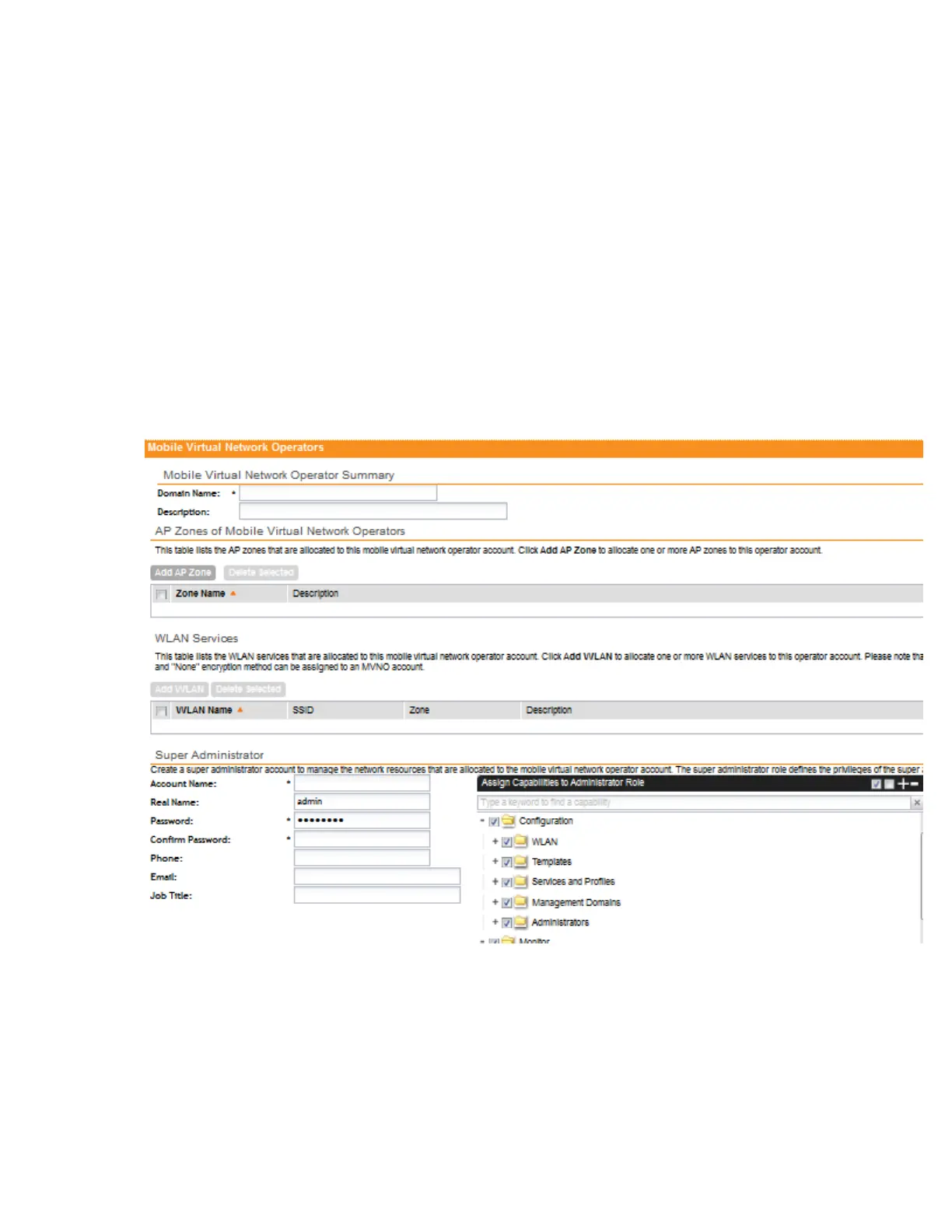
After you complete steps 1 on page 262 through 6 on page 263, click Create New to save the
MVNO account. The page refreshes, and the MVNO account that you created appears on the
list of existing MVNO accounts.
Figure 140: The Create New Virtual Network Operator form
SmartCell Gateway 200/Virtual SmartZone High-Scale for Release 3.4.1 Administrator Guide
264
Managing Mobile Virtual Network Operator Accounts
Creating a New MVNO Account



 To Next Page