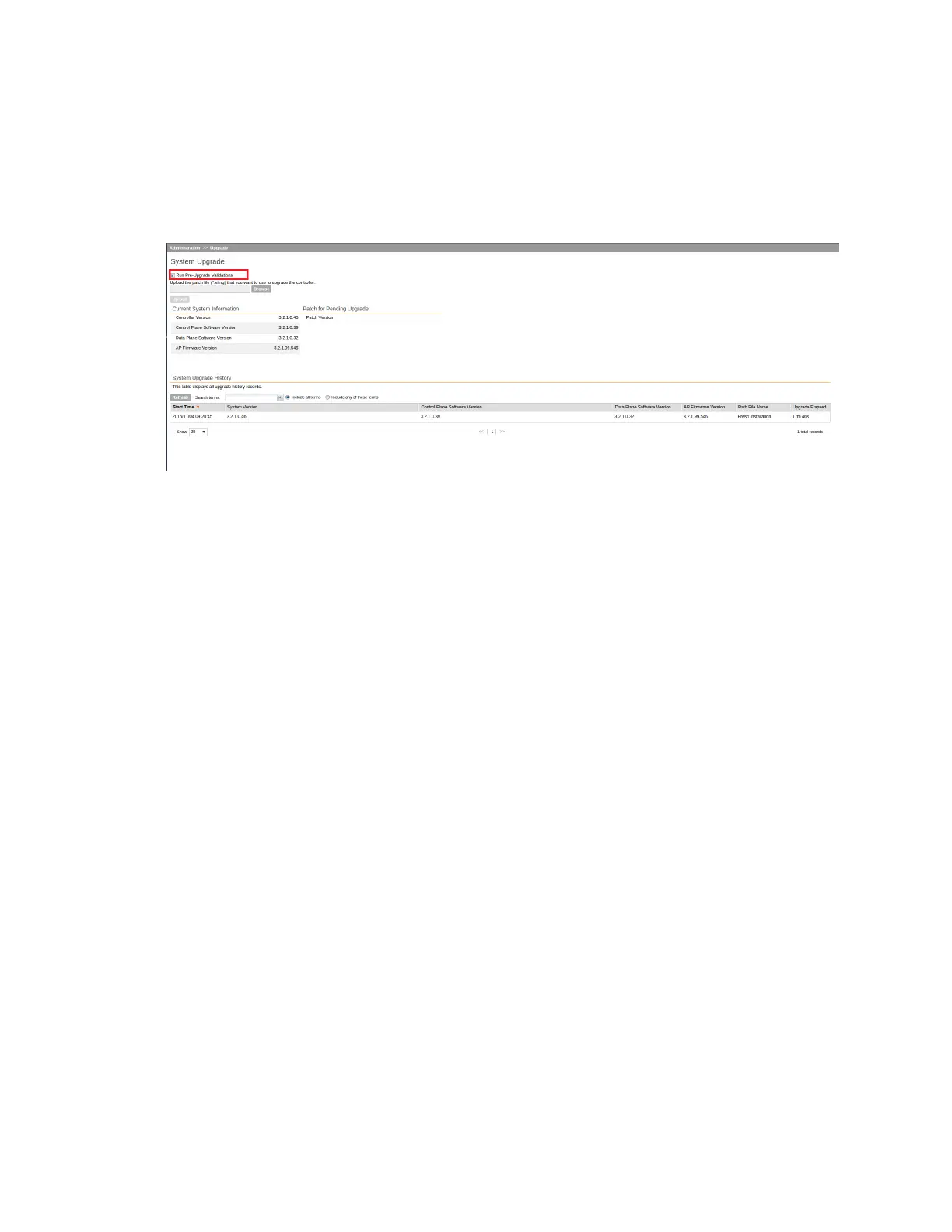
NOTE: Select the Run Pre-Upgrade Validations check box to verify if the data migration
was successful. This option allows you to verify data migration errors before performing the
upgrade. If data migration was unsuccessful, the following error is displayed: Exception
occurred during the validation of data migration. Please apply the
system configuration backup and contact system administrator.
Figure 222: Pre-upgrade validation
4. Select the software upgrade file, and then click Open.
5. Click Upload to upload the software upgrade file.
The controller uploads the file to its database, and then performs file verification. After the file
is verified, the Upgrade Pending Patch Information section is populated with information
about the upgrade file. The Upgrade and Backup & Upgrade buttons also appear in this
section.
SmartCell Gateway 200/Virtual SmartZone High-Scale for Release 3.4.1 Administrator Guide
361
Performing Administrative Tasks
Upgrading the Controller



 To Next Page