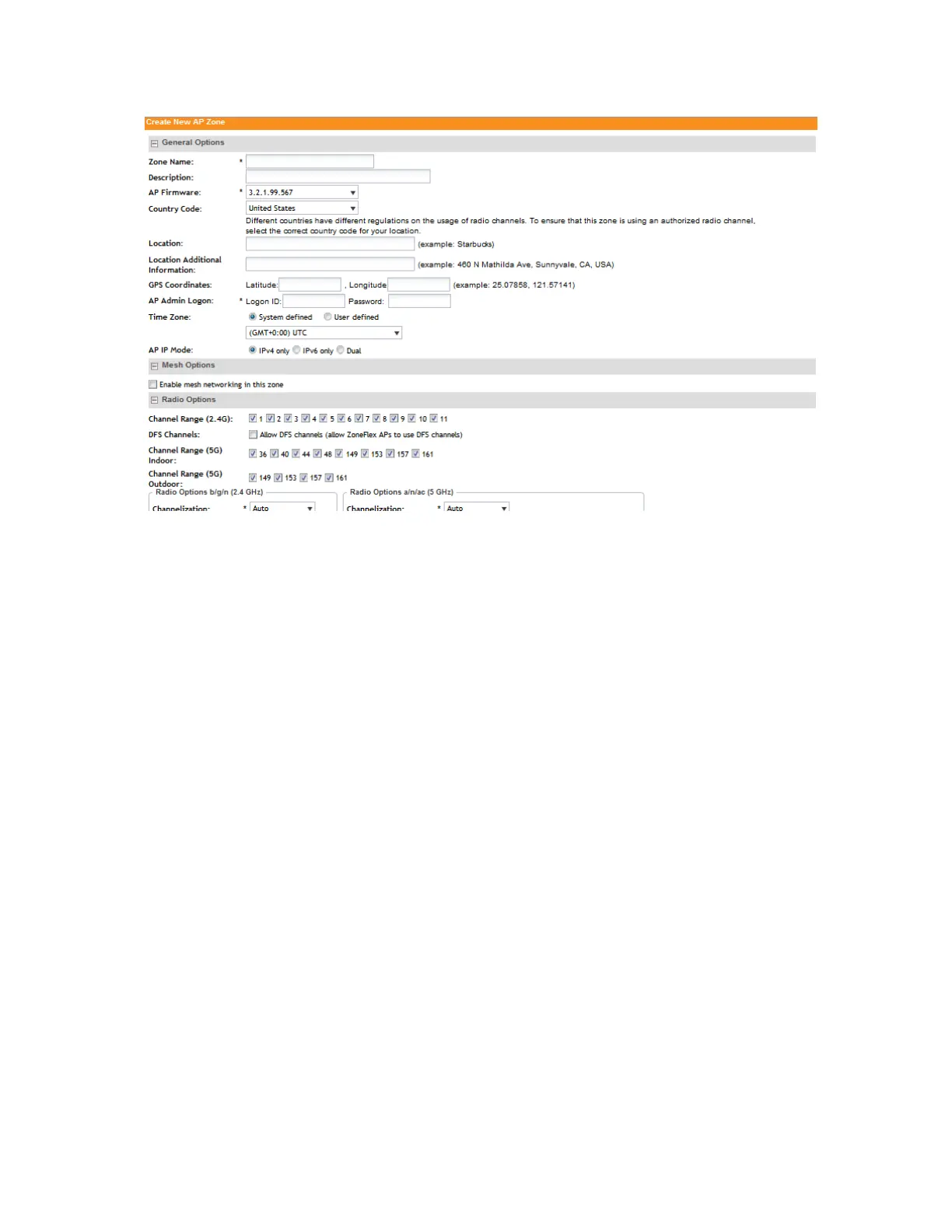
Figure 11: The Create New AP Zone form
ChannelFly and Background Scanning
SmartZone controllers offer the ChannelFly and Background Scanning automatic channel selection
methods for spectrum utilization and performance optimization. While Background Scanning
must be enabled for rogue AP detection, AP location detection and radio power adjustment,
either can be used for automatic channel optimization.
The main difference between ChannelFly and Background Scanning is that ChannelFly determines
the optimal channel based on real-time statistical analysis of actual throughput measurements,
while Background Scanning uses channel measurement and other techniques to estimate the
impact of interference on Wi-Fi capacity based on progressive scans of all available channels.
NOTE: If you enable ChannelFly, Background Scanning can still be used for adjusting radio
power and rogue detection while ChannelFly manages the channel assignment. Both cannot
be used at the same time for channel management.
Benefits of ChannelFly
With ChannelFly, the AP intelligently samples different channels while using them for service.
ChannelFly assesses channel capacity every 15 seconds and changes channel when, based
on historical data, a different channel is likely to offer higher capacity than the current channel.
Each AP makes channel decisions based on this historical data and maintains an internal log of
channel performance individually.
When ChannelFly changes channels, it utilizes 802.11h channel change announcements to
seamlessly change channels with no packet loss and minimal impact to performance. The
802.11h channel change announcements affect both wireless clients and Ruckus mesh nodes
in the 2.4 GHz and/or 5 GHz bands.
SmartCell Gateway 200/Virtual SmartZone High-Scale for Release 3.4.1 Administrator Guide
40
Managing Ruckus Wireless AP Zones
Working with AP Zones



 To Next Page