Print-Quality Troubleshooting 5-17
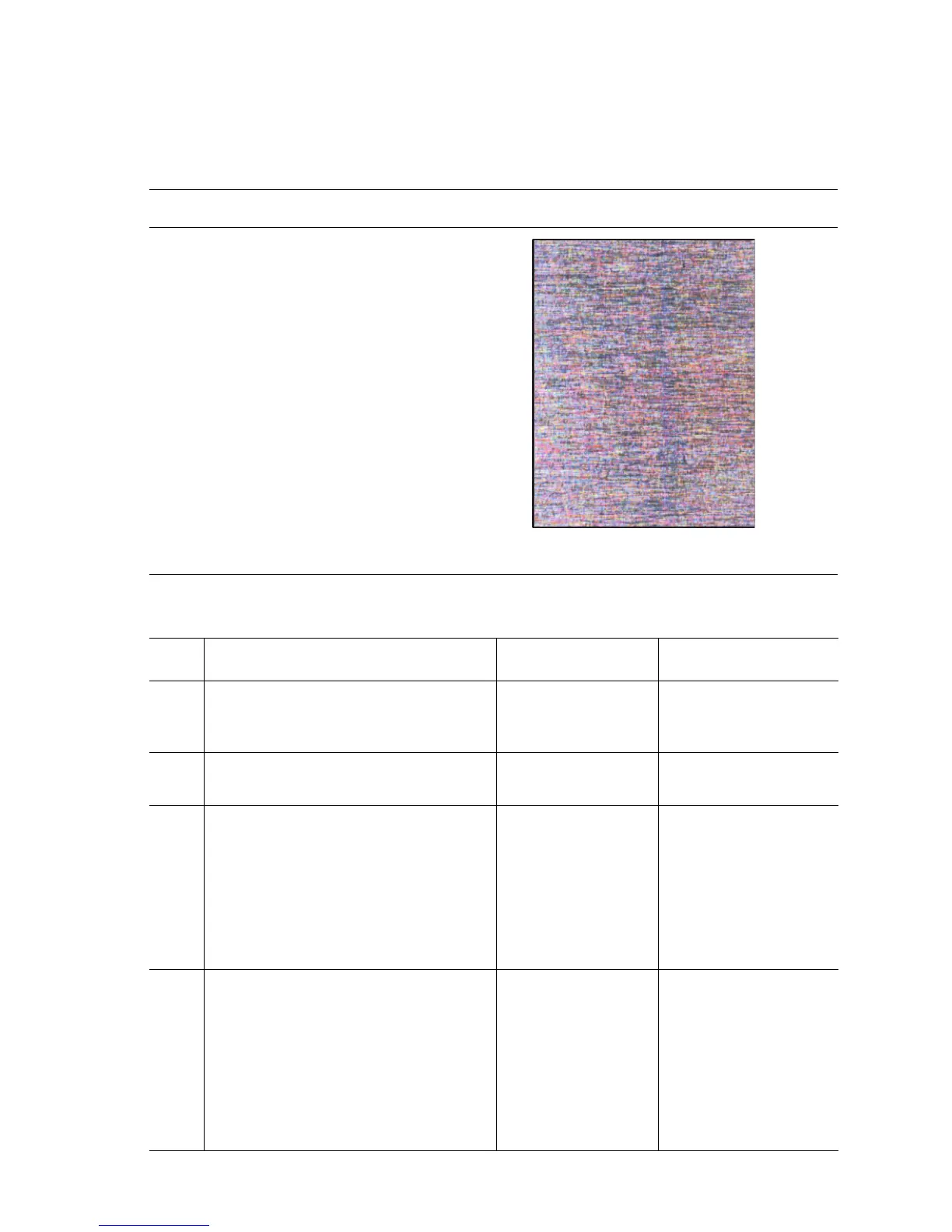
Solid Dark or Dirty Prints, No Border
This print-quality symptom is a composite image of all colors with no margin. This is
caused by a charge voltage or cleaning system failure.
Troubleshooting Reference Table
Applicable Parts Example Print
■ Imaging Unit, PL6.1.1
■ Developer Frame Assembly, PL7.1.1
■ HVPS, PL9.1.21
■ Engine Control Board, PL9.1.16
■ Housing Assembly Bias, PL6.1.7
Troubleshooting Procedure Table
Step Actions and Questions Yes No
1
Replace the Imaging Unit (page 8-5).
Is the problem resolved after replacing
the Imaging Unit?
Complete Go to Step 2.
2
Replace the Transfer Roller (page 8-5).
Did the imaging quality improve?
Complete Go to Step 3.
3
WARNING: Turn printer power Off and
disconnect the AC power
cord before proceeding
with the following checks.
Inspect the Imaging Unit charge
voltage contacts and the Housing
Assembly Bias for any damage or
defects.
Complete Go to Step 4.
4
Replace the HVPS (page 8-109).
Is the problem resolved after replacing
the HVPS?
NOTE: After replacing any component
in Step 2 or 3, run the Clean the
Imaging Unit from the
Maintenance section of Service
Diagnostics. See "Service
Diagnostics" on page 4-6.
Complete Replace the Engine
Control Board
(page 8-104).
s6300-11

















 To Next Page