Import of partial projects
•
The partial import option allows
to browse to just a part of a scanning project and import
this. This can be a particular Station or the scan data or images only within a specific Station.
•
From the Navigator go to
Files | Import ScanStation Partial Project
•
Select the scan project folder (Figure 3).
•
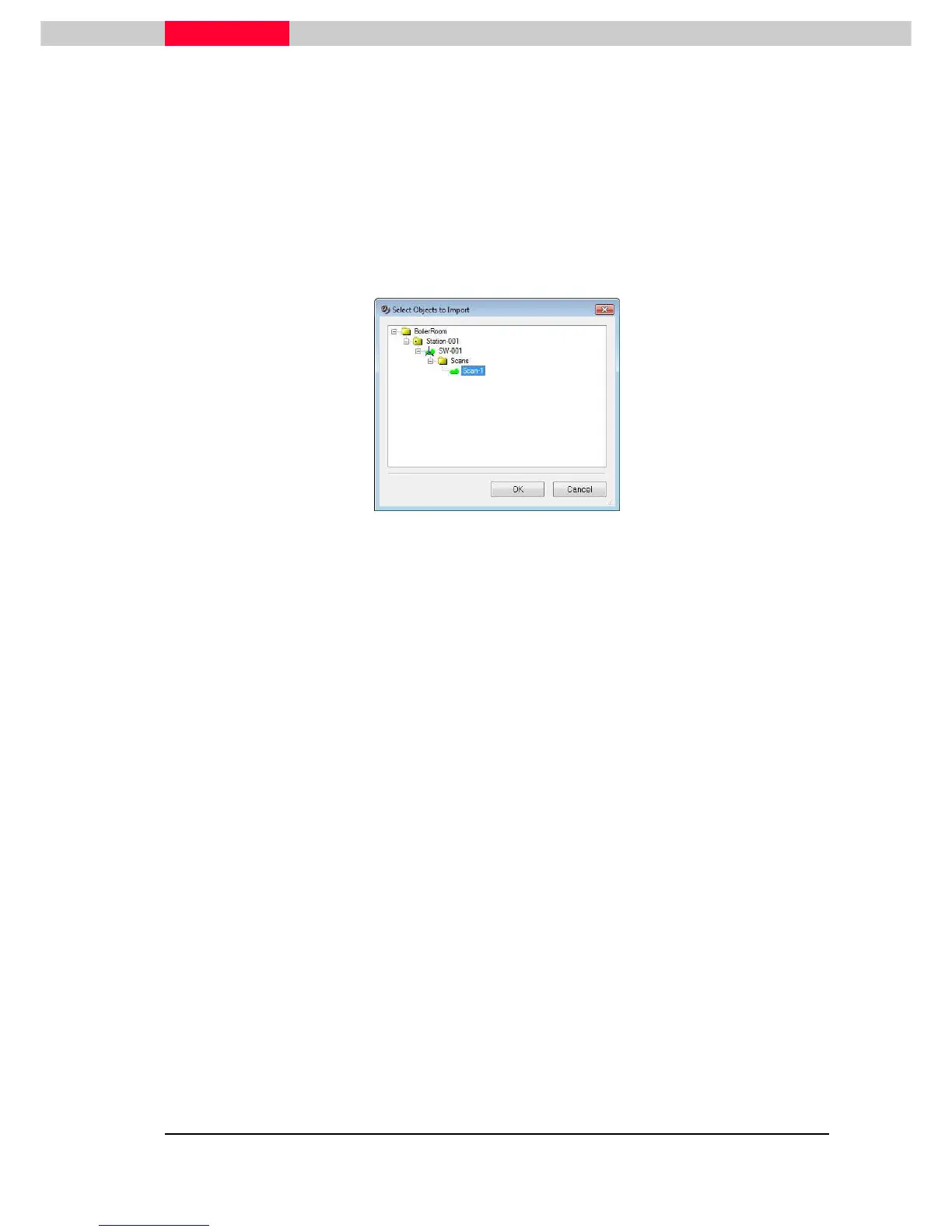
Select objects within this project to be imported (Figure 13).
Data cannot be imported into existing ScanWorlds, but a new ScanWorld will be created.
Figure 13



 To Next Page