15 - 32
Extrusion
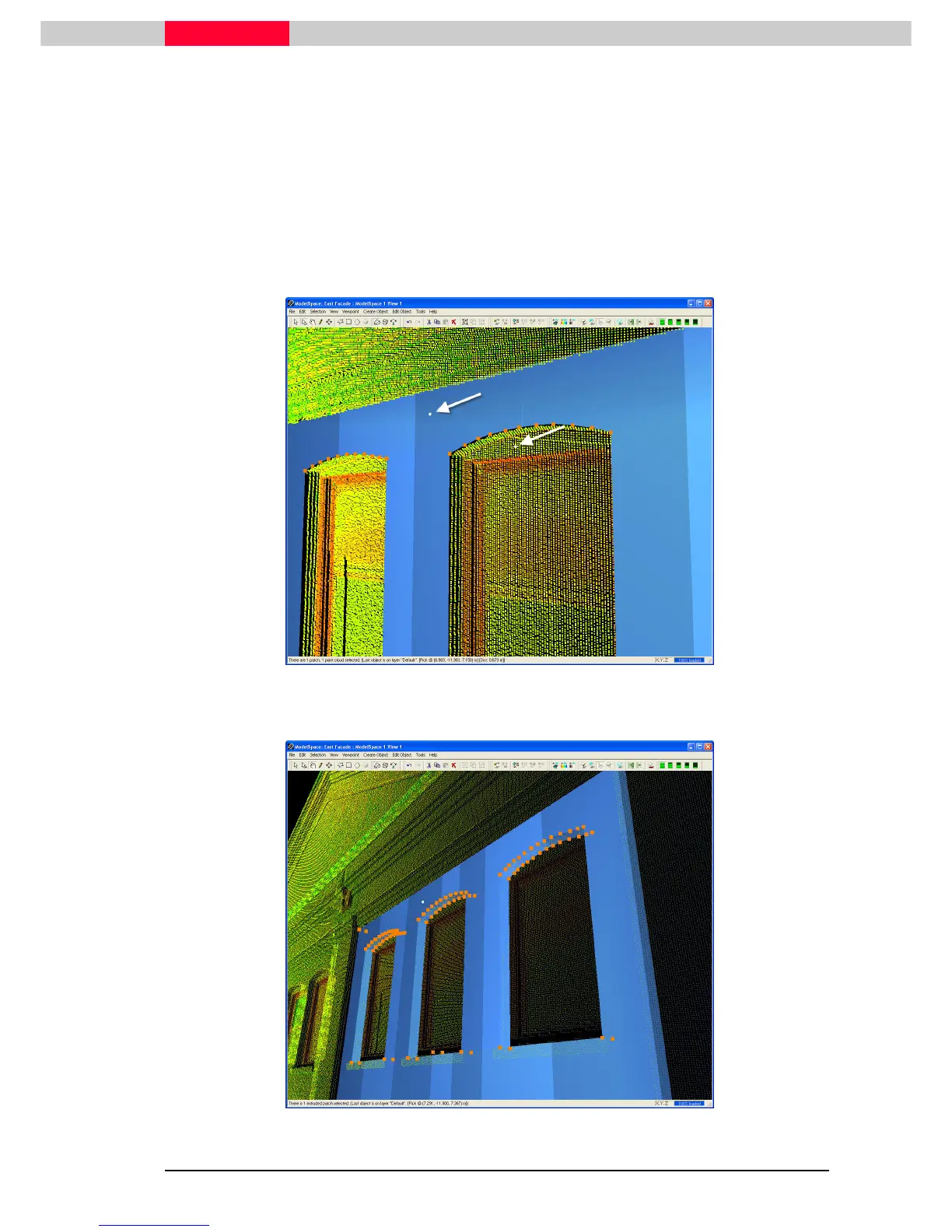
Extrusions are created with a specified thickness along a userspecified axis or along the patch’s
normal. Now, we will give the patch some thickness by extruding it along its normal to a picked
point.
1) Turn on the pickability of point clouds in the Set Selectable dialog (Selection | Set
Selection | Set Selection | Set
Selection | Set
Selectable
SelectableSelectable
Selectable).
2) Pick the patch, then multi-pick another point to extrude the patch to. (SeeFigure 20)
Figure 20
3) Click Edit Object | Extrude | Extrude To Last P
Edit Object | Extrude | Extrude To Last PEdit Object | Extrude | Extrude To Last P
Edit Object | Extrude | Extrude To Last Pick
ickick
ick.
Figure 21



 To Next Page