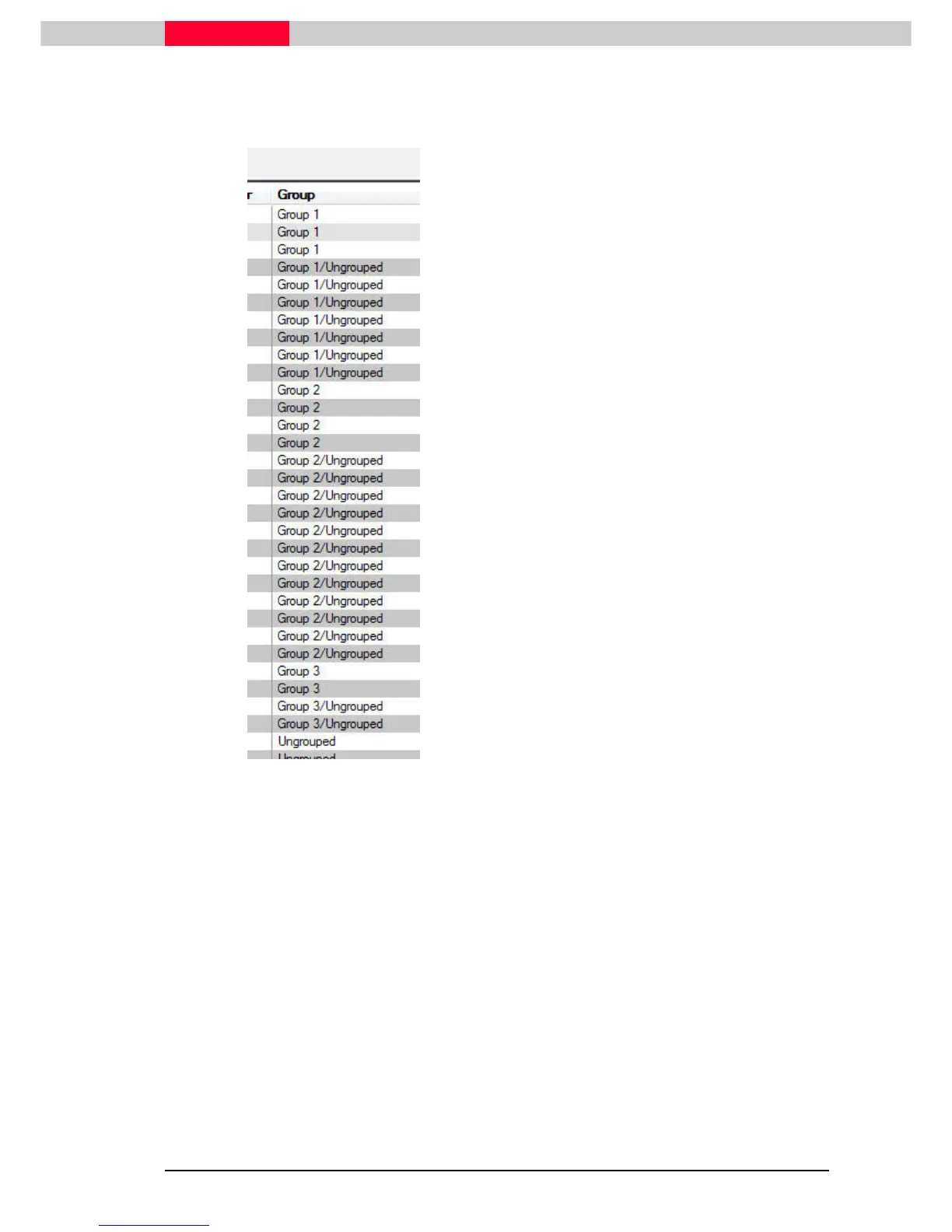
In the
Constraint List
tab of the
Registration
dialog the
Group
column gives information of
available constraints between Groups and provides hints for possible merge options:
Figure 68
•
Group 1
- there are constraints between
ScanWorlds in the Group 1
•
Group 1/Group 2
– there are constraints
between a ScanWorld in Group 1 and a
ScanWorld in Group 2.
At least 3 target constraints or 1 cloud
constraint are needed to merge Group 1 and
Group 2.
No such constraint is available in our sample
project
•
Ungrouped
– there are only constraints
between the ScanWorlds in the Ungrouped
category.
At least 3 target constraints or 1 cloud
constraint between 2 ScanWorlds are
needed to merge them to into a group.
•
Group 1/Ungrouped
– there are constraints
between a ScanWorld in the Ungrouped
3 target constraints or 1 cloud constraint
between this ScanWorld of Group1 and the
ScanWorld of Ungrouped are needed to
merge them to into a group.
Visual Alignment
command:
•
This command can be used to create constraints between ungrouped ScanWorlds and merge
them into a new Group.
•
This command can also be used to merge existing Groups when creating new constraints
between ScanWorlds of different Groups.
In our example in section
4.3
Merge two Groups via Visual Aligmnent
, we have visually aligned
two ScanWorlds from an ungrouped category to each other. The result of this was a new
created Group (Group 3) with a cloud constraint between these ScanWorlds. This new Group was
then merged into an existing Group (Group 1) using again two ScanWorlds from each group.
In General: Cyclone may not have been able to join Groups because of close
matching geometry or targets mislabeled. The user can fix a constraint problem
by Cloud-to-Cloud, fix a mislabeled or unlabeled target or add a vertex and label.



 To Next Page